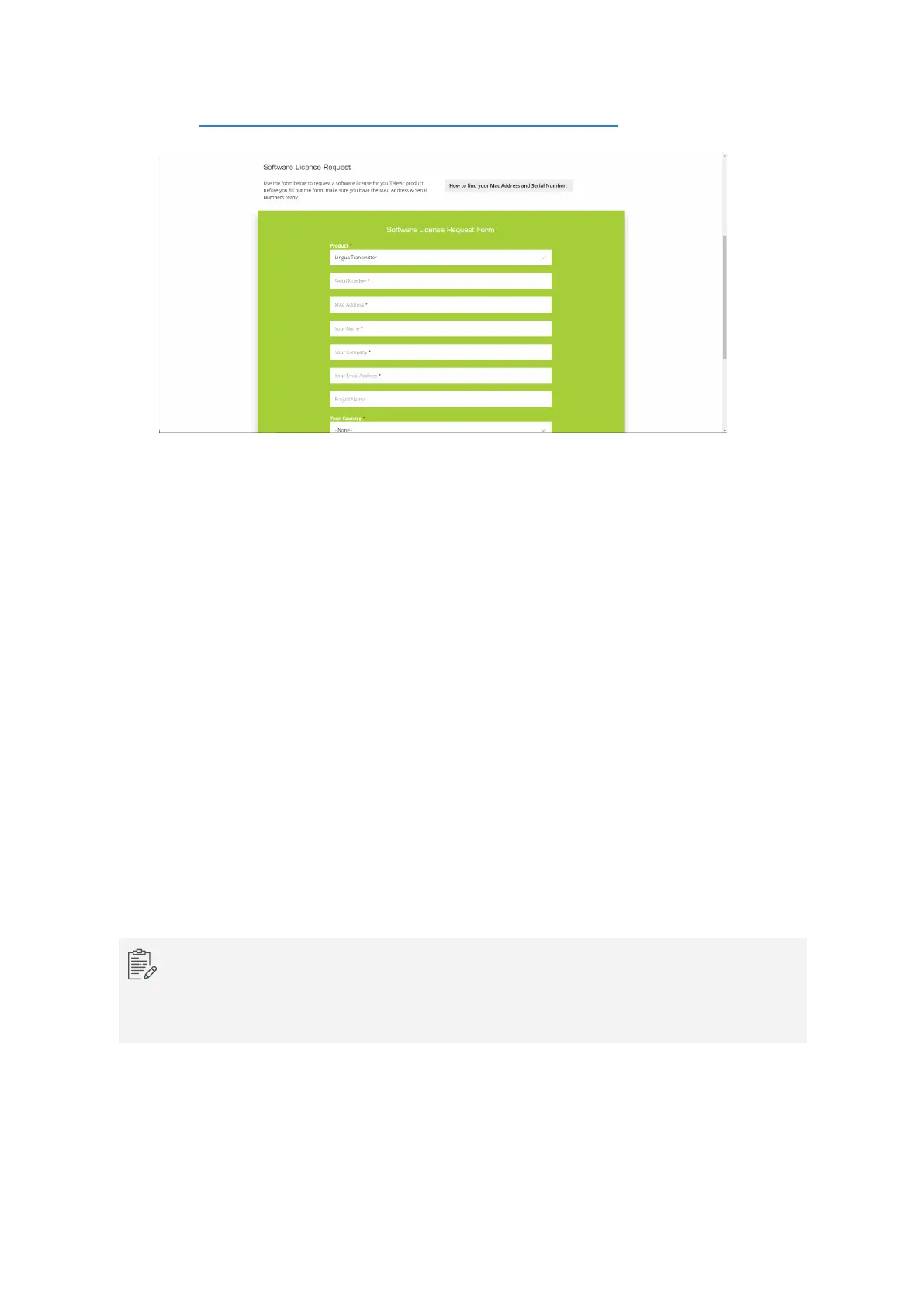
1. Go to https://www.televic-conference.com/en/software-license-request , the website describes
where you can find all relevant information needed to request a license.
2. Fill in the request form with the product details and your contact information.
3.
Click Submit.
4. You will receive an email with the license file on the email address specified in the form.
Manage System Configurations
When you have similar rooms with similar setups you can export the complete configuration of one room
and upload it to the infrared system of the other room. The system configuration file contains the network
settings, the radiator settings and the audio settings.
Click Export current configuration to export the configuration. To upload the configuration click Import
configuration.
View System Logging
When you have some technical problems with your system it can help to view the logging of the system. To
download the log files click Download under Download log archive on the System info page.
It may take some time to download the log files because the system first needs to retrieve all data
and then compress them to a TAR file.
The most recent log file is it the one with the number 00.
GENER AL TRANSMITTER SETTING S 84



 To Next Page