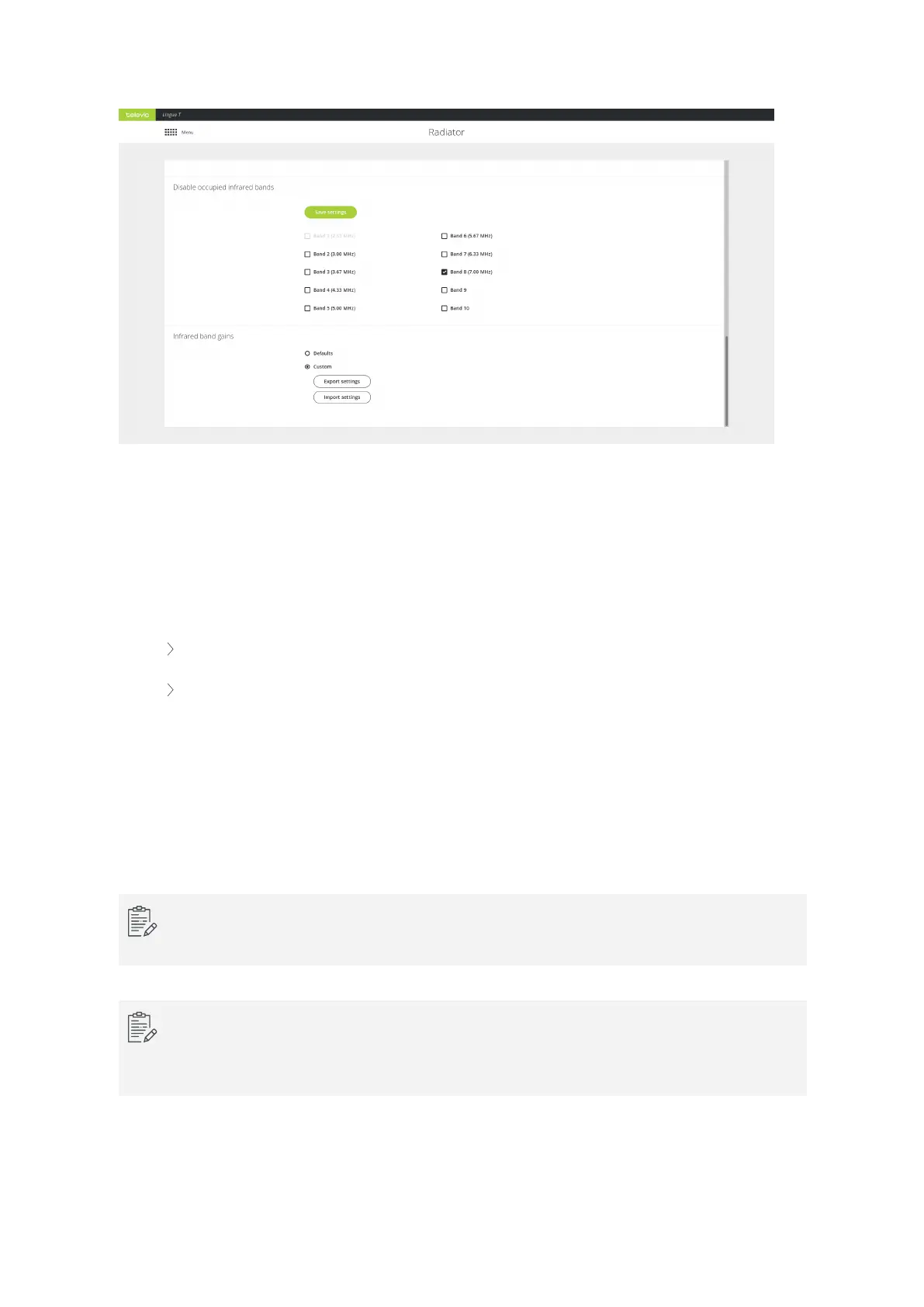
Figure 6-6 Configure infrared bands using the Lingua IR web server
Infrared Band Gains
With this setting you can configure the gain of individual infrared bands (see figure Figure 6-6 ). There are
two options available:
Default: flat gain configuration, meaning no gains are set on the radiated bands.
Custom: when you select custom and do not upload a file, the radiator uses optimized radiated
band gains. The radiator has built-in values optimized explicitly for optimal performance of an
end-to-end Televic system (compensating for frequency response characteristics). In case of
high channel counts (>12 audio channels), this will ensure that equal reception for all audio
channels.
When your system contains third-party equipment, or you want to finetune the infrared band
gains, you can upload a settings file containing the desired band gain values.
The settings file to define the custom band gain should have the extension .tir_bc. You can export
the current gain settings and use these as reference to create a custom file.
When you upload a settings file with custom values, you do not return to the Televic optimized
settings when you remove these values. To obtain these built-in settings, you need to upload a
settings file containing these Televic optimized band gain values.
CONFIG URE RADIATO R SETTING S 80



 To Next Page