CONFIGURE TRANSMITTER AUDIO
SETTINGS
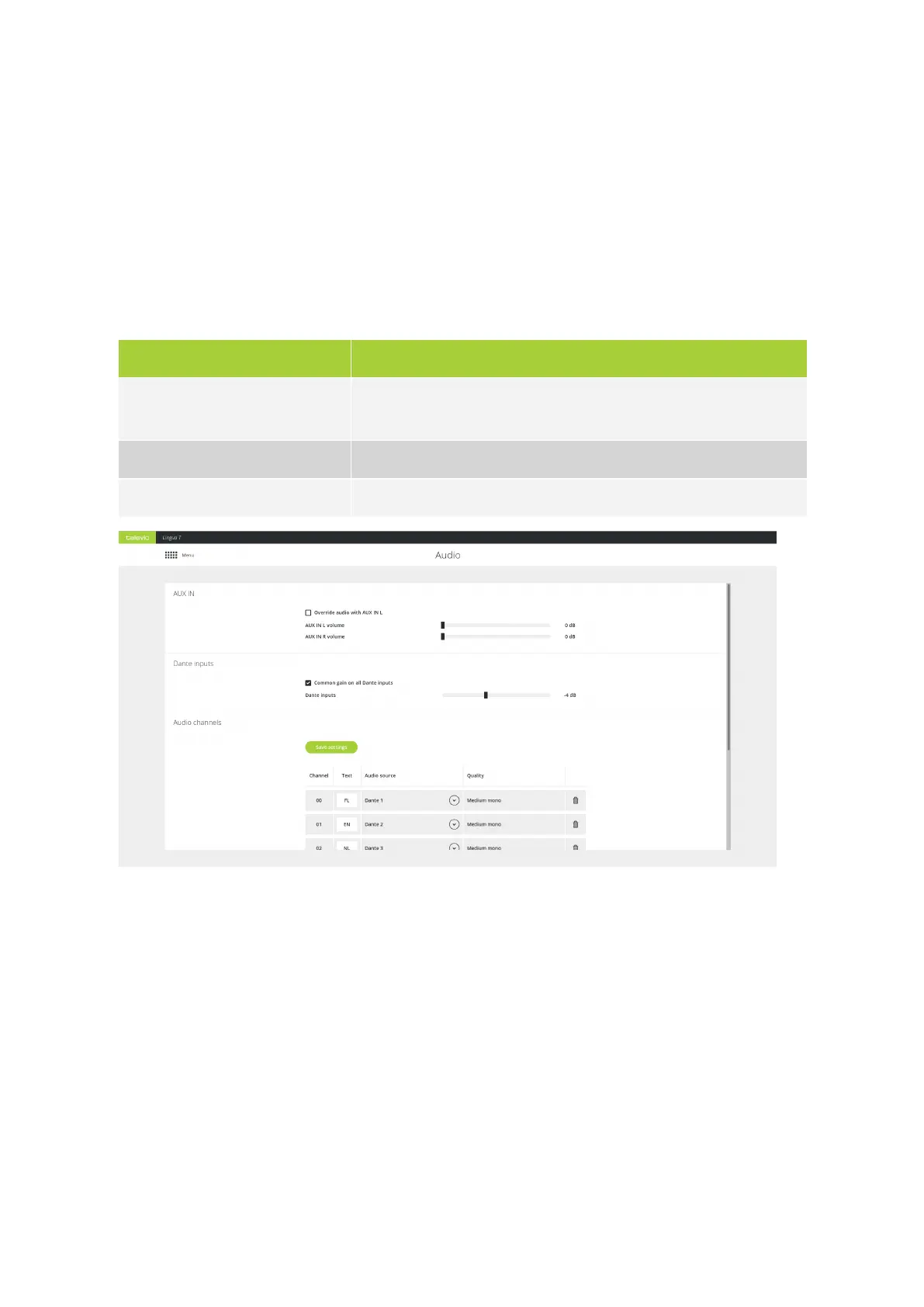
Set AUX IN Settings
With the AUX IN settings you can configure the following parameters
Parameter Description
Override audio with AUX IN L When you select this option, the AUX IN L audio will replace the audio
on all output channels
AUX IN L volume Set the volume of the AUX IN L audio
AUX IN R volume Set the volume of the AUX IN R audio
Figure 4-1 Transmitter audio settings (part one)
Configure Dante Input Gain Settings
The Dante inputs section allows you to set the gain of all Dante inputs at once or change the gain of the
individual Dante channels. Select Common gain on all Dante inputs to use the same gain settings for
all channels.
CONFIG URE TR ANSMITTER AUDIO SETTING S 71



 To Next Page