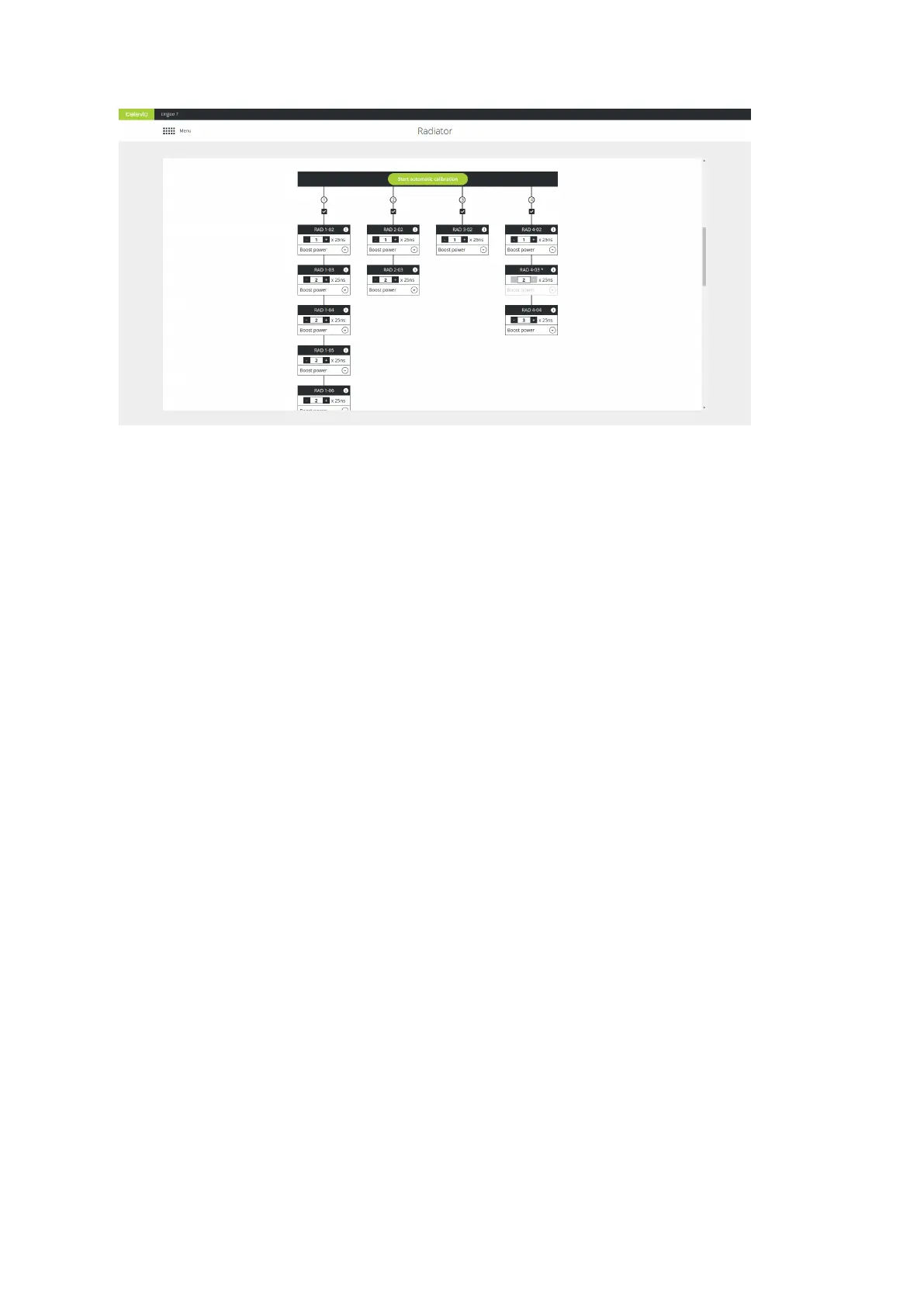
Figure 6-5 How to start automatic delay line compensation calibration using the Lingua IR web server
DELAY LINE COMPENSATION CALIBRATION RESULTS
When the calibration is ready, you get an overview of all radiators per transmitter port. Per radiator you can
adjust the delay line compensation as well as the power level. However, when you have a previous version
of the radiator (71.98.0223) it is not possible to change the power level (it is greyed out). These radiators are
indicated by an asterisk *.
Select Infrared Bands
When you use infrared, sometimes interference from other systems using the same frequency can occur. In
these cases you can disable bands.
On the Radiator page of the web server go to Disable occupied infrared bands, where you can disble
infrared bands to avoid interference from other systems that use the same infrared band such as IR wireless
microphones. Select those bands you want to disable and select Save settings.
CONFIG URE RADIATO R SETTING S 79



 To Next Page