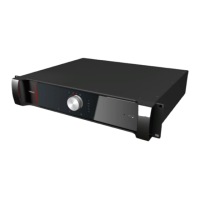
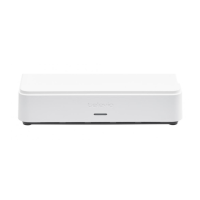
You can use multiple charging cases in one setup. Simply connect the different charging cases
using the LAN connection provided on the case.
Charging Case Status LED Meaning
LED status Meaning
Green Normal operating system
Blinking blue Updating receivers or charging case
Red Indicates an error
Yellow fallback mode
Charging Case Receiver LEDMeaning
LED status Meaning
Blinking green The receiver is charging
Green The receiver is fully charged and functional
Blue Indicates the receiver is updating
Red Indicates that there is something wrong with the receiver, go to
the receiver web server to see the type of error.
Reset The Lingua IR Charging Case
There is a reset button on the charging case that allows you to reset specific settings depending on the reset
procedure you perform:
RESET NETWORK SETTINGS:
When the status LEDis green (after power-up), you can reset the network settings back to 192.168.0.150
with subnet mask 255.255.255.0. Press and hold the reset button until the status LED changes to red
(approximately 10 seconds). After you release the reset button, the charging case will reboot with the
default network settings.
LING UA CHARG ING CASE 31


 To Next Page