UPDATE THE LINGUA IR
TRANSMITTER AND RADIATOR
When there is a new version available for the transmitter or radiator, you can download it from the Televic
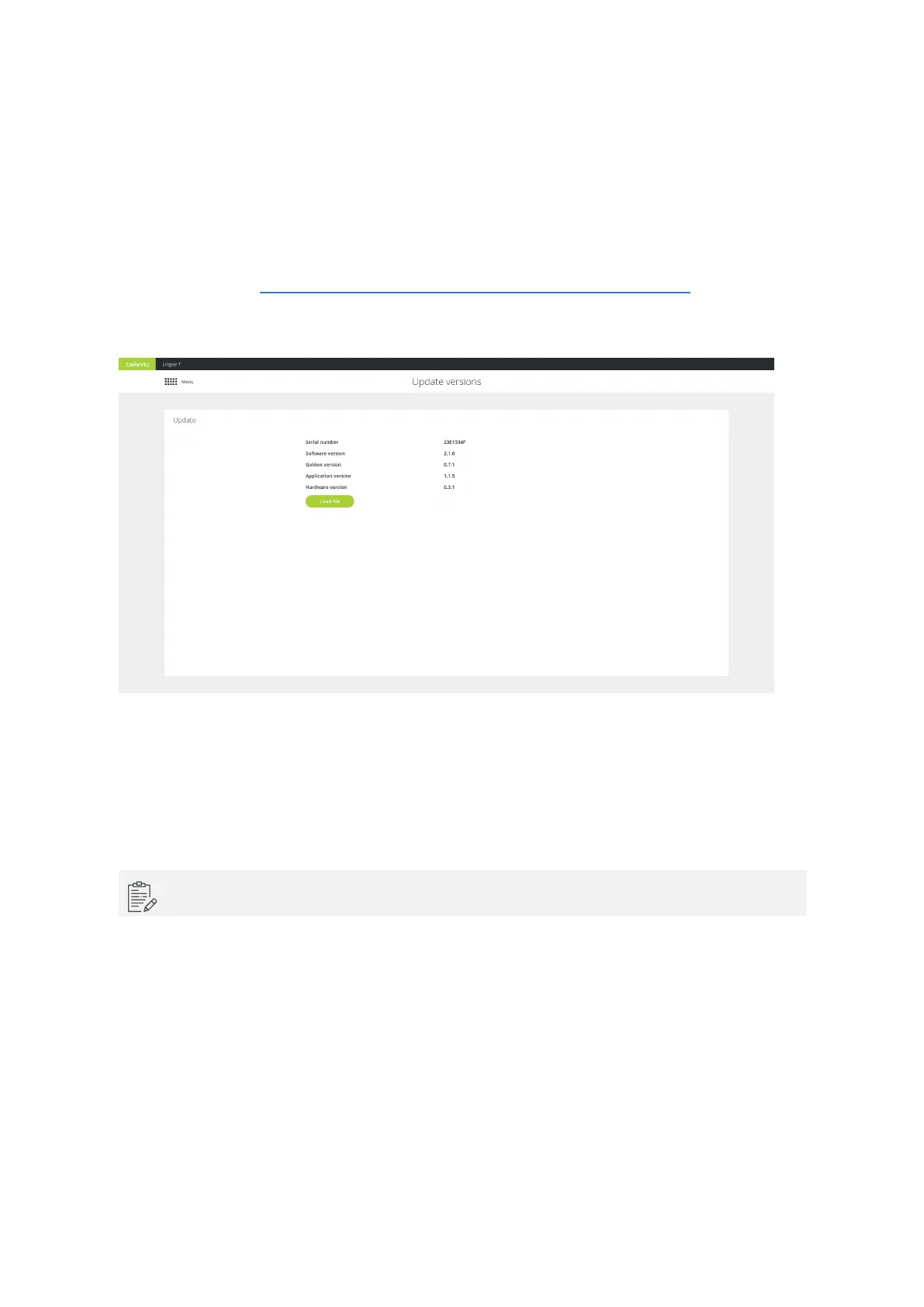
Conference website ( https://www.televic-conference.com/en/lingua-ir-software-updates). Then click Load
file on the Update page and select the file, then click Start update. During update you can monitor the
progress on the page.
Figure 9-1 The Update page
On the update page you can find all versions related to the transmitter. The software version is the version
for the web server, the fallback version is the firmware fallback version and the application version is the
firmware version of the transmitter.
Perform a power cycle after the update to complete the update process.
UPDATE THE LING UA IR TRANSMITTER AND RADIATO R 85



 To Next Page