EasyManua.ls Logo

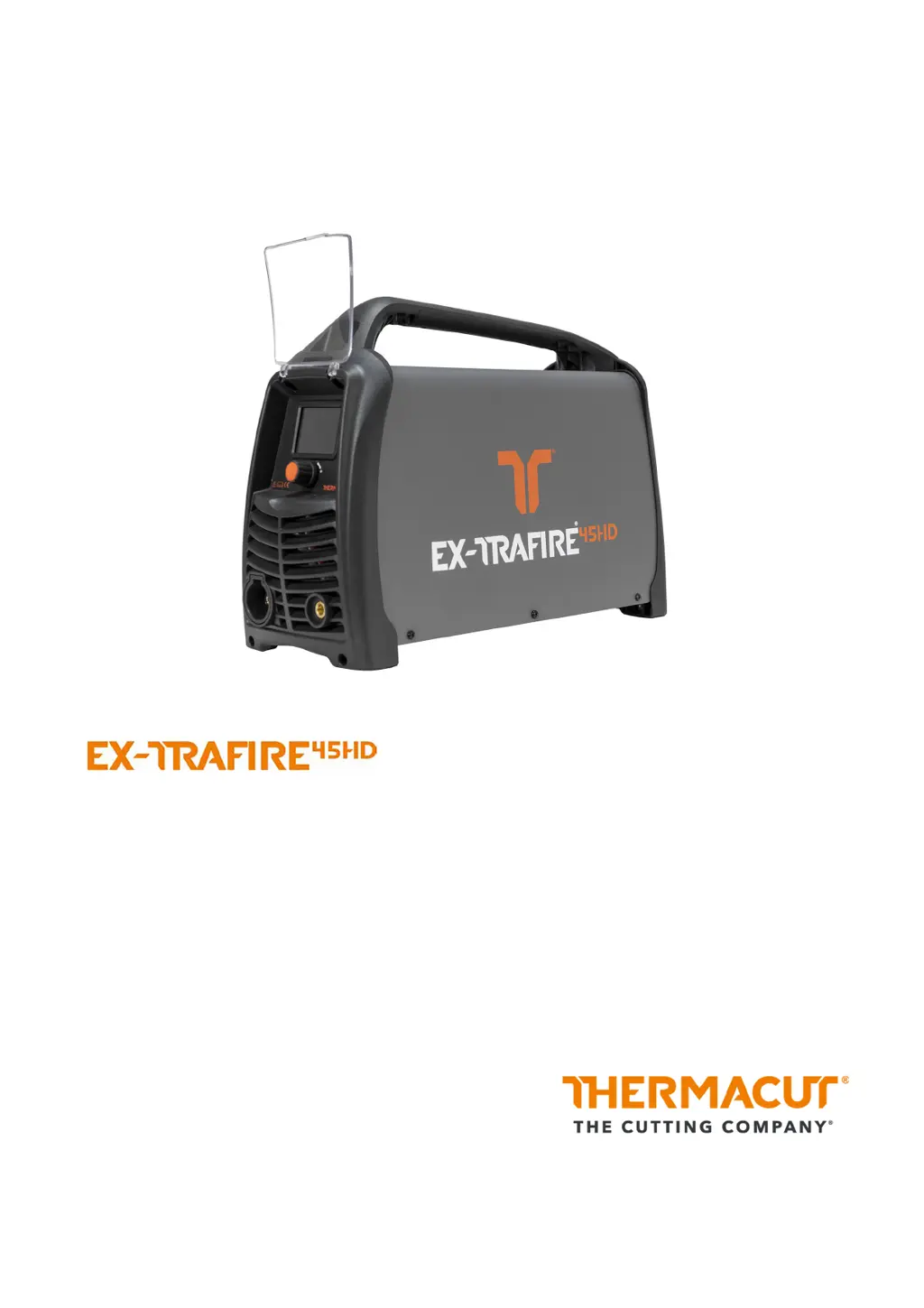
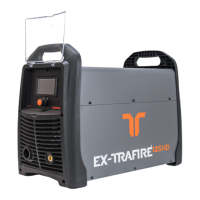
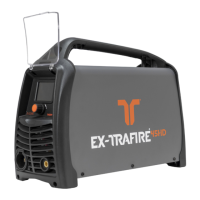
THERMACUT EX-TRAFIRE 45HD - User Manual

THERMACUT EX-TRAFIRE 45HD
64 pages
Print Icon
To Next Page IconTo Next Page
Loading...
Plasma Cutting System
Operating Instructions – EX-2-902-002/N21603 – CE
Revision 2, 24
th
February, 2023

Table of Contents

Questions and Answers

  • D
    Debra RogersSep 5, 2025
    What should I do if the switch is set to ON, but the LCD does not illuminate on my THERMACUT EX-TRAFIRE 45HD?
    • K
      Keith GomezSep 5, 2025
      If the LCD doesn't illuminate when the switch is ON, check the input power voltage. Also, make sure the power cable is properly connected to the socket. If these steps don't resolve the issue, the switch may be defective and must be replaced by a certified electrician or trained personnel.
  • R
    Rachel ClaytonSep 5, 2025
    What to do if gas does not flow when the torch trigger is pressed or the CNC start signal is switched on in my THERMACUT EX-TRAFIRE 45HD?
    • G
      George WigginsSep 5, 2025
      If gas isn't flowing, connect the hose to the gas valve and tighten it correctly. If the issue persists, the gas valve may be defective, and you should contact your retailer.
  • J
    James ConradSep 4, 2025
    What to do if the voltage of PFC is incorrect in THERMACUT EX-TRAFIRE 45HD Welding System?
    • F
      fordpaulSep 4, 2025
      Check if the PFC IGBT is damaged.
  • S
    Steven SmithAug 25, 2025
    How to improve cutting quality with THERMACUT EX-TRAFIRE 45HD?
    • K
      Kaitlyn CarsonAug 25, 2025
      If you're experiencing poor cutting quality with your THERMACUT Welding System, first, adjust the output current to match the thickness of the workpiece. Inspect the cutting torch consumables, replacing them if they're defective. Ensure the output current strength is adjusted to the speed at which the cutting torch is pulled and the thickness of the workpiece and verify the distance between the cutting torch and workpiece. Also, remove any contamination or oxidation from the workpiece and work lead clamp, ensuring maximum electrical conduction by properly attaching the work lead clamp.
  • L
    Laura BallSep 3, 2025
    What causes excess temperature in THERMACUT EX-TRAFIRE 45HD and how to fix it?
    • P
      powerssusanSep 3, 2025
      Excess temperature in your THERMACUT Welding System can be caused by several factors. Ensure the fan is running freely, and if not, consider replacing the fan or fan motor. Allow the power supply to cool down if the duty cycle has been exceeded, and avoid exceeding it in the future. Verify sufficient space around the power supply for ventilation. If components are defective, contact service or your retailer.
  • J
    Joseph RossSep 3, 2025
    What to do if output current cannot be controlled on my THERMACUT EX-TRAFIRE 45HD Welding System?
    • N
      Norma GreerSep 3, 2025
      If the output current cannot be controlled, ensure that all cable connections are properly secured and attach the work lead clamp to the workpiece to allow maximum electrical conduction.
  • J
    Jordan SchultzSep 2, 2025
    What to do if there is no transfer between pilot arc and workpiece on my THERMACUT Welding System?
    • E
      Ellen NguyenSep 3, 2025
      If there's no transfer between the pilot arc and the workpiece, remove any contamination or oxidation from the workpiece and the work lead clamp and attach the work lead clamp to the workpiece to allow maximum electrical conduction. Also, decrease the standoff between the cutting torch and the workpiece. If the issue persists, replace the work lead.
  • E
    Erik WilliamsSep 2, 2025
    What to do if output current is too low and cannot be controlled on THERMACUT Welding System?
    • M
      Megan SheltonSep 2, 2025
      First, ensure that all cable connections are correctly installed. Remove any contamination or oxidation from the workpiece and the work lead clamp, and attach the clamp to maximize electrical conduction. Decrease the standoff between the cutting torch and workpiece. Verify the correct input voltage according to the identification plate and check consumables, replacing them if necessary.
  • A
    amy49Sep 2, 2025
    What to do if pilot arc ignites with difficulty and switches off in my THERMACUT Welding System?
    • D
      deborah85Sep 2, 2025
      If the pilot arc ignites with difficulty and then switches off, first check the consumables and replace them if necessary. Also, check the gas compressor and supply lines for any faults in gas flow.
  • M
    mjenkinsSep 1, 2025
    What to do if gas inlet pressure is below 72.5 psi (5 bar) in THERMACUT EX-TRAFIRE 45HD Welding System?
    • U
      ucolemanSep 1, 2025
      Check the inlet gas pressure, gas pressure and flow, and verify that the gas settings are correct. If the issue persists, replace the torch cable. If none of these actions resolve the problem, have the pressure switch checked and replaced if necessary by a certified electrician or trained personnel.

THERMACUT EX-TRAFIRE 45HD Specifications

General IconGeneral
BrandTHERMACUT
ModelEX-TRAFIRE 45HD
CategoryWelding System
LanguageEnglish

Related product manuals