Receiver Descrambler - User Manual (release 7.3.1)
Alternately, if the offending source address is known, the user can indicate "IGMP V3 exclude
<IP multicast source address of the scrambler>, and the unit will not take into account IP
packets coming from the indicated address.
To not use the IGMP V3 filter, simply select "IGMP V3 exclude" and do not indicate any IP
address to exclude.
Beware if you select "IGMP V3 include" and you do not indicate the multicast source address
the unit will receive nothing.
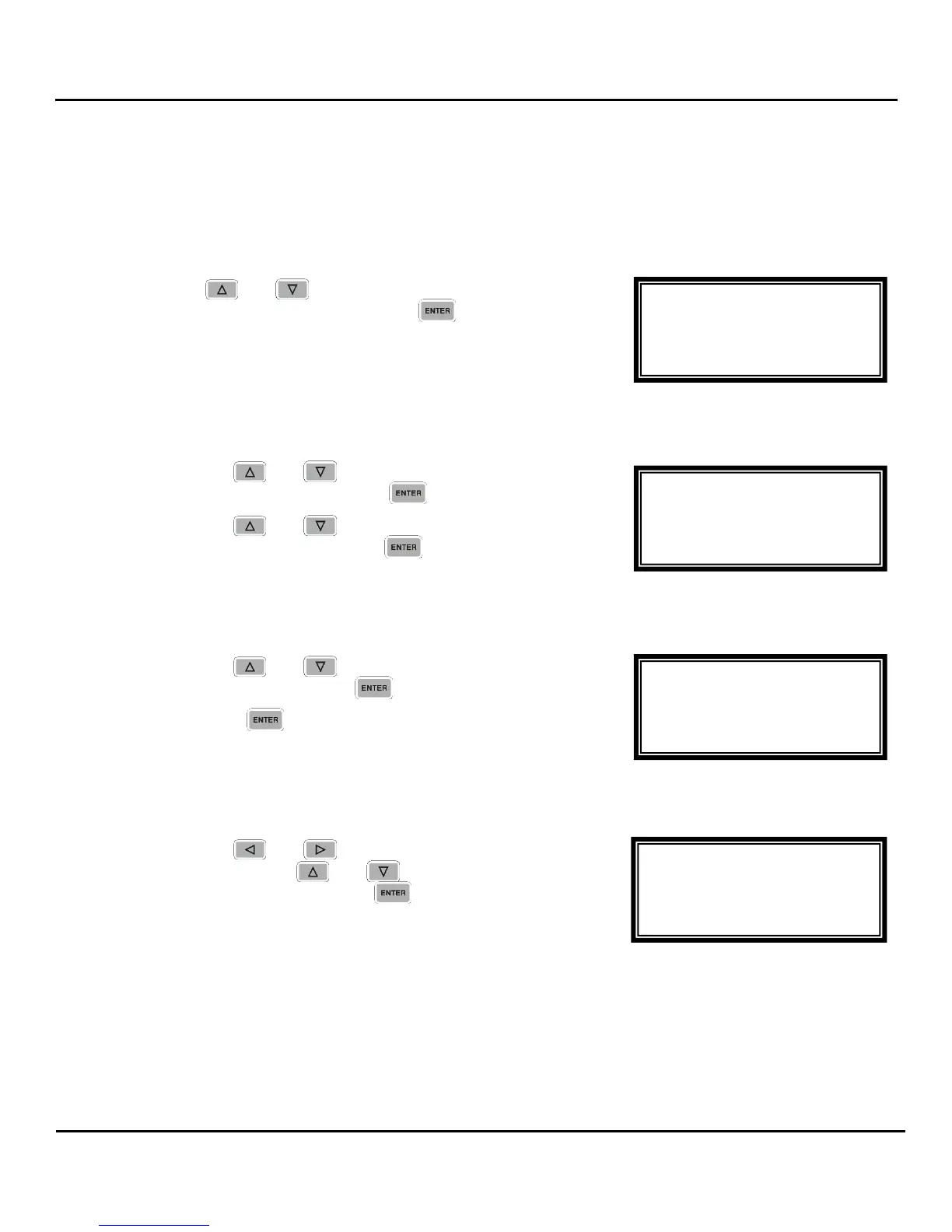
1. Use the and buttons to move the cursor to
“IGMP V3 Src Filter”, then press the button to access
the Edit screen.
Filter Mode
1. Use the and buttons to move the cursor to
“Filter Mode:” then press the button.
2. Use the and buttons to select either “Include”
or “Exclude”, then press the button to save the
selection.
Add IP
1. Use the and buttons to move the cursor to
“Add IP”, then press the button.
2. Press the button again to add an IP address to
the list.
Note: Existing IP addresses are shown before the “Add IP” option.
3. Use the and buttons to select the column to
edit and use the and buttons to change the
IP address, then press the button to save the
selection.
Note: A maximum of 64 IP addresses may be added to the list.
MPEG/IP 1-4 1 ←→
Filter Mode:Include
000.000.000.000
Clear All
MPEG/IP 1-4 1
Filter Mode:Include
►Add IP
Clear All
MPEG/IP 1-4 1
►Filter Mode:Include
Add IP
Clear All
MPEG/IP 1-4 1
SSRC Filt:0x00000000
Buffer:0100kb
►IGMP V3 Src Filter



 To Next Page