Receiver Descrambler - User Manual (release 7.3.1)
Forward Error Correction
This setting lets the unit know if it should be expecting FEC data with the active receive group. If no
FEC data is expected, this setting can be disabled to allow multicasts closer together on the same IP.
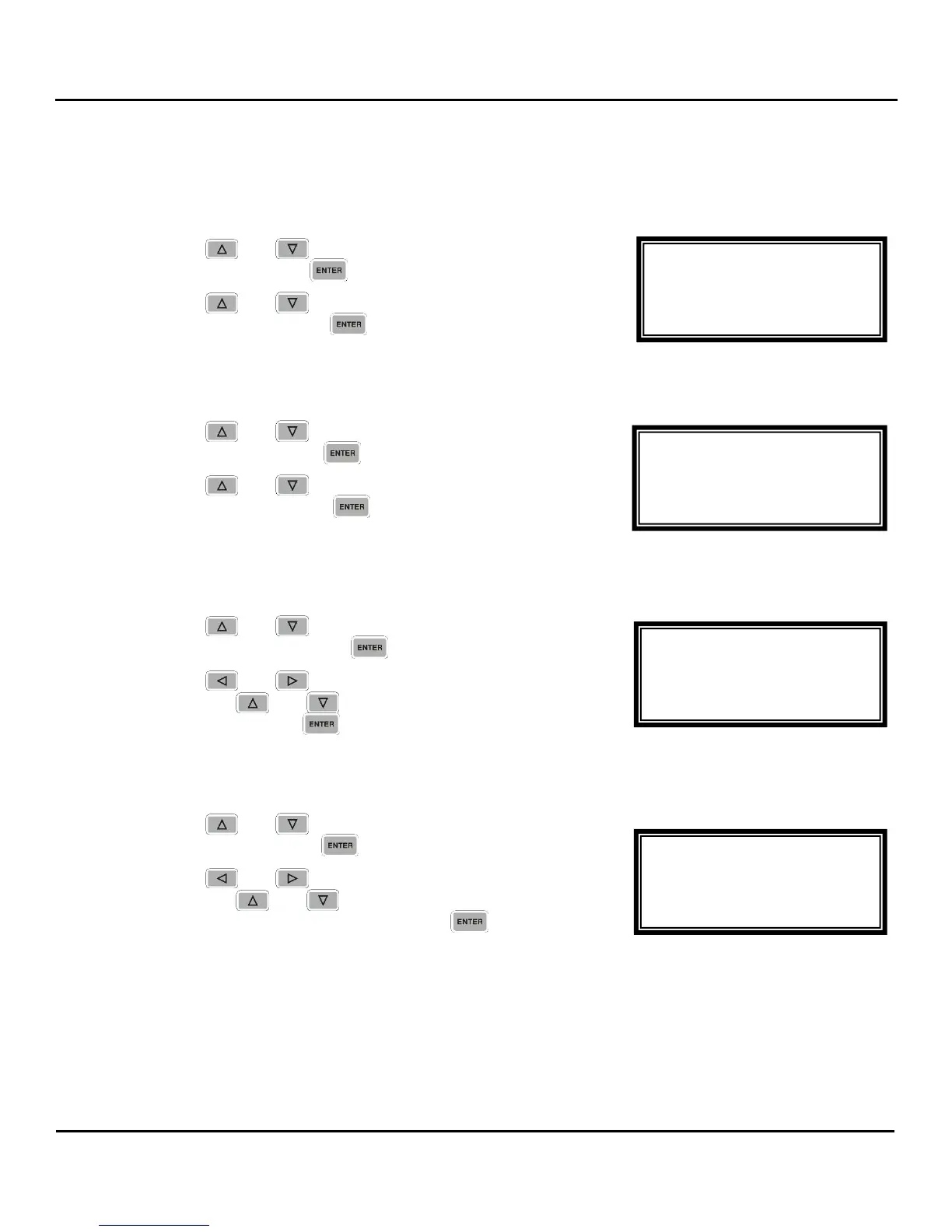
1. Use the and buttons to move the cursor to
“FEC:” then press the button.
2. Use the and buttons to select “enable” or
“disable”, then press the button to save the selection.
Synchronized Source Setup
1. Use the and buttons to move the cursor to
“SSRC:” then press the button.
2. Use the and buttons to select “Enable” or
“Disable”, then press the button to save the
selection.
Synchronized Source Setup Filter
1. Use the and buttons to move the cursor to
“SSRC Filt:” then press the button.
2. Use the and buttons to select the column to edit
and use the and buttons to change the SSRC
Filter, then press the button to save the selection.
Buffer
1. Use the and buttons to move the cursor to
“Buffer:” then press the button.
2. Use the and buttons to select the column to edit
and use the and buttons to change the Buffer
(from 3999 kb to 100 kb), then press the button to
save the selection.
IGMP V3 Source Filter
Note: Any emitter can send IP packets to a multicast address, so it could happen that by mistake
two emitters send to the same multicast address. The resultant multicast stream would be
completely garbled. IGMP V3 gives the user the possibility to indicate a source address, so
that by indicating "IGMP V3 include <IP multicast source address> the unit will take only the
IP packets coming from the indicated source address, thus eliminating the garbling problem.
MPEG/IP 1-4 1 ←→
SSRC Filt:0x00000000
►Buffer:0100kb
IGMP V3 Src Filter
MPEG/IP 1-4 1 ←→
FEC:Disable
SSRC:Disable
►SSRC Filt:0x00000000
MPEG/IP 1-4 1
FEC:Disable
►SSRC:Disable
SSRC Filt:0x00000000
MPEG/IP 1-4 1
Ip:239.192.1.50
Dest Port:01050
►FEC:Disable



 To Next Page