Receiver Descrambler - User Manual (release 7.3.1)
Filter Mode
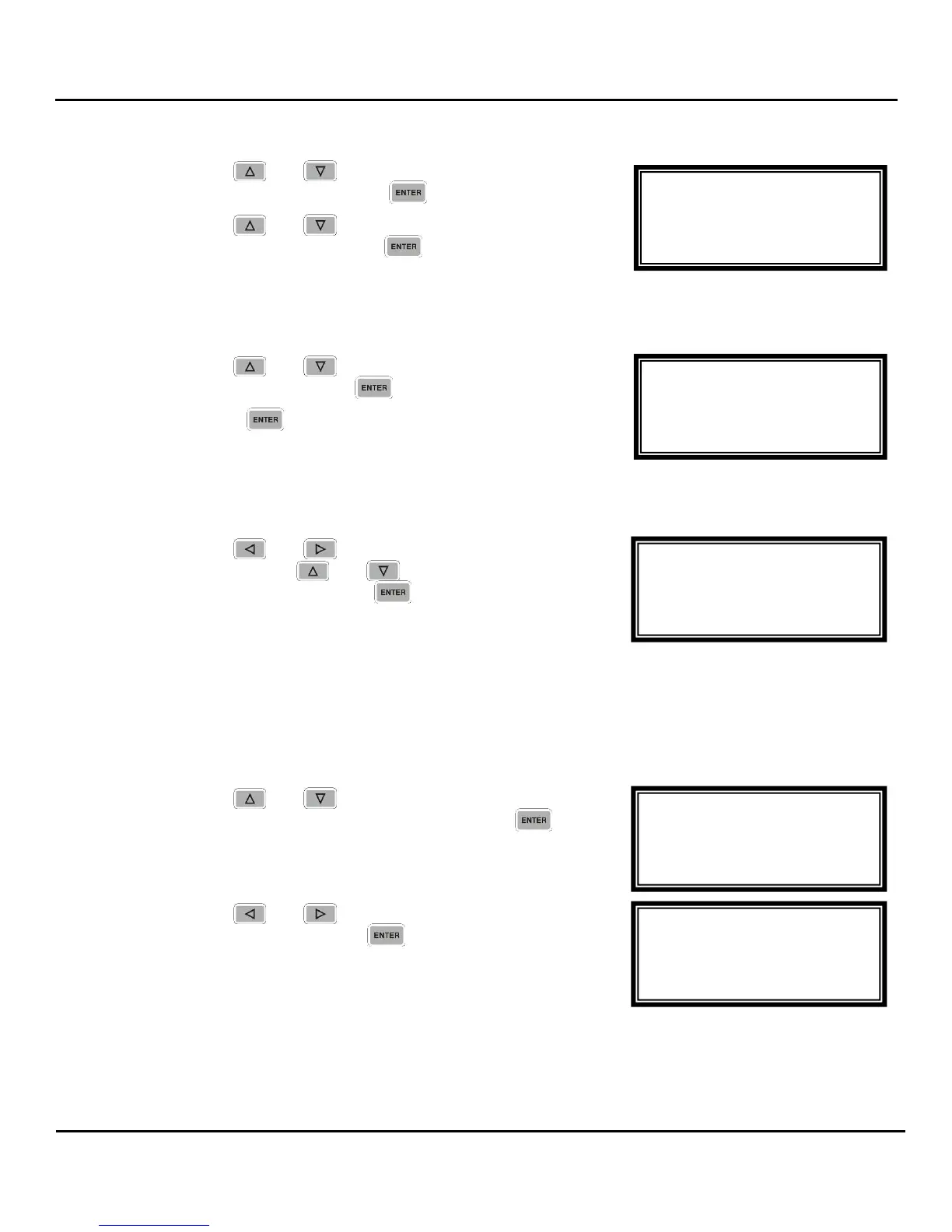
1. Use the and buttons to move the cursor to
“Filter Mode:” then press the button.
2. Use the and buttons to select either “Include”
or “Exclude”, then press the button to save the
selection.
Add IP
1. Use the and buttons to move the cursor to
“Add IP”, then press the button.
2. Press the button again to add an IP address to
the list.
Note: Existing IP addresses are shown before the “Add IP” option.
3. Use the and buttons to select the column to
edit and use the and buttons to change the
IP address, then press the button to save the
selection.
Note: A maximum of 64 IP addresses may be added to the list.
Edit/Remove an IP
Note: Existing IP addresses are shown before the “Add IP” option.
1. Use the and buttons to move the cursor to
the desired IP address to edit, then press the
button.
2. Use the and buttons to select either “Edit” or
“Remove”, then press the button.
MPEG/IP 1-4 2 ←→
Filter Mode:Include
Edit Remove
Add IP
MPEG/IP 1-4 2
►239.192.20.3
Add IP
Clear All
MPEG/IP 1-4 2 ←→
Filter Mode:Include
000.000.000.000
Clear All
MPEG/IP 1-4 2
Filter Mode:Include
►Add IP
Clear All
MPEG/IP 1-4 2
►Filter Mode:Include
Add IP
Clear All



 To Next Page