41
9. OPERATION
To operate the unit, you can use the saved Scene settings, or adjust the sound volume and tone or turn the
input/output channels on or off through the front key operation or by way of remote control with the default
settings as they are.
9.1. Basic Operation
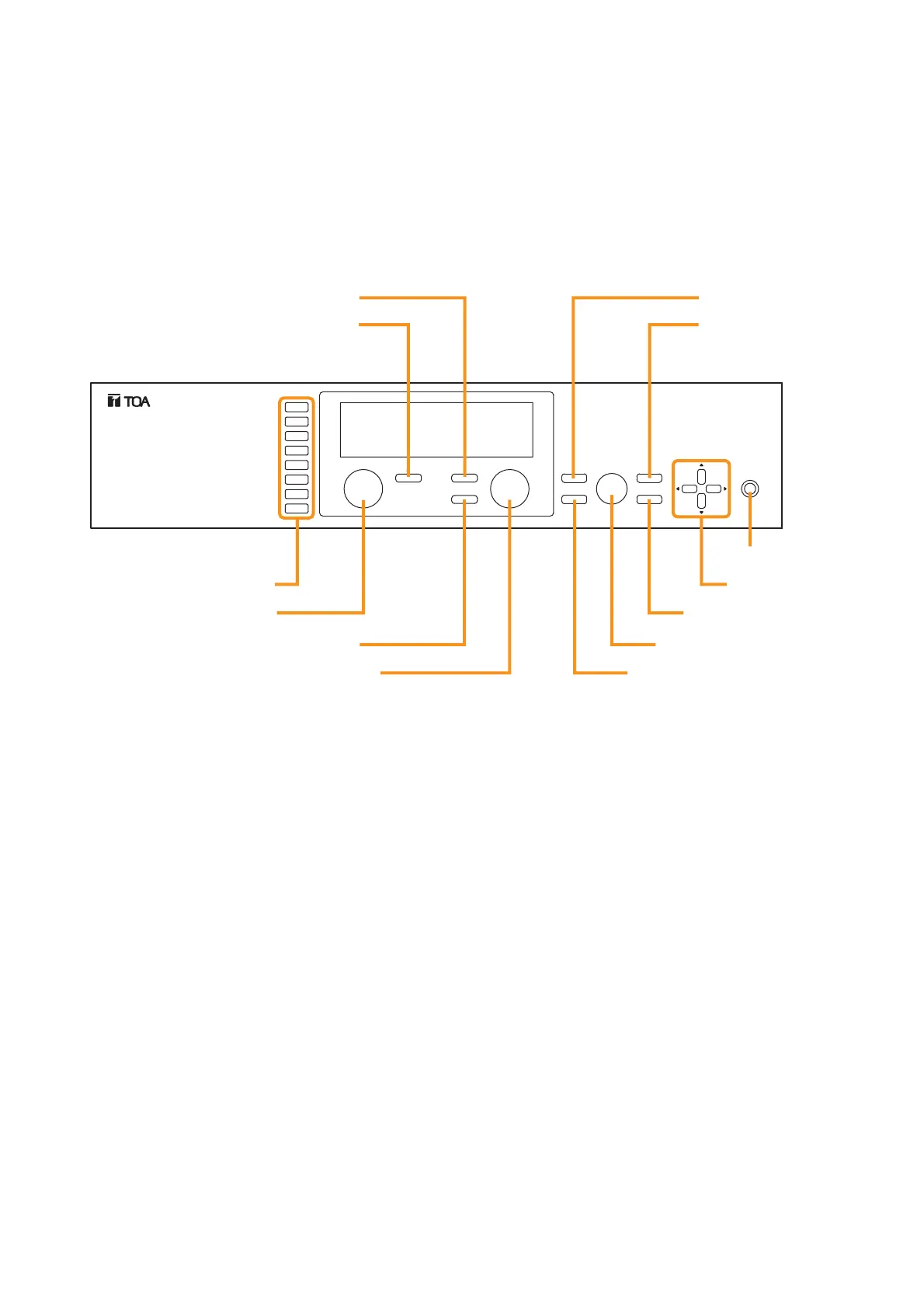
9.1.1. Keys and knobs
9.1.2. Power ON/OFF
Power is turned on when the power switch is pressed.
To turn off the power, hold down the power switch for 0.5 second or more.
Note
The power switch is a soft-switch, so the internal microcomputer is still operating even when the power switch
is set to OFF.
9.1.3. Changing the input parameters
Step 1. Press the Input channel selection key to choose the input channel for which you want to change the
volume from those with the illuminated Input channel ON/OFF indicator (channel number).
The selected channel's selection indicator (red dot) lights, and the channel name and volume level
are displayed on the VFD screen.
Step 2. Adjust the input parameters.
Adjust the volume, bass, treble, or other input parameters. (Refer to p. 52, "Input Setting Flow Chart.")
Note
To retain the set input parameters, be sure to save them in the Scene memory. Unless otherwise saved, all
the set parameters are abandoned when the AC power supply is shut off.



 To Next Page