10.5.2. Password setting
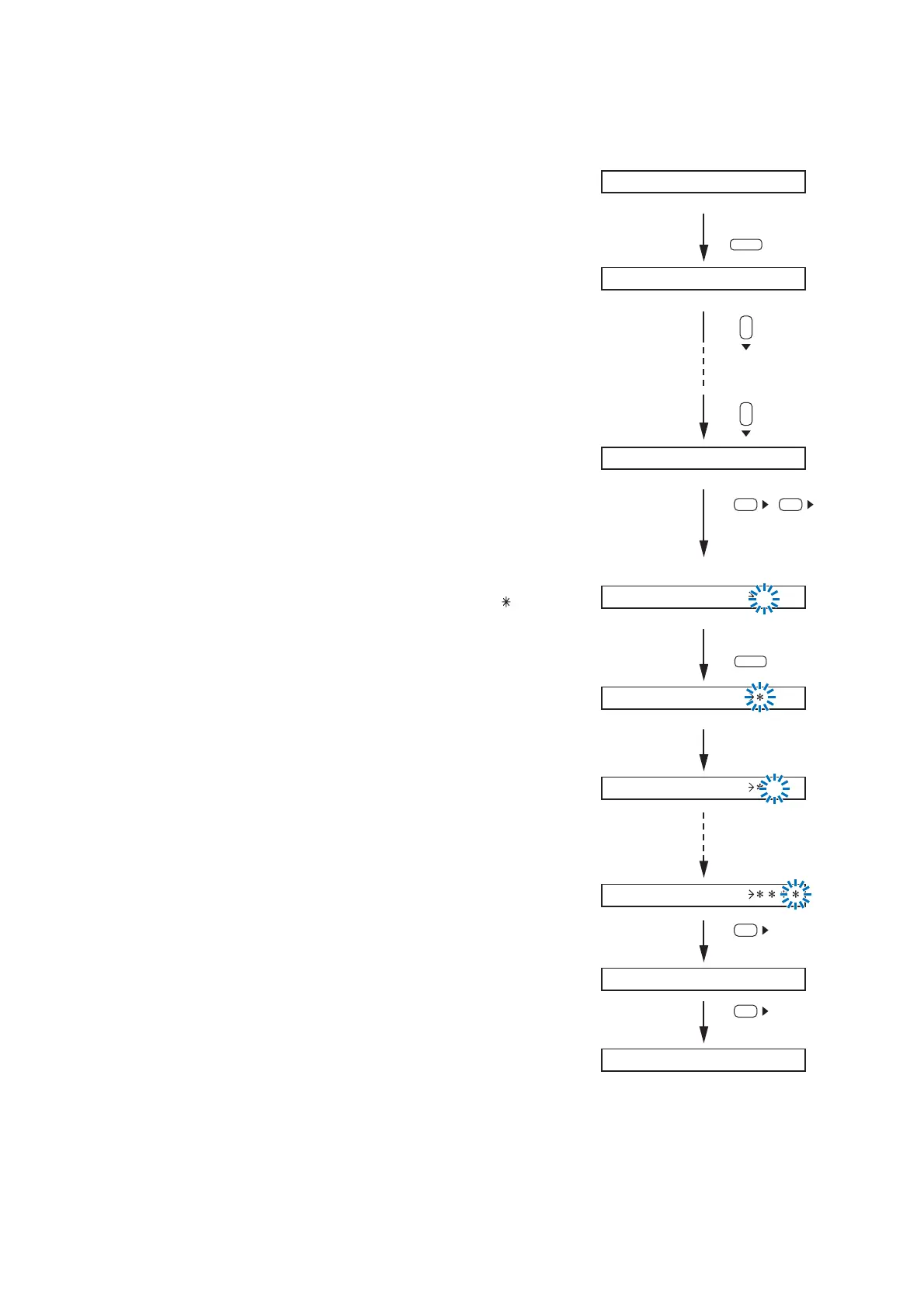
When using a password, set the password before performing lock setting for each key.
Step 1. Press the Utility key.
The Utility setting screen is displayed.
Step 2. Press the Down shift key until the password screen is displayed.
Note
No password is factory-preset.
(The [ _ _ _ _ ] indication is displayed.)
Step 3. Press the Right shift key twice.
The password entry screen is displayed.
Step 4. Enter a password using the Input channel selection keys (1 – 8).
The position on the extreme left flashes first for character entry.
Entering a character changes the [_] indication into [ ].
Use up to 4 characters to set the password.
Step 5. Press the Right shift key after setting completion.
The confirmation screen is displayed.
Step 6. Press the Right shift key.
The password setting is completed, and the screen returns to the
password screen at Step 2.



 To Next Page