49
9.5. Operation Example
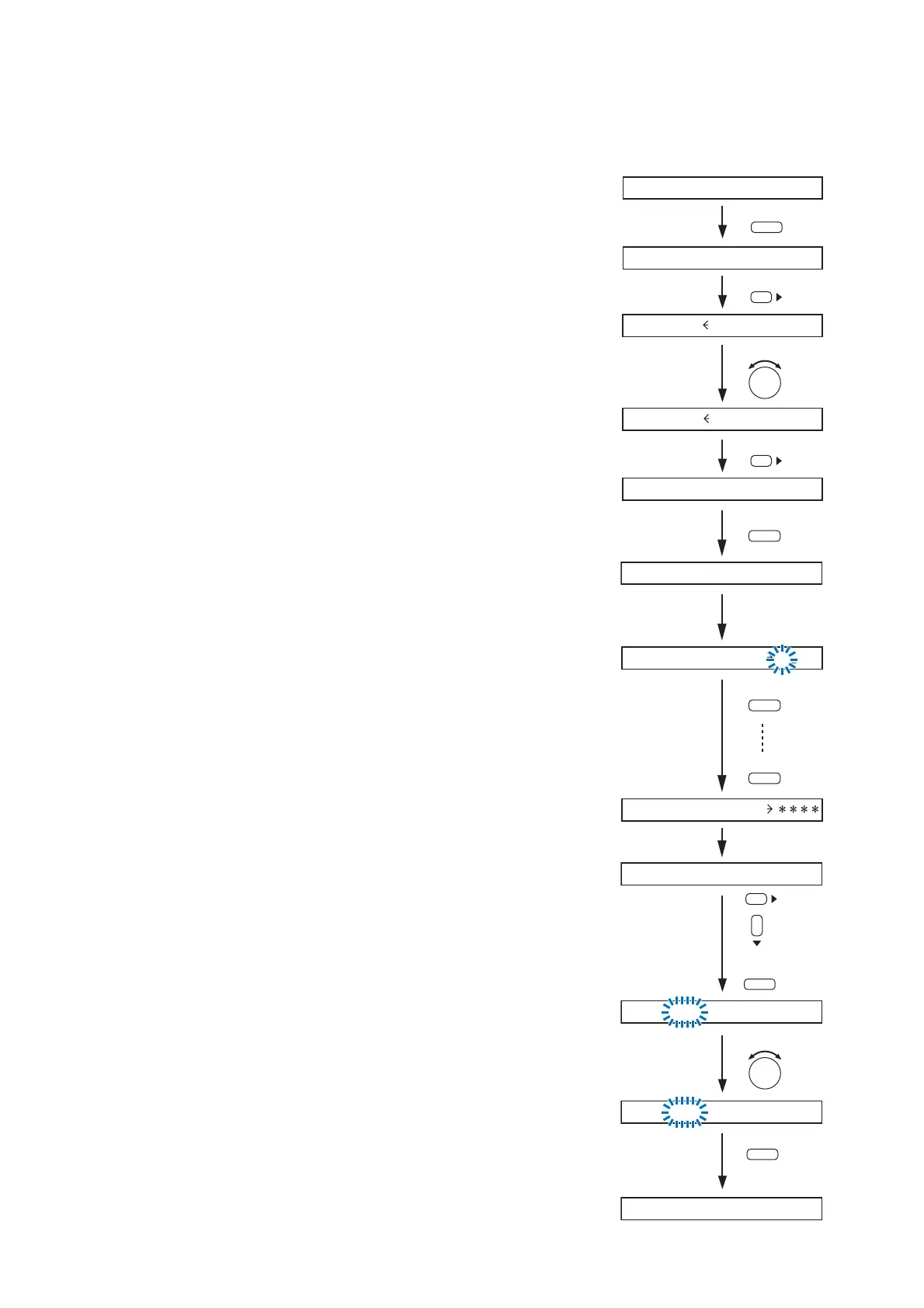
The operation procedure is described here using an example to change the output parameters after recalling
the Scene memory when the output operation key is locked.
Step 1. Press the Memory key to display the Scene memory setting
screen.
Step 2. Press the Right shift key to display the Scene memory recall
screen.
Step 3. Select with the Parameter setting knob the Scene memory
bank number to be recalled.
Step 4. Press the Right shift key.
Step 5. Press the output channel selection key.
The selected output channel status is displayed.
Step 6. Rotate the output volume control knob or press any screen
shift key.
The password entry screen is displayed with the leftmost
character position flashing.
Step 7. Enter the password with the input channel selection keys.
The locked key is released when the entered password is
correct.
Step 8. Use the Up, Down, Left and Right shift keys to display the
desired setting screen.
Step 9. Change the parameter with the Parameter setting knob.
Step 10. Press the Escape/Back key until the scene memory screen
(normal use state screen) is displayed.
The display returns to the Scene memory indication screen.
.
.
Press twice.



 To Next Page