97
11.4. Setting the Scene Memory to be Recalled at Power-On
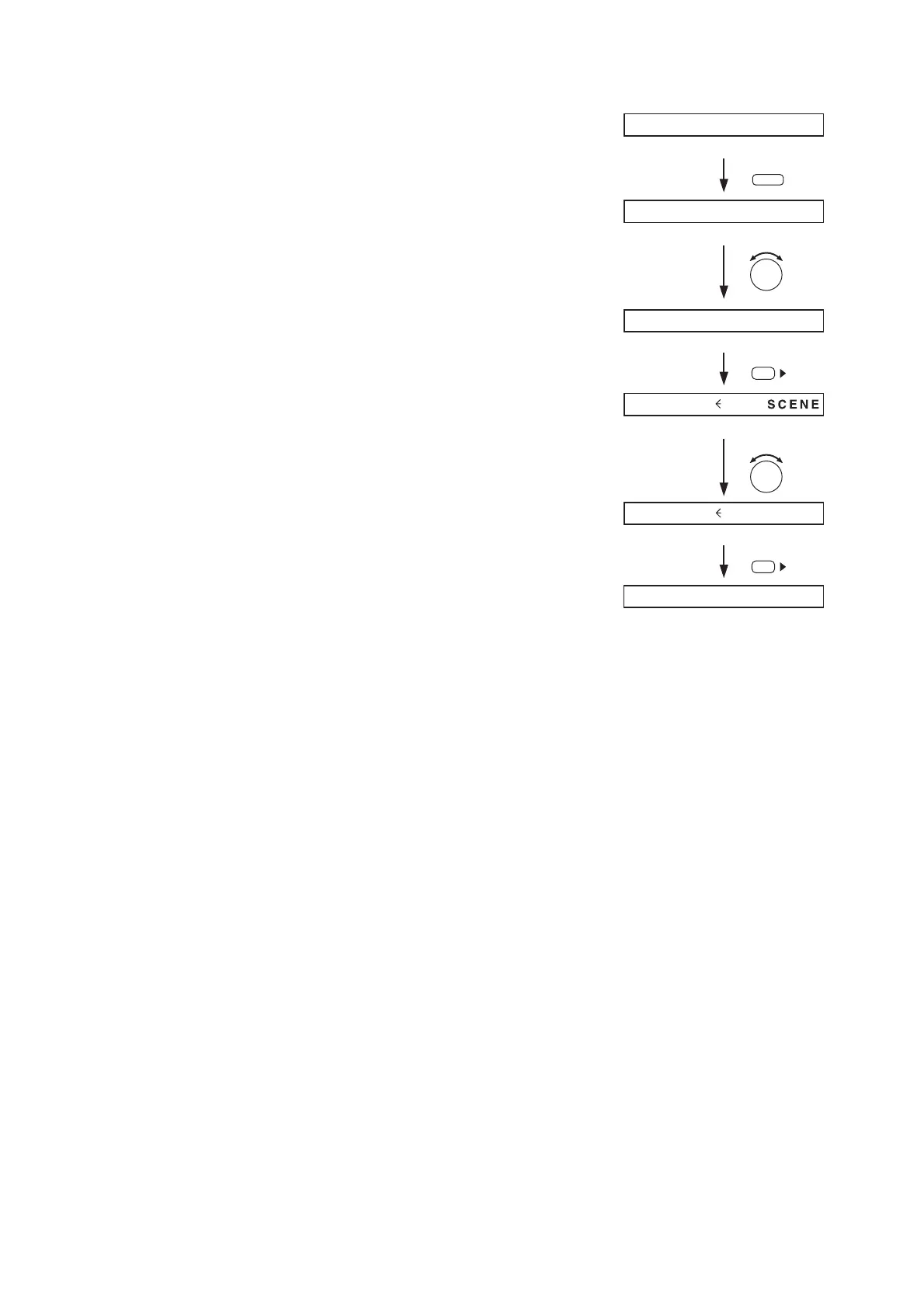
Step 1. Hold down the Memory key.
The Scene memory setting screen is displayed.
Step 2. Rotate the Parameter setting knob to display "P-ON"
indication.
Step 3. Press the Right shift key to display the setting screen
for the Scene memory to be recalled at Power-On.
Step 4. Select with the Parameter setting knob the Scene
memory bank number (01 – 32) or LASTSCENE to be
read at power-on.
Notes
• When LASTSCENE is selected, the Scene memory
recalled last before power-off is automatically recalled
when power is turned on.
• To retain the set parameters, be sure to save them in
the Scene memory. Unless otherwise saved, all the
set parameters are abandoned when the AC power
supply is shut off or when the other scene is loaded.
Step 5. Press the Right shift key to perform setting that the
designated Scene memory bank number is read at
power-on.
The display returns to the normal use state.



 To Next Page