98
Follow the procedures below to return all settings to default values while using the unit in the matrix mode.
Details of the default values are shown on the next page, "Default Setting Table."
12. RESTORING FACTORY DEFAULT SETTING
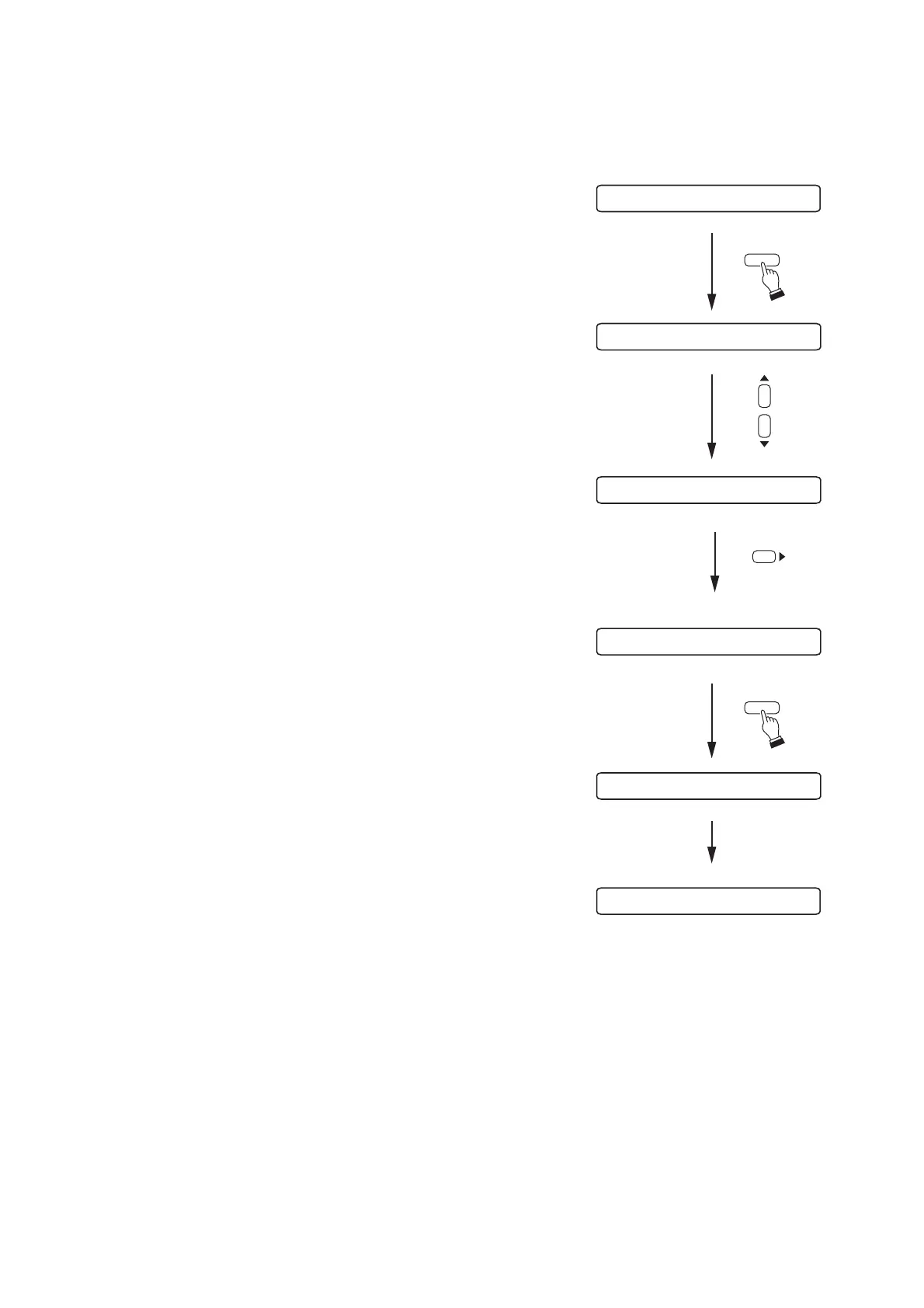
Step 1. Press the Utility key to display the utility setting screen.
Step 2. Press the Up or Down shift key until the "MEMORY
INITIALIZE" indication is displayed.
Step 3. Press the Right shift key to display the memory
initialization screen "INITIALIZE OK?" indication.
Step 4. When "INITIALIZE OK?" is displayed, press the Enter key.
To cancel initialization, press the Left shift key twice to
return to the screen at Step 2.
After initialization completion, the display returns to the
normal use state.



 To Next Page