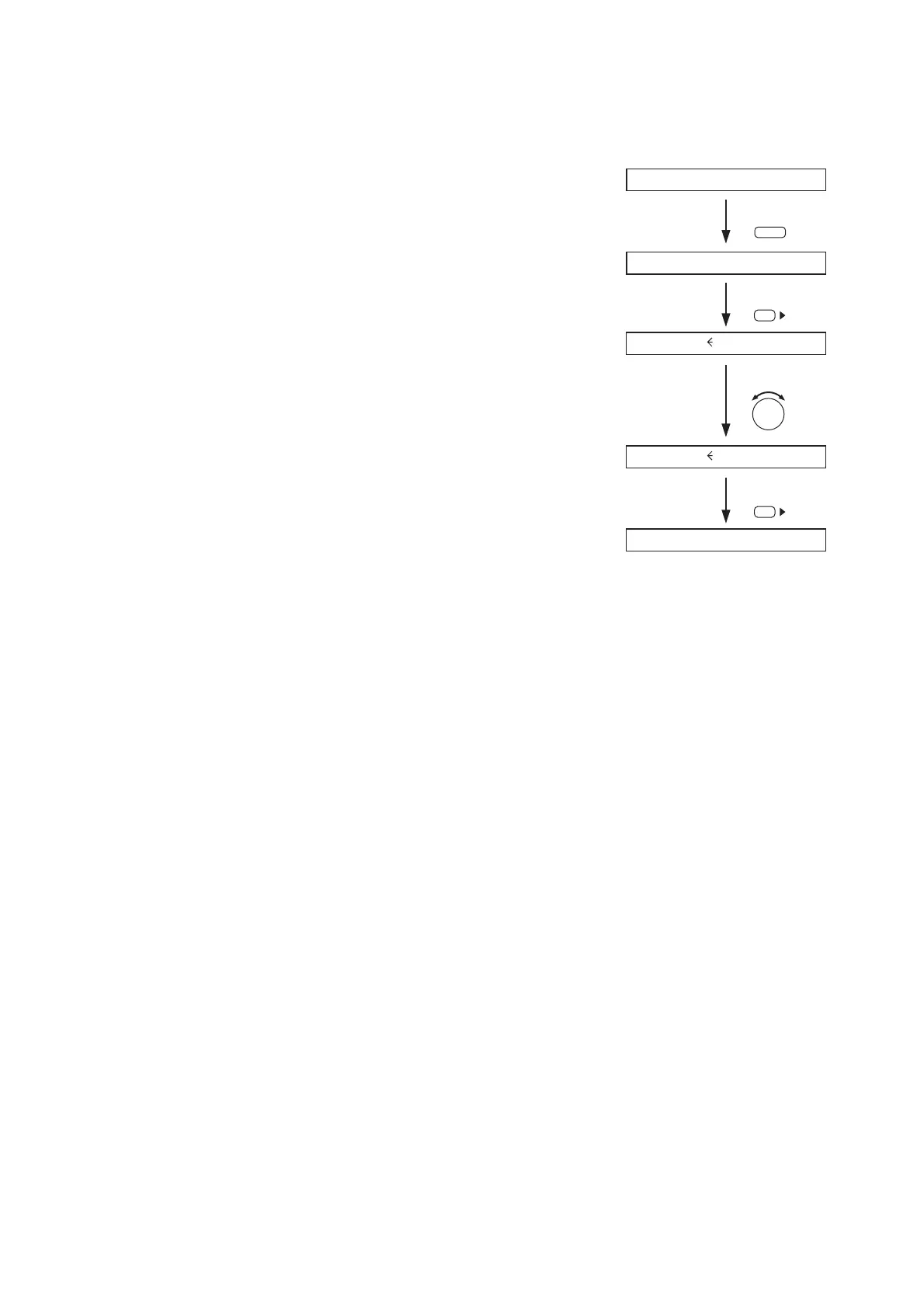
9.2. Recalling Scene Memory
A "Scene" defines the unit of broadcast pattern.
Up to 32 patterns can be stored as Scene memory in the Scene memory bank, which can then be recalled.
Step 1. Press the Memory key to display the Scene memory setting
screen.
Step 2. Press the Right shift key to display the Scene memory recall
screen.
Step 3. Select with the Parameter setting knob the Scene memory bank
number to be recalled.
Step 4. Press the Right shift key.
After recall completion, the Scene memory bank number and
memory name are displayed.
43



 To Next Page