10.3. Selecting and resetting area counters
84
10.3. Selecting and resetting area counters
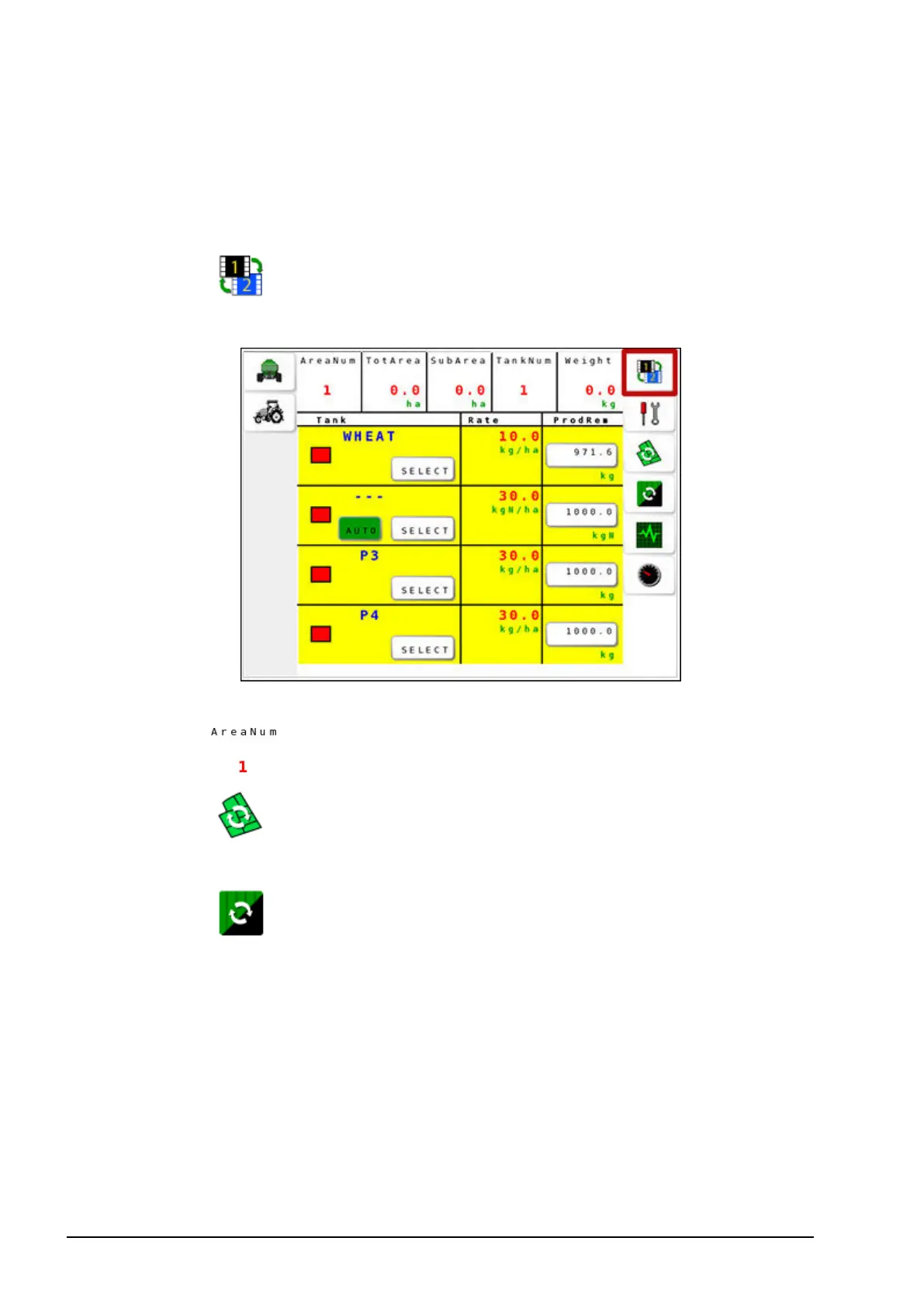
Area counters are used with the seeder to record data such as treated
area, total area, sub area, and product tank in use.
1.
Select to toggle between operation screen 1 and operation
screen 2.
2. To assign the area number against which the data will be stored,
select and select the required number.
3.
Select to reset sub area. The area counter must be reset
manually, or it continues to accumulate data.
4.
Select to reset total area. This option resets data for a tank,
the selected area counter, or all area counters.



 To Next Page