Chapter 2 – Seeder Settings
7
2.2. Setting up tanks
1.
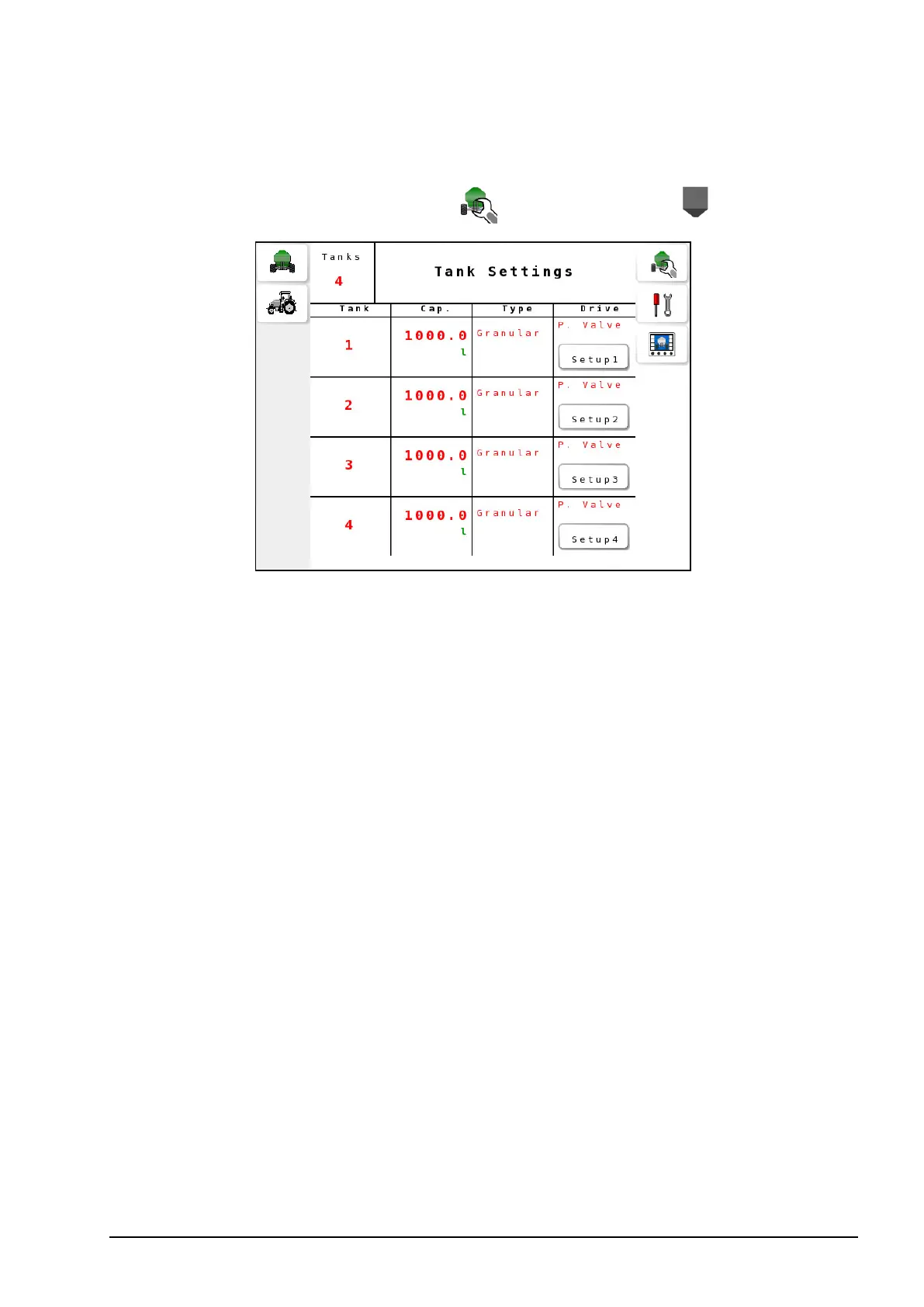
Select Seeder Settings Menu / Tank Settings .
l Tanks: Set the number of tanks that will be controlled or
monitored.
l Cap.: Tank capacity.
Note: Use the table on page 87 to record the tank capacities for
future use.
l Type: Type of tank (granular, liquid, NH3).
l Drive: Type of drive:
l Granular: Electric, actuator, proportional valve, monitor.
l Liquid/NH3: Regulator valve, proportional valve, monitor.
Note: Each tank type and drive combination requires extra settings that
may be accessed via the Setup# button in the Drive column. The
following tables list the required settings for each combination.



 To Next Page