Chapter 8 – Alarm Settings
69
8.6. Setting up tank alarms
In each tank there is a sensor that triggers an alarm once the product
level falls below the sensor. When product in the tank covers the tank
sensor, the light on the back of the sensor is off.
1.
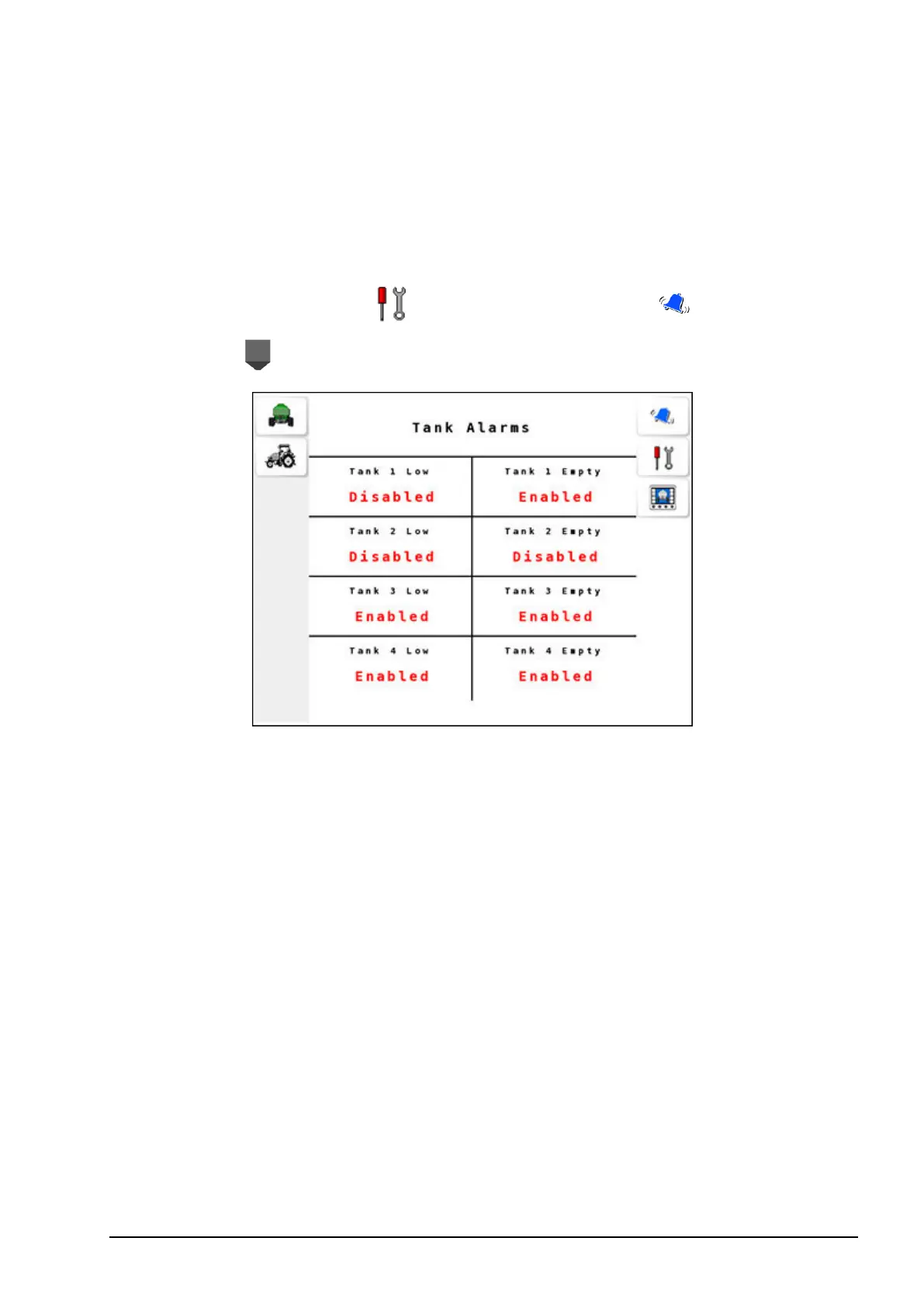
Select Settings Menu / Alarm Settings Menu / Tank
Alarms .
Configure the following alarms:
l Tank # Low: This alarm is triggered when the product level falls
below the sensor. The alarm reappears in the alarm window until
the tank is refilled with the product. # denotes the tank number.
l Tank # Empty: This alarm is triggered when the last grain is
calculated to pass over the metering rollers. During seeding, the
signal from the metering shaft sensor is used to decrease the bin
weight based on the calibration factor.



 To Next Page