Chapter 5 – Calibrating the Tanks
51
10.
Alternately, select to save all of the new calibration factors, or
select to ignore all of the new calculations.
Select to return to the previous screen.
11.
Select to confirm and exit.
Note: Use the table provided on page 87 to note the calculated
calibration factor.
5.2.1. Calibrating a liquid tank
Note: Liquid tanks must be calibrated one at a time.
1.
Select Settings Menu / Product Settings Menu .
2. Select a product from the Product Settings Menu.
3. Ensure a Tank Number has been assigned to the product.
4.
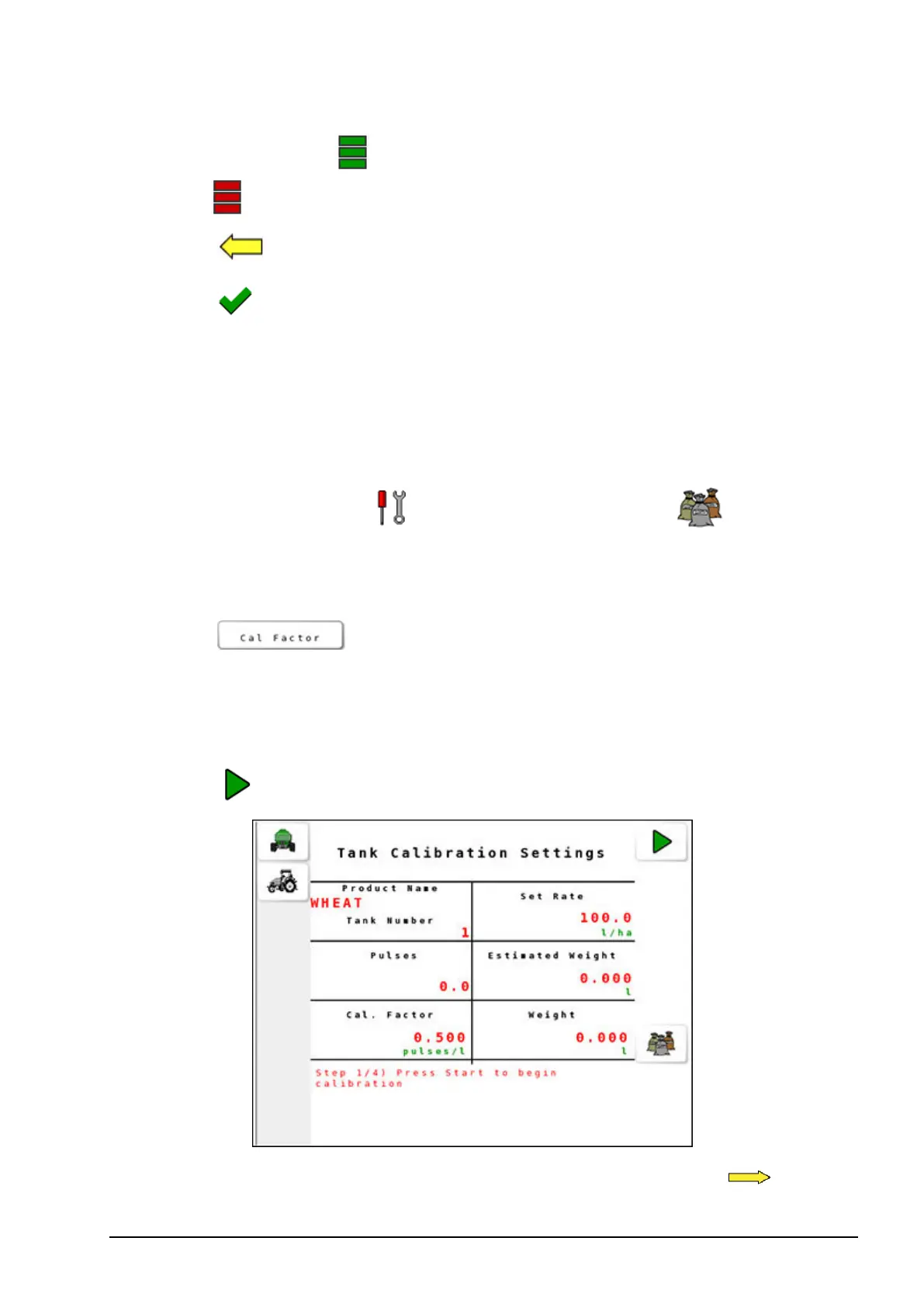
Select from the Product Settings screen to open
Tank Calibration Settings.
5. Place a calibration bucket under the nozzle of the tank being
calibrated.
6.
Select to start the calibration.
7.
When sufficient product is collected in the bucket, select .



 To Next Page