5.1. Manual entry of calibration factor
44
5.1. Manual entry of calibration factor
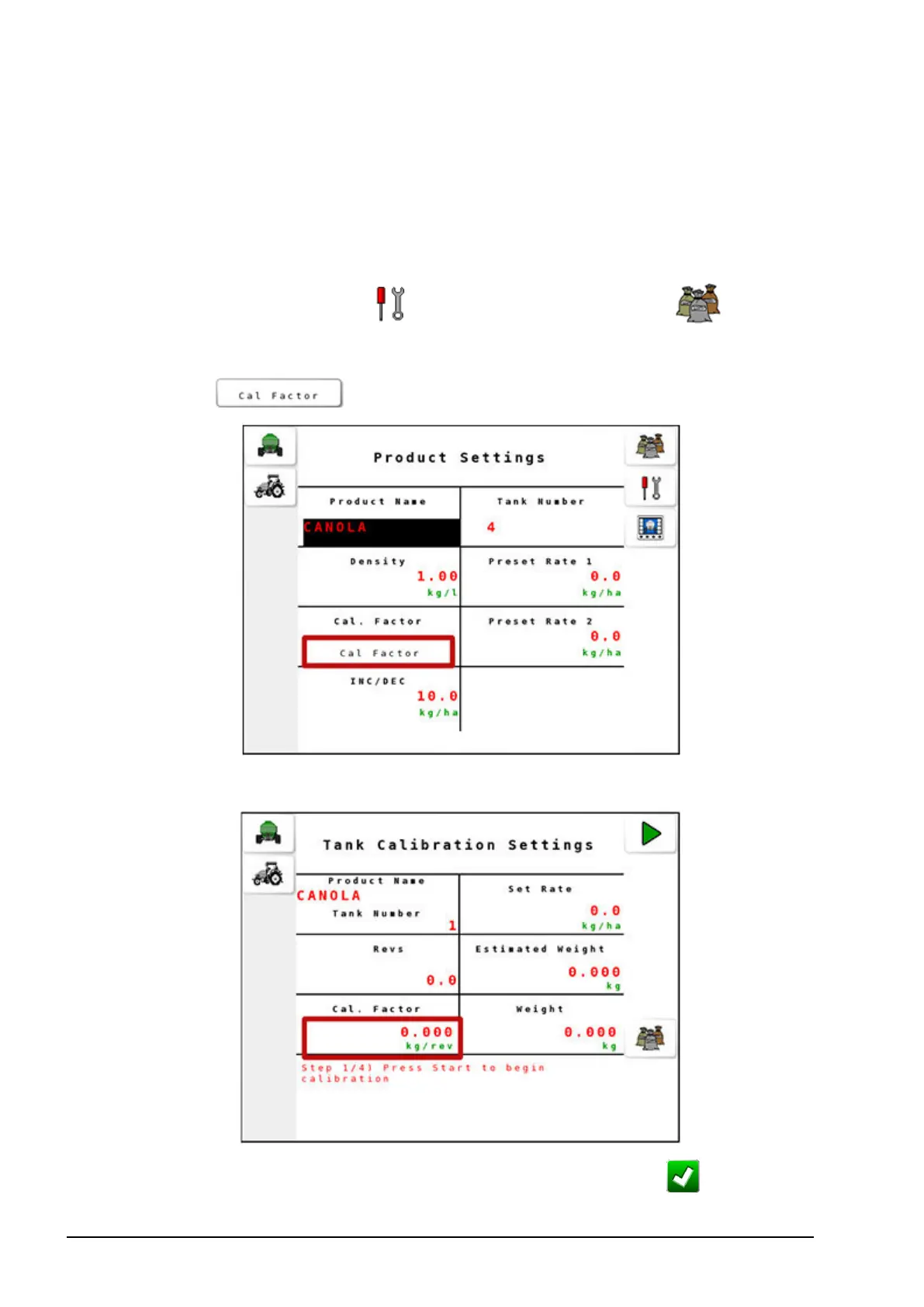
Manual entry of calibration factor can only be used if the calibration
factor for the selected product is known. Follow these steps to enter a
calibration factor manually.
1.
Select Settings Menu / Product Settings Menu .
2. Select a product from the Product Settings Menu.
3.
Select from the Product Settings screen.
4. Select Cal. Factor from the Tank Calibration Settings screen.
5.
Enter a value for the calibration factor and confirm .



 To Next Page