2.6. Setting up fans
24
2.6. Setting up fans
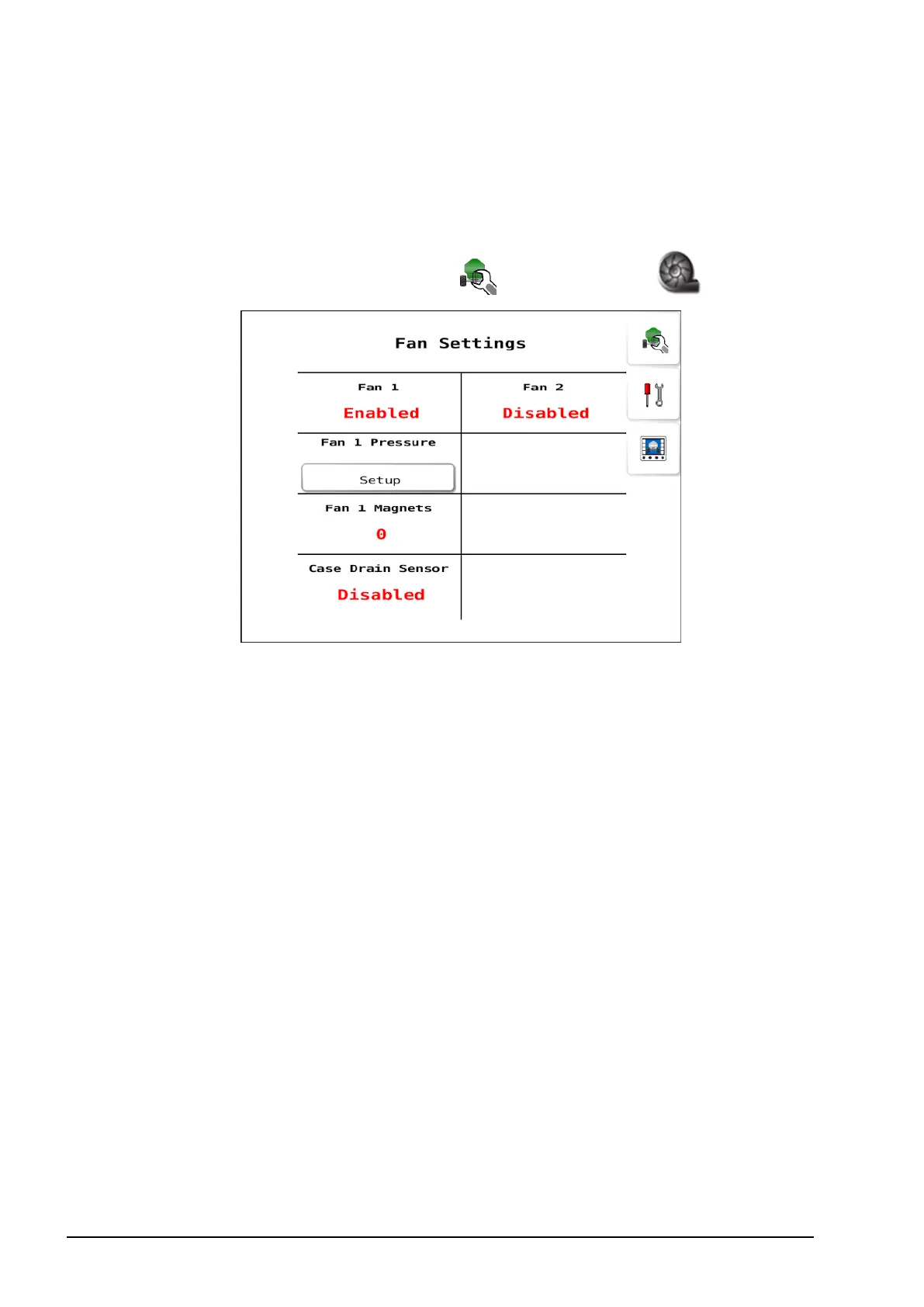
Use the fan settings to enable and configure fans for the seeder
operation.
1.
Select Seeder Settings Menu / Fan Settings .
l Fan #: Enables a fan.
l Fan # Pressure:
l Pressure sensor: If a fan pressure sensor is fitted to the seeder,
select standard or voltage pressure sensor type.
l Min voltage: Set the minimum output voltage at zero pressure.
This value is read from the pressure transducer.
l Max voltage: Set the maximum output voltage at maximum
pressure. This value is read from the pressure transducer.
l Max pressure:Set pressure in kPa.
l Pressure input: Fan pressure inputs can be enabled and
assigned to inputs on Aux or Drive connectors.
l Fan # Magnets: Set the number of magnets for the selected fan.
l Case Drain Sensor: Set to Enabled if the seeder has a case drain
sensor fitted to the fan motor.



 To Next Page