Chapter 2 – Seeder Settings
19
2.4. Setting up tank timing
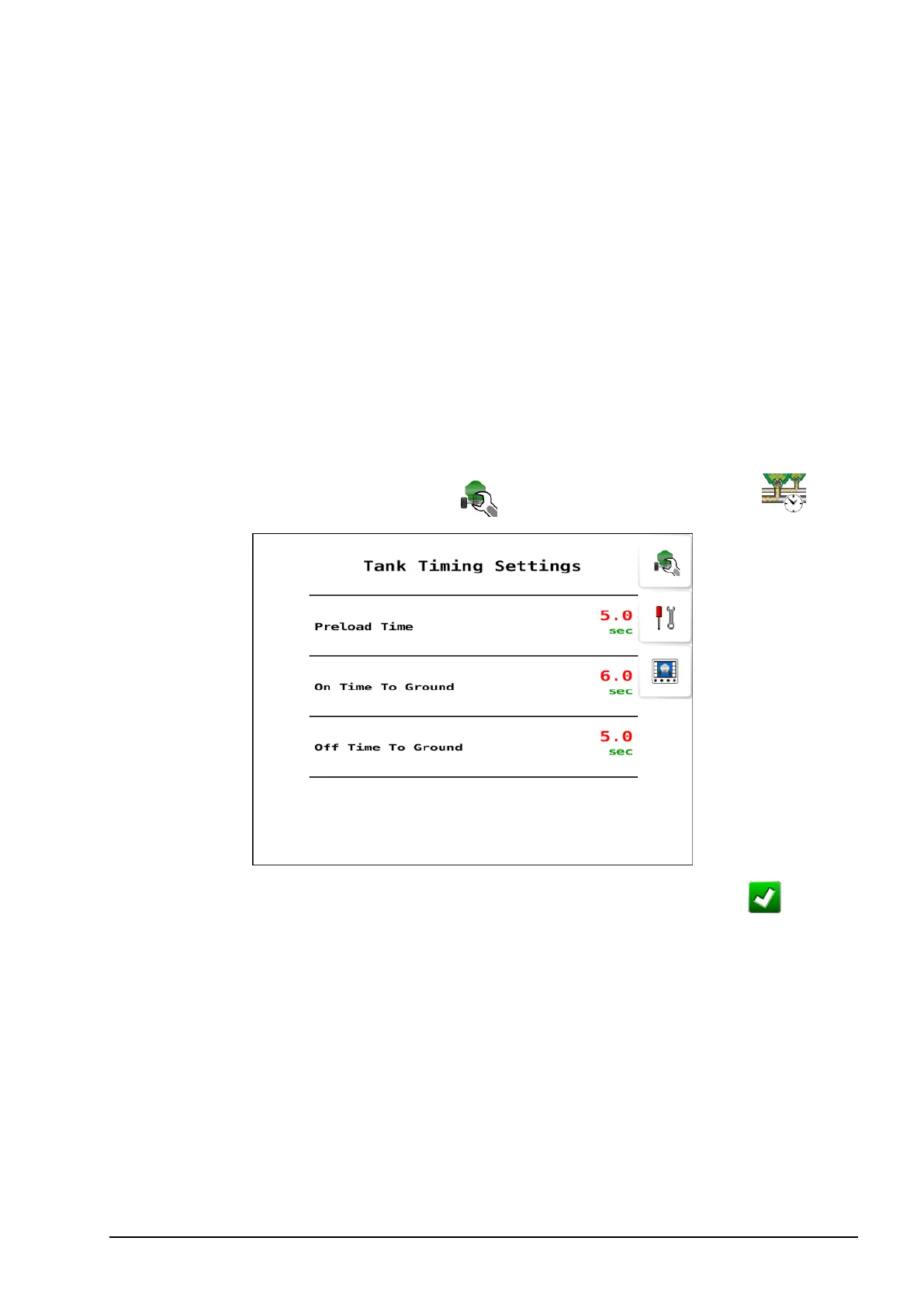
When starting a seeding pass when stationary, preload time allows for
product to be at the openers before moving to avoid gaps in product
application. It is the time in seconds that the seeder needs to run before
moving off and starting to seed after the master switch is engaged. (Not
applicable to tanks with linear actuator drive types.)
This is triggered when the master switch is turned on while stationary.
During preload time, the meters run at the rate based on the manual
speed that has been set. Once preload time has expired, the system
reverts to the selected speed source.
1.
Select Seeder Settings Menu / Tank Preload Settings .
2.
Select Preload Time, enter a value in seconds and confirm .
Note: The following two settings are only visible if Enable TC and
TC SC are enabled on the Advanced settings screen, see page 73.
l On time to ground:Time for product to get to the ground once the
tank is switched on. A reasonable initial setting for most
configurations is 6 seconds.
l Off time to ground: Set time in seconds for remaining product to
run out of lines to the ground once a tank is switched off.



 To Next Page