8.9. Setting up no flow alarms
72
8.9. Setting up no flow alarms
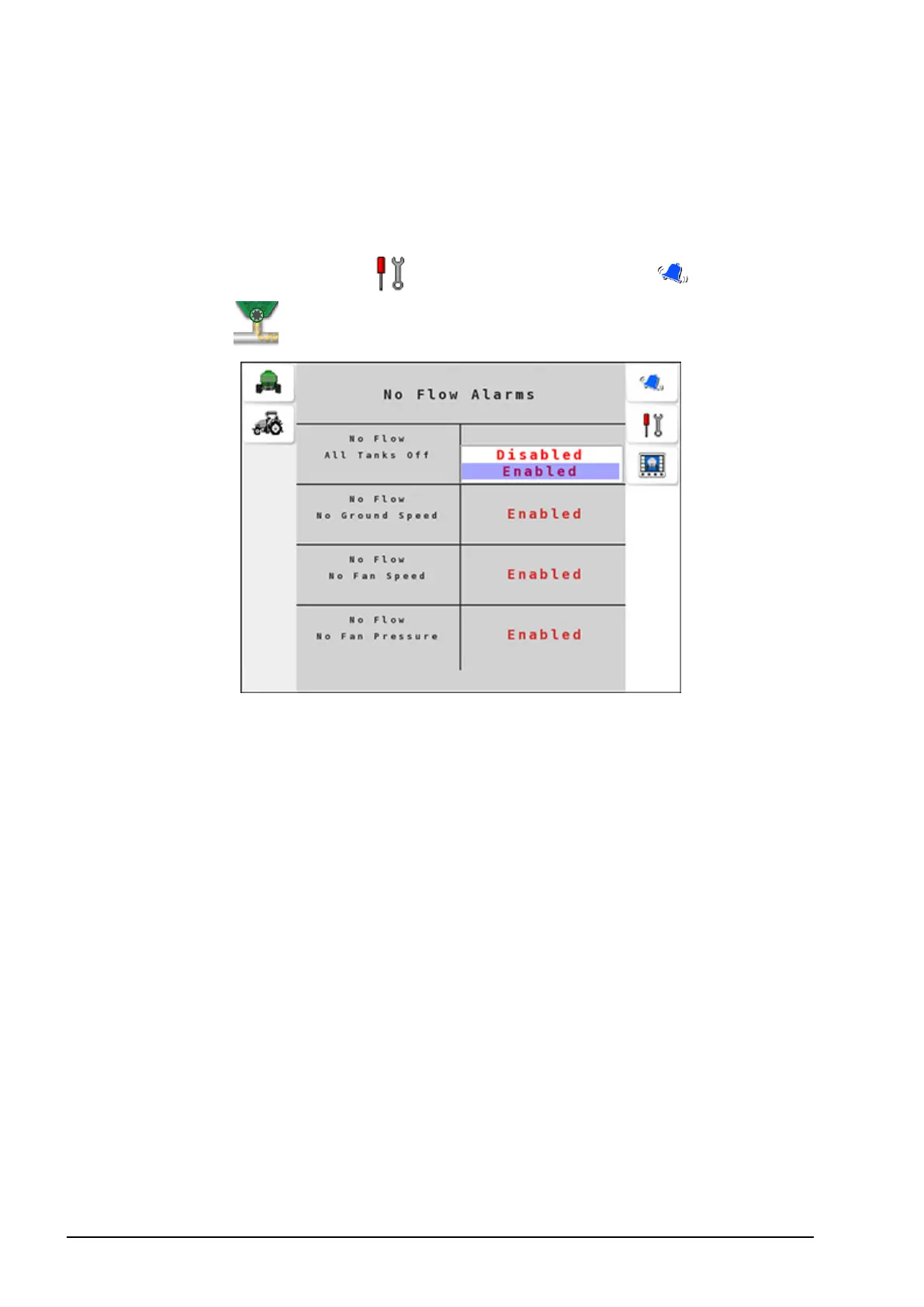
No flow alarms alert the operator if any critical function of the seeder
is hindered.
1.
Select Settings Menu / Alarm Settings Menu / No Flow
Alarms .
Configure the following alarms:
l No Flow: All Tanks Off: Triggered if there are no tanks
switched on.
l No Flow: No Ground Speed: Triggered when no ground speed
is detected.
l No Flow: No Fan Speed: Triggered when the fan speed drops
below 100 rpm. Check if the fan has been engaged and/or check
the fan speed sensor.
l No Flow: No Fan Pressure: This alarm indicates that there is
no fan pressure detected.



 To Next Page