Chapter 2 – Seeder Settings
17
2.3. Setting up external options
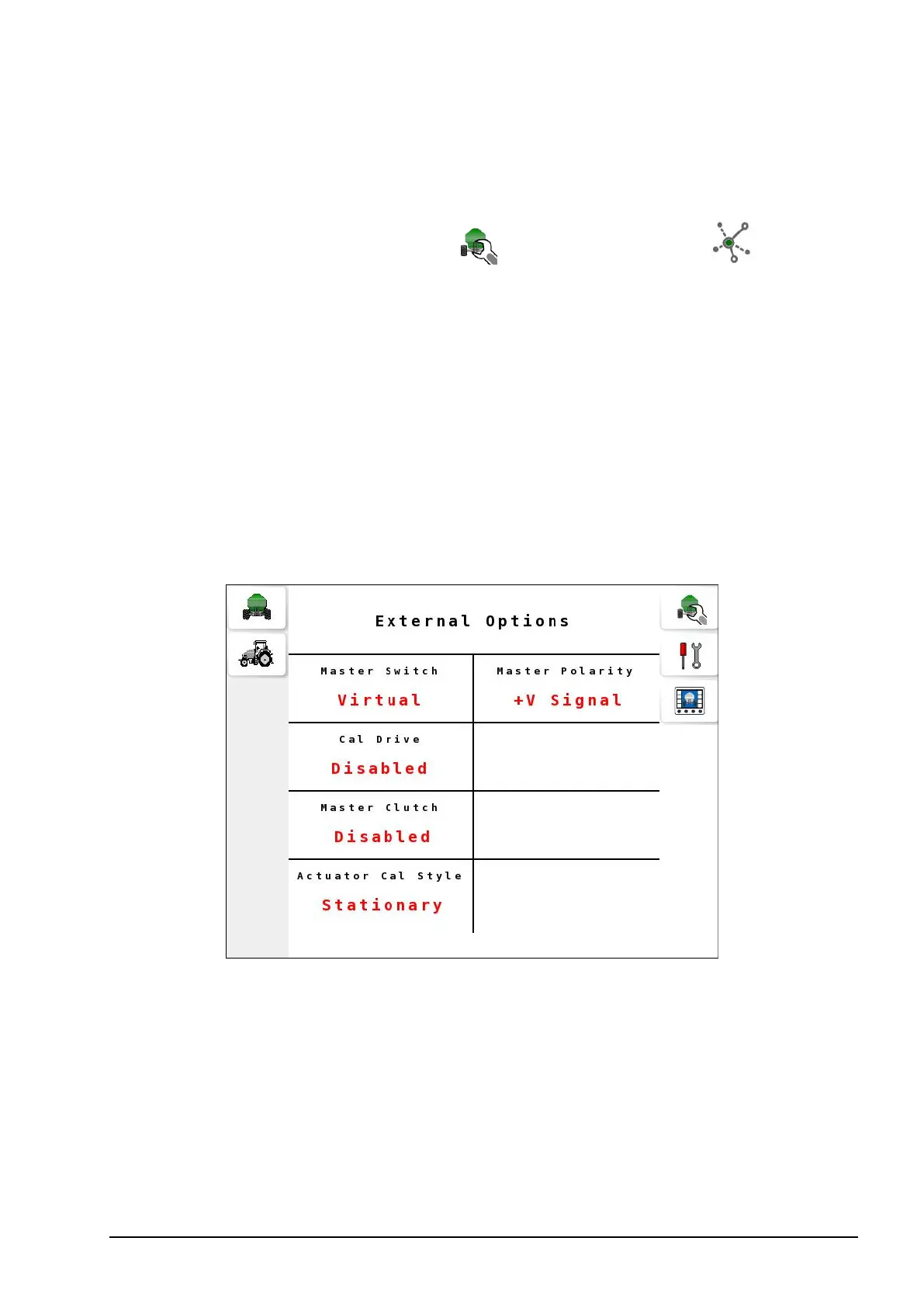
External Options enables additional settings on the seeder.
1.
Select Seeder Settings Menu / External Options .
2. Select Master Switch and select one of the following options:
l Virtual: Master switch to be controlled from the UT.
l Tillage: Select if a tillage/whisker switch is fitted.
l Apollo: Select if an external switch is connected to the Apollo
ECU.
l Keypad: Master switch may be controlled via the vehicle’s cabin
keypad.
l Keypad/Virtual: Master switch may be controlled via the
vehicle’s cabin keypad and the UT screen.
The Virtual and Keypad/Virtual options enable the virtual master
switch on the operation screen.
3. Set the following options:
l Cal Drive: On actuator systems fitted with a hydraulic motor used
to drive the system during calibration, an output can be assigned
to activate this hydraulic motor.



 To Next Page