Chapter 9 – Advanced Settings
77
4.
If the USB flash drive contains a valid *.tar.gz file, select to
start the upgrade.
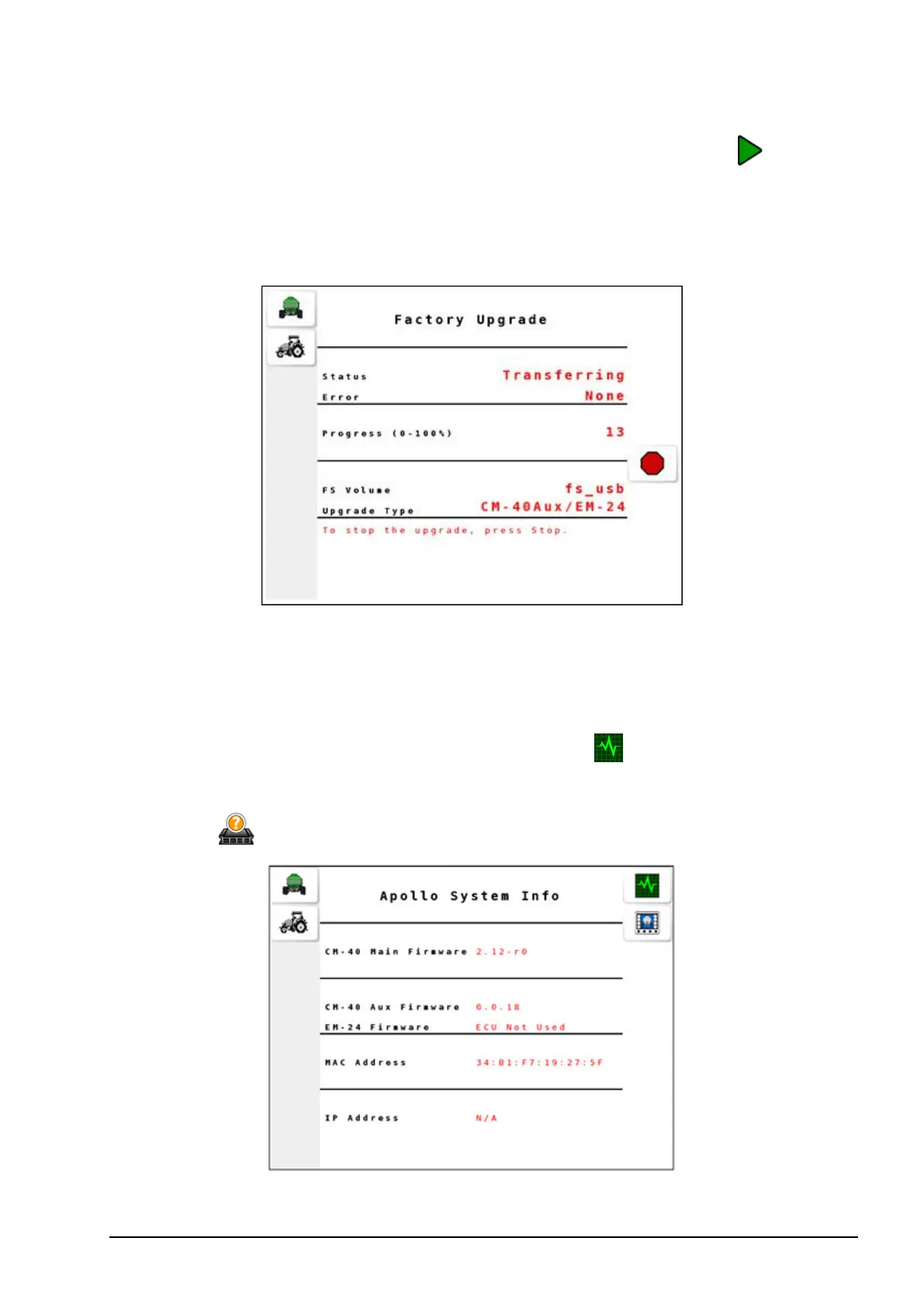
The Progress indicator starts counting to 100 and the Status appears
as Transferring.
Once the transfer is done, the status appears as Complete and
progress reaches 100. The ECU will restart.
9.2.3. Verifying upgrade
1.
To verify the upgraded ECU version, select from the operation
screen to open the Diagnostics screen.
2.
Select from the Diagnostics screen.



 To Next Page