Chapter 8 – Alarm Settings
67
8.4. Setting up shaft alarms
A shaft alarm triggers if there is no signal as expected from the
metering shaft sensor. Another common cause for a shaft alarm is if the
sensor has moved. The sensors should be mounted so that the magnet
passes the sensor with a clearance of approximately 2 to 3 mm.
1.
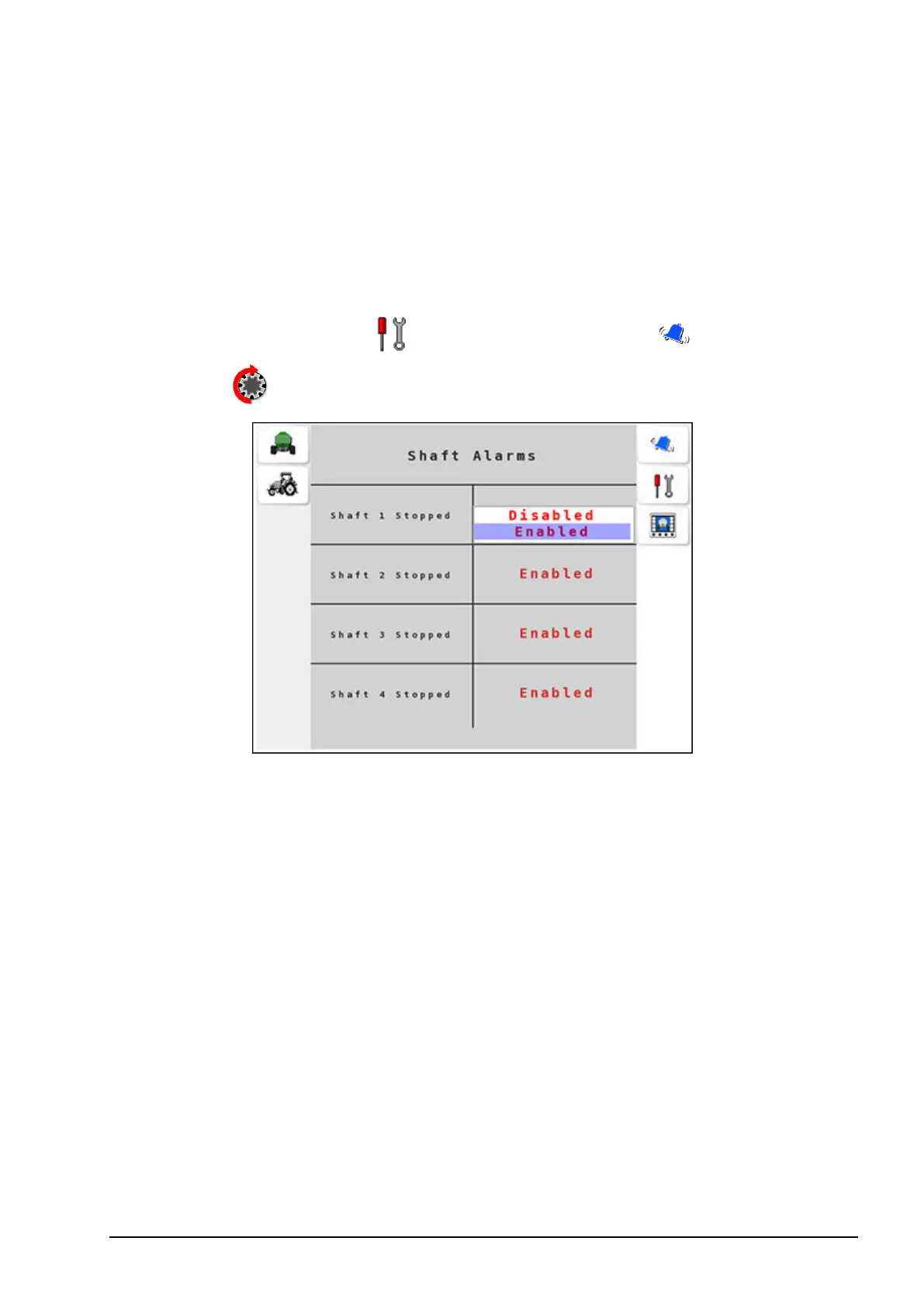
Select Settings Menu / Alarm Settings Menu / Shaft
Alarms .
2. Select Shaft # Stopped to enable the alarm. # denotes the tank
number. The default setting is Enabled for shaft alarms.
Note: If a drive chain or gear breaks, then a Shaft # Stopped alarm
is triggered. The alarm persists until the problem is rectified.



 To Next Page