9.2. Upgrading ECU firmware
76
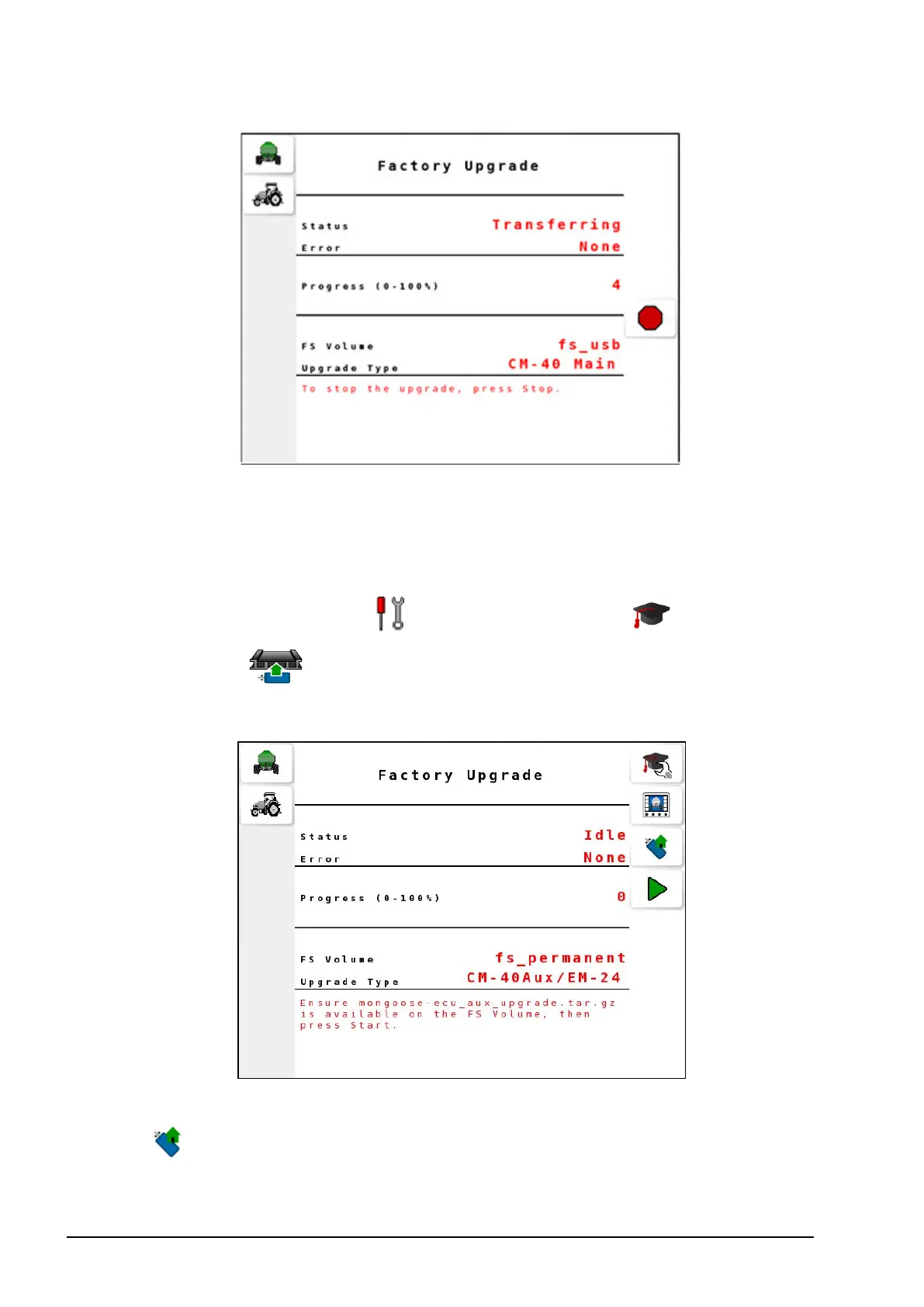
Once the transfer is done, the status appears as Complete and
progress reaches 100. The ECU will restart.
9.2.2. CM-40 Aux ECU / EM-24 ECU
1.
Select Settings Menu / Advanced Settings / Factory
Upgrade .
2. Select Upgrade Type and select CM-40 Aux / EM-24.
3. Insert the USB flash drive into the terminal’s USB port and select
to read the drive.



 To Next Page