3
Chapter 2 – Seeder Settings
The seeder requires settings for tanks, seeder width, speed, product
calibration factors and alarms to operate.
2.1. Setting up the seeder
Follow these steps to launch the seeder and open the settings screen:
1.
Select from the main Universal Terminal screen to open
the seeder.
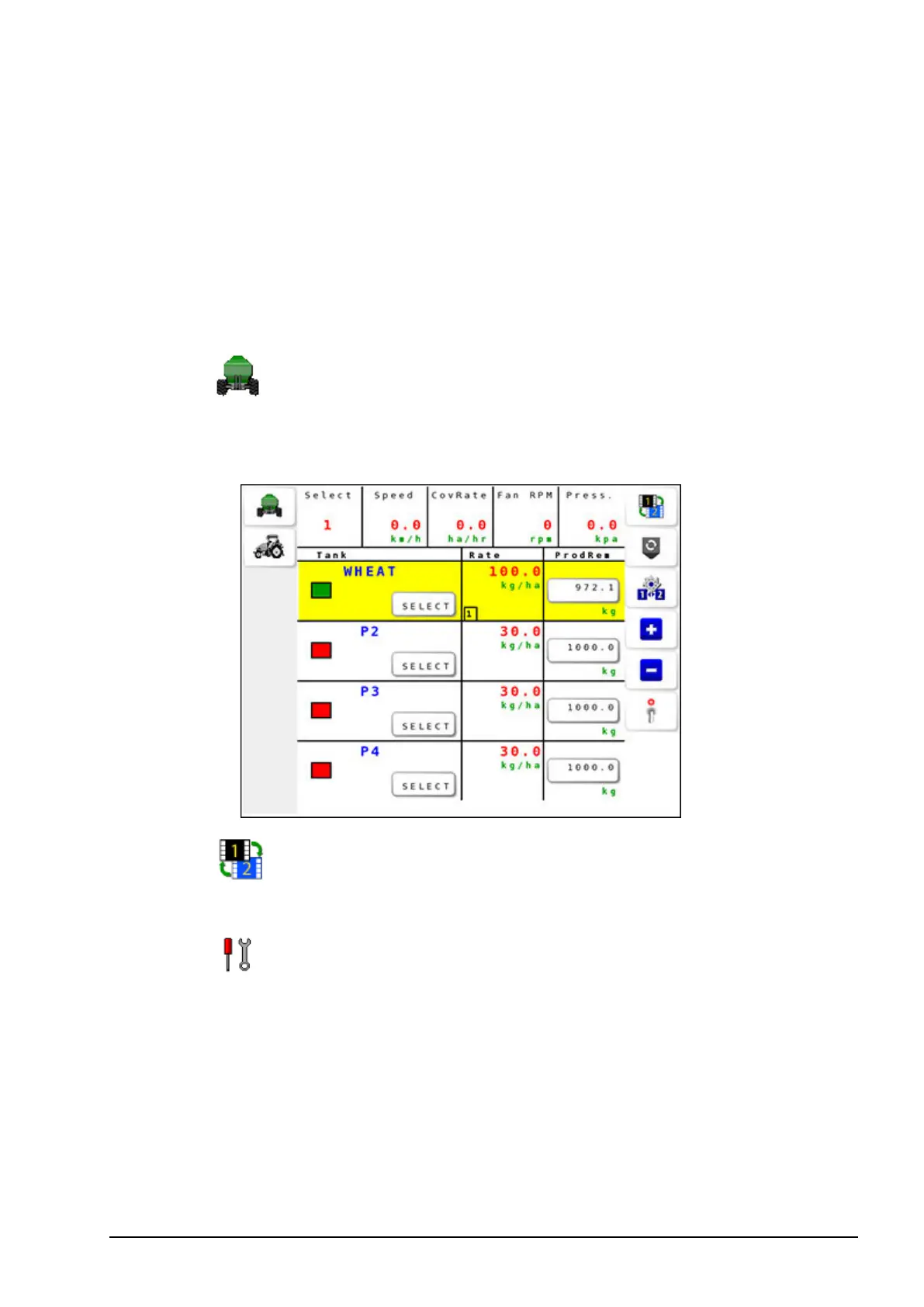
The operation screen 1 displays.
2.
Select to toggle between operation screen 1 and operation
screen 2.
3.
Select from operation screen 2 to open the Settings Menu.



 To Next Page