Chapter 2 – Seeder Settings
33
2.12. Managing implement profiles
2.12.1. Creating an implement profile
1.
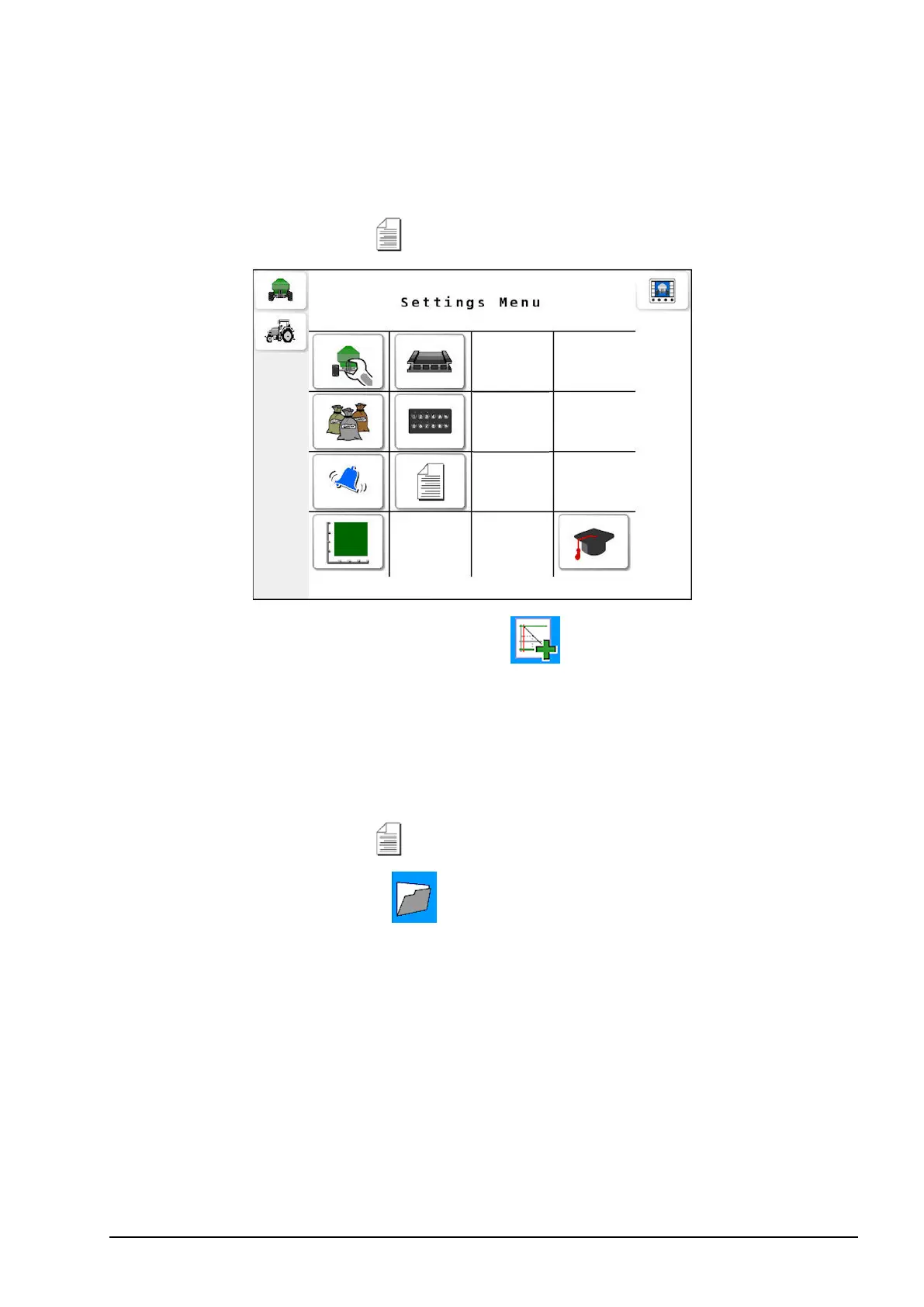
Select Profiles Setup from the Settings menu.
2.
Select the create new profile button , then confirm with the tick
button.
2.12.2. Selecting a profile
Once profiles have been created on the ECU, they can be selected from
a list.
1.
Select Profiles Setup from the Settings menu.
2.
Select the folder button , then press the currently selected
profile name to display a list of saved profiles.



 To Next Page