37
Chapter 3 – ECU Setup
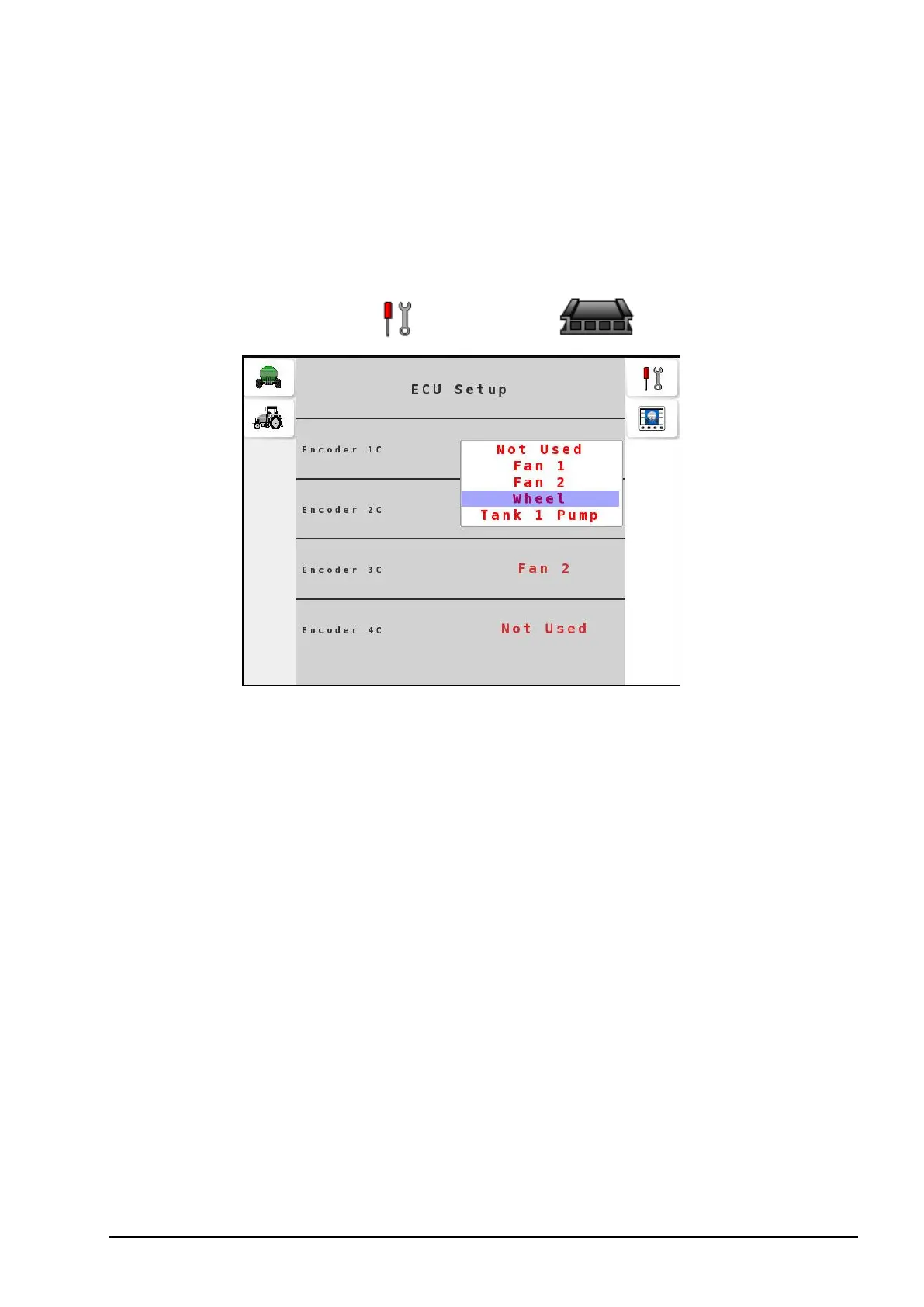
The Apollo ECU has four encoders that are assignable for monitoring
seeder inputs. Use the ECU Setup menu to assign these encoders to
seeder components according to the harness connections.
1.
Select Settings Menu / ECU Setup .
2. For each encoder, depending on the harness connection, select
from the following options: Not Used, Fan 1, Fan 2, Wheel and
Tank # Pump.
Note: Tank # Pump is only available on liquid/NH3 tanks, and
only if Speed Monitoring is enabled on the Pump Sense screen.
Refer to Liquid/NH3 tank settings, page 12.



 To Next Page