2.12. Managing implement profiles
34
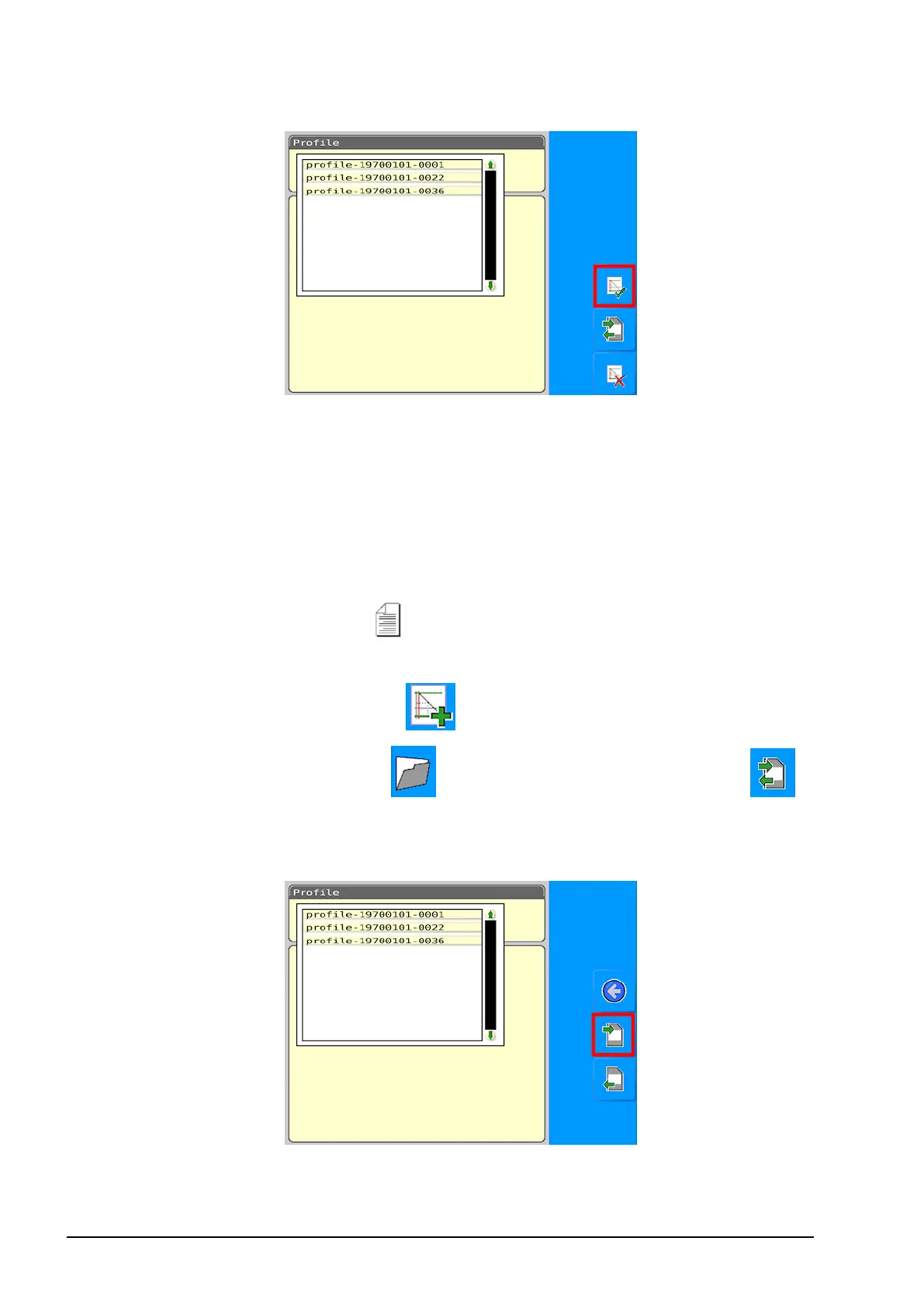
3. Select the required profile from the list and press the tick button
to confirm.
2.12.3. Copying a profile to / from USB
Save a profile to USB
1. Ensure a USB is plugged into the console.
2.
Select Profiles Setup from the Settings menu.
3. If this is the first time you have saved a profile to USB, select the
create new profile button to name the profile.
4.
Select the folder button , then select the transfer button .
5. Select the currently selected profile name to display a list of
profiles.



 To Next Page