55
Chapter 6 – Area Test
Area test is used to verify whether the tank and wheel calibrations are
accurate. It simulates the seeder function according to the tank
calibration factor and wheel calibration settings over a user definable
distance. This ensures that the amount of product metered out is
correct and as expected.
For example; applying product at 80 kg/Ha and selecting to cover
0.25 Ha, operating at the entered manual speed is simulated over that
distance. Once complete, you can verify that the machine has metered
out 20 kg.
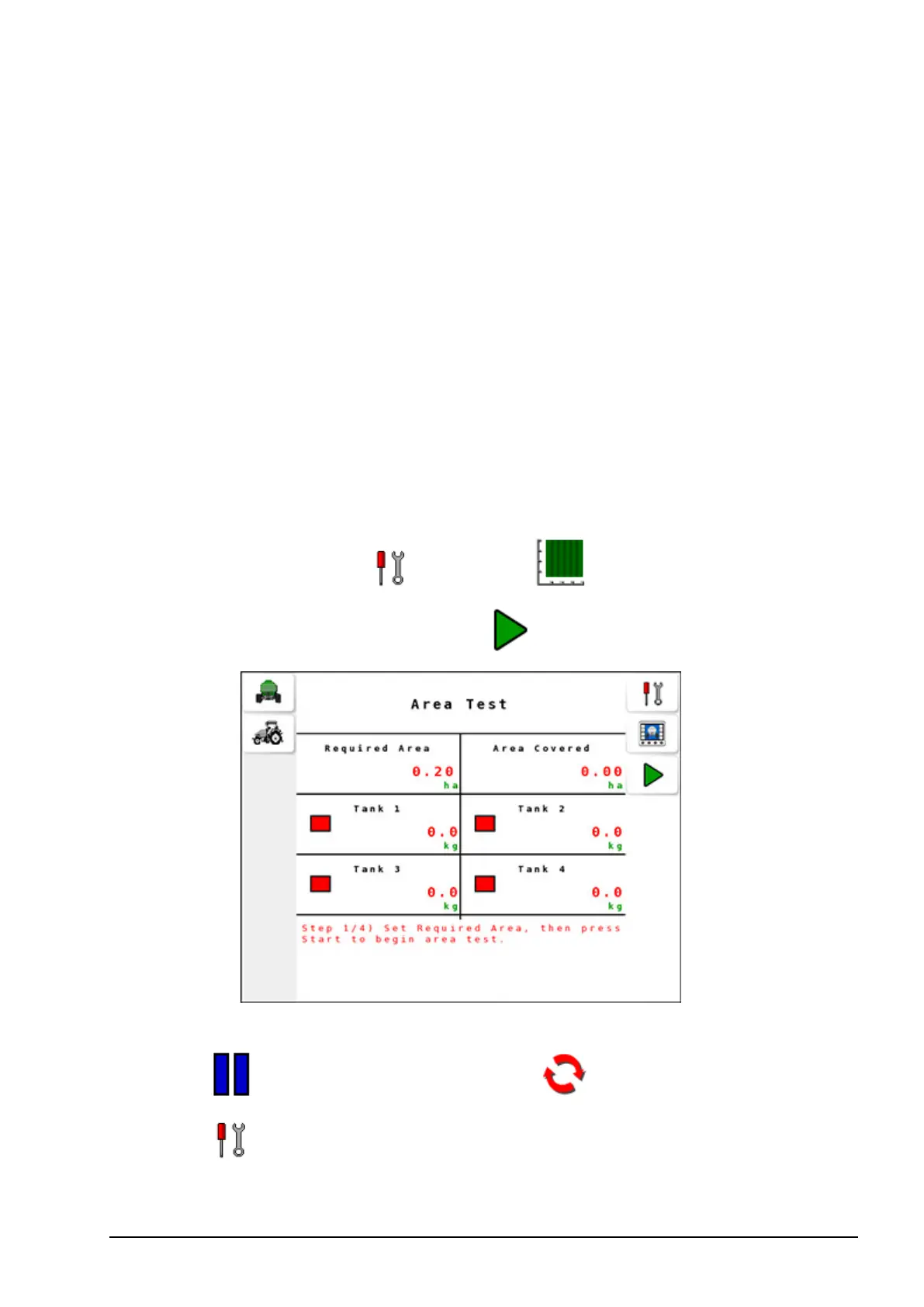
6.1. Performing the area test
1.
Select Settings Menu / Area Test .
2.
Enter the required area and press .
3. Area test progresses until the required area is covered. To pause,
press . To reset the area test, press .
4.
Select to return to the Settings Menu.



 To Next Page