73
Chapter 9 – Advanced Settings
Advanced settings provide the ability to enable the Task Controller
(TC), reset the Apollo ECU to factory settings, switch ISOBUS UT
displays and upgrade the firmware for the ECU.
9.1. Configuring advanced settings
1.
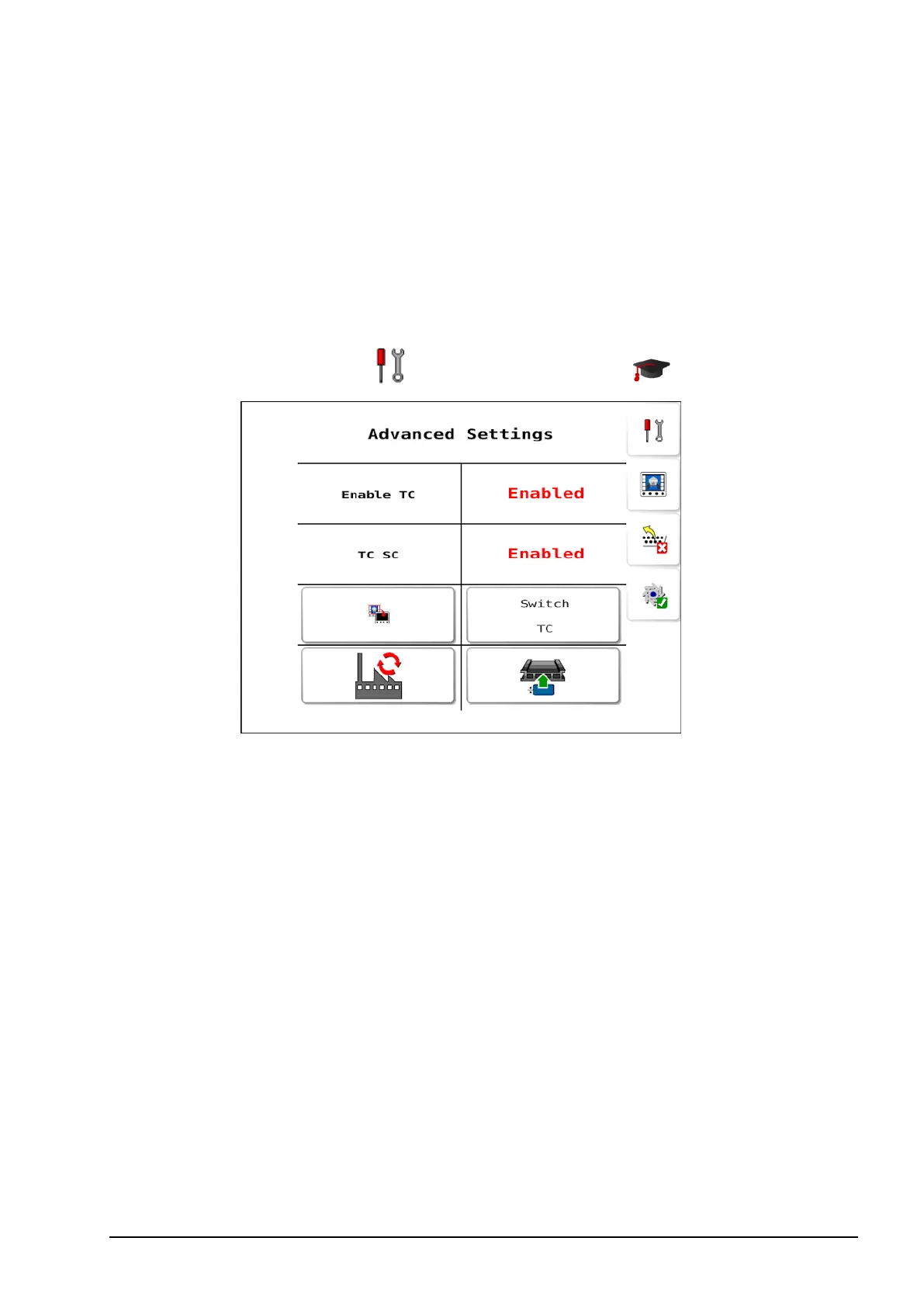
Select Settings Menu / Advanced Settings .
l Enable TC: This enables or disables the task controller for the
ECU.
Note: Enabling the task controller provides additional
functionality between the Apollo ECU and the console. The TC
can be used to perform functions such as controlling the rates on
each tank on the ECU using a VR map loaded on the console,
logging the applied rates from the ECU on the console and
mapping coverage when the seeder has been applying product.
For this to work, the console must have a compatible TC enabled.
Please refer to your console documentation for information on
how to set your console up to support these features.
l TC SC: If Enable TC is Enabled, the tanks are turned on and off
via section control (the TC sees the seeder ECUas a single



 To Next Page