5.2. Automatic calculation of calibration factor
50
8.
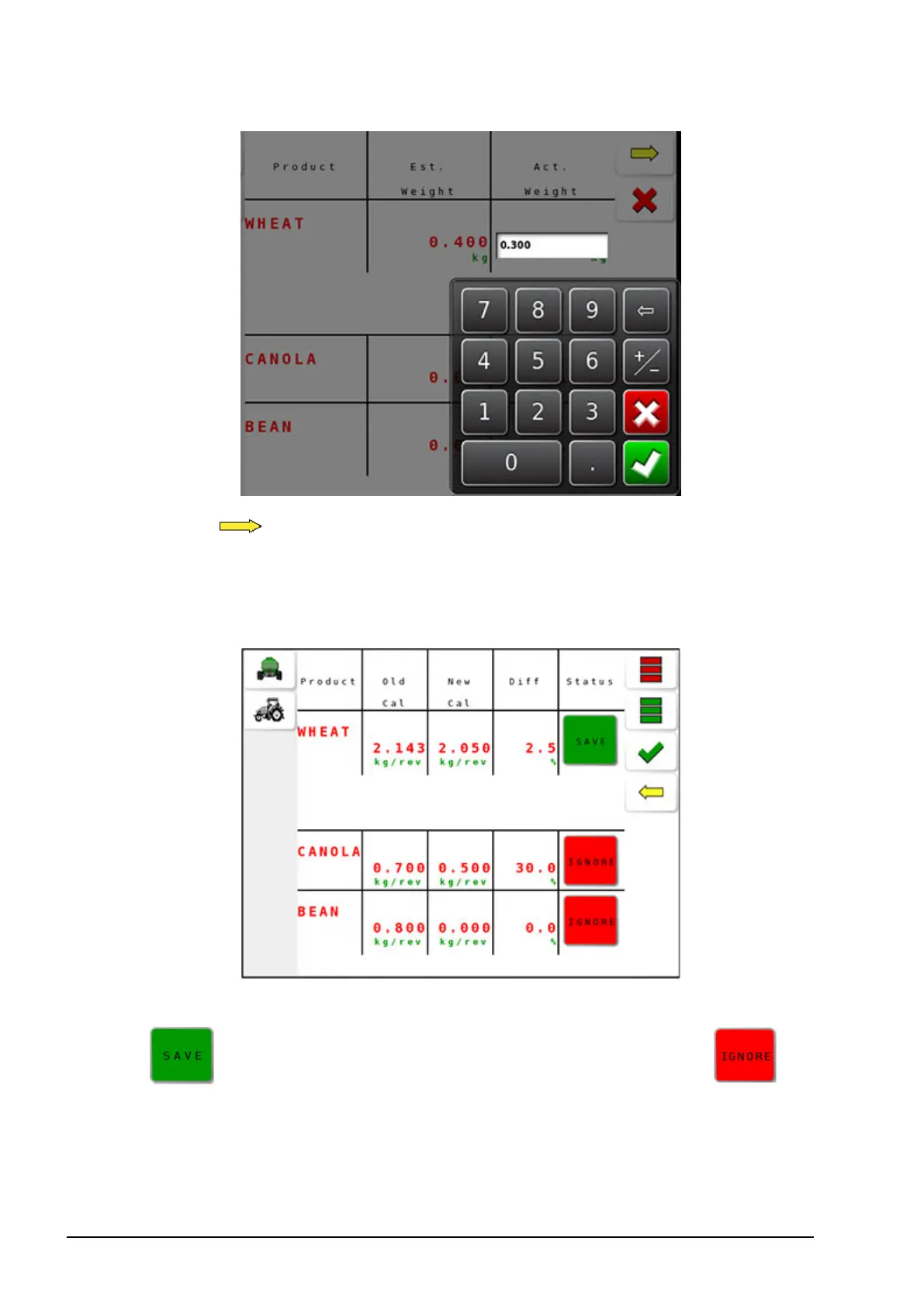
Select to view the calculated calibration factors. The screen
displays old calibration factors (Old Cal), new calibration factors
(New Cal), percentage difference between the two (Diff) and the
status to save or ignore the new calibration factors.
9. Set the Status for products to have the calibration factor saved to
. Pressing that button again switches the status to if
the calibration factor is not to be saved.



 To Next Page