Chapter 5 – Calibrating the Tanks
49
Note: Four products can be calibrated at a time, as the Apollo
ISOBUS UT seeder supports four tanks for operation.
4. Place the calibration buckets under the metering rollers of the tanks
to be calibrated.
5.
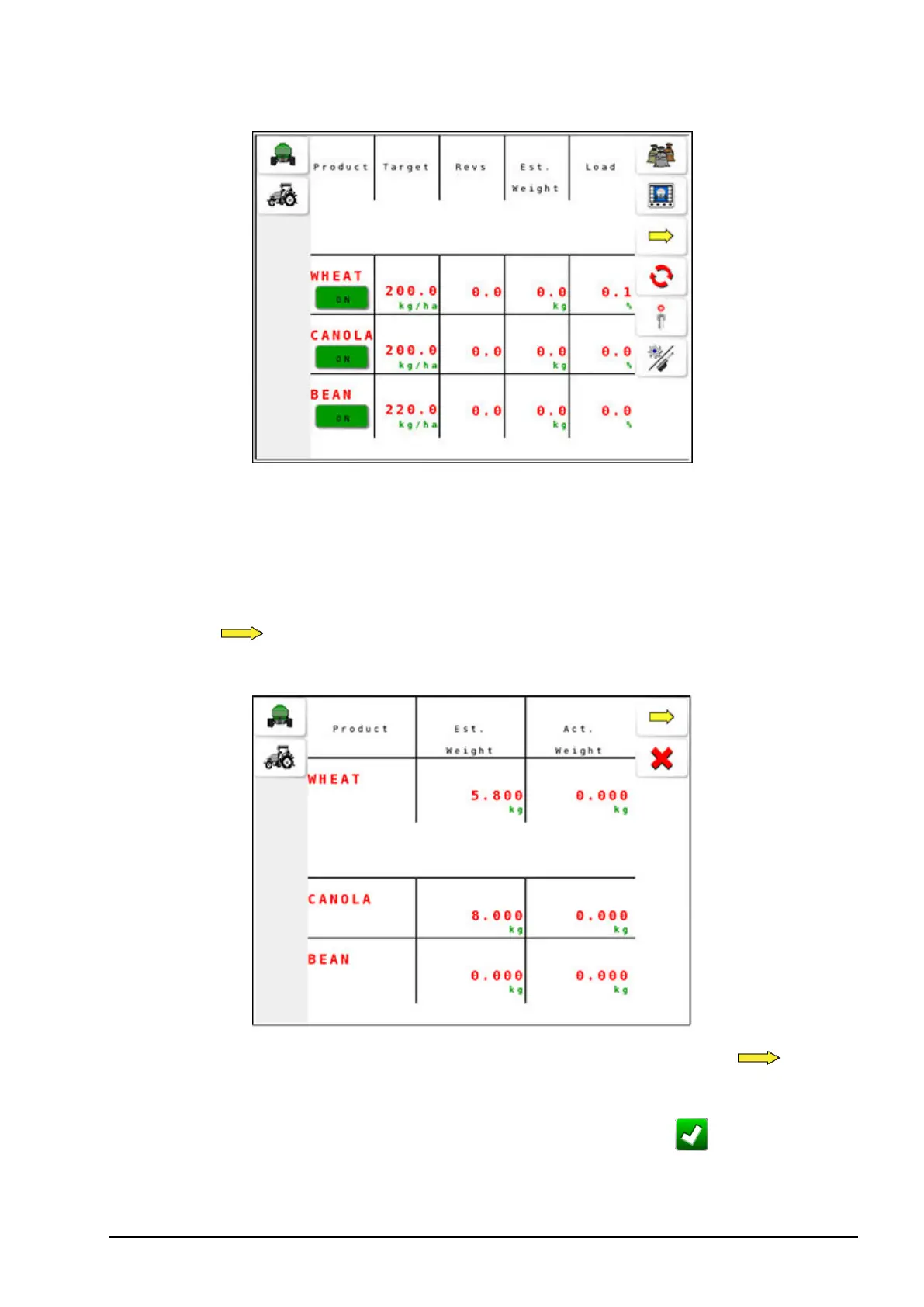
Select to start the calibration. The estimated weight (Est.
Weight) starts to increase.
6.
When sufficient product is collected in the buckets, select .
7. Measure the weight collected in each bucket and enter the values by
selecting actual weight (Act. Weight), then confirm .



 To Next Page