EasyManua.ls Logo

Topcon Apollo ISOBUS UT - Automatic Wheel Calibration Steps; Starting Automatic Calibration; Entering Travelled Distance

Topcon Apollo ISOBUS UT
116 pages
Print Icon
To Next Page IconTo Next Page
To Previous Page IconTo Previous Page
Loading...
2.5. Setting up wheel factor
22
3.
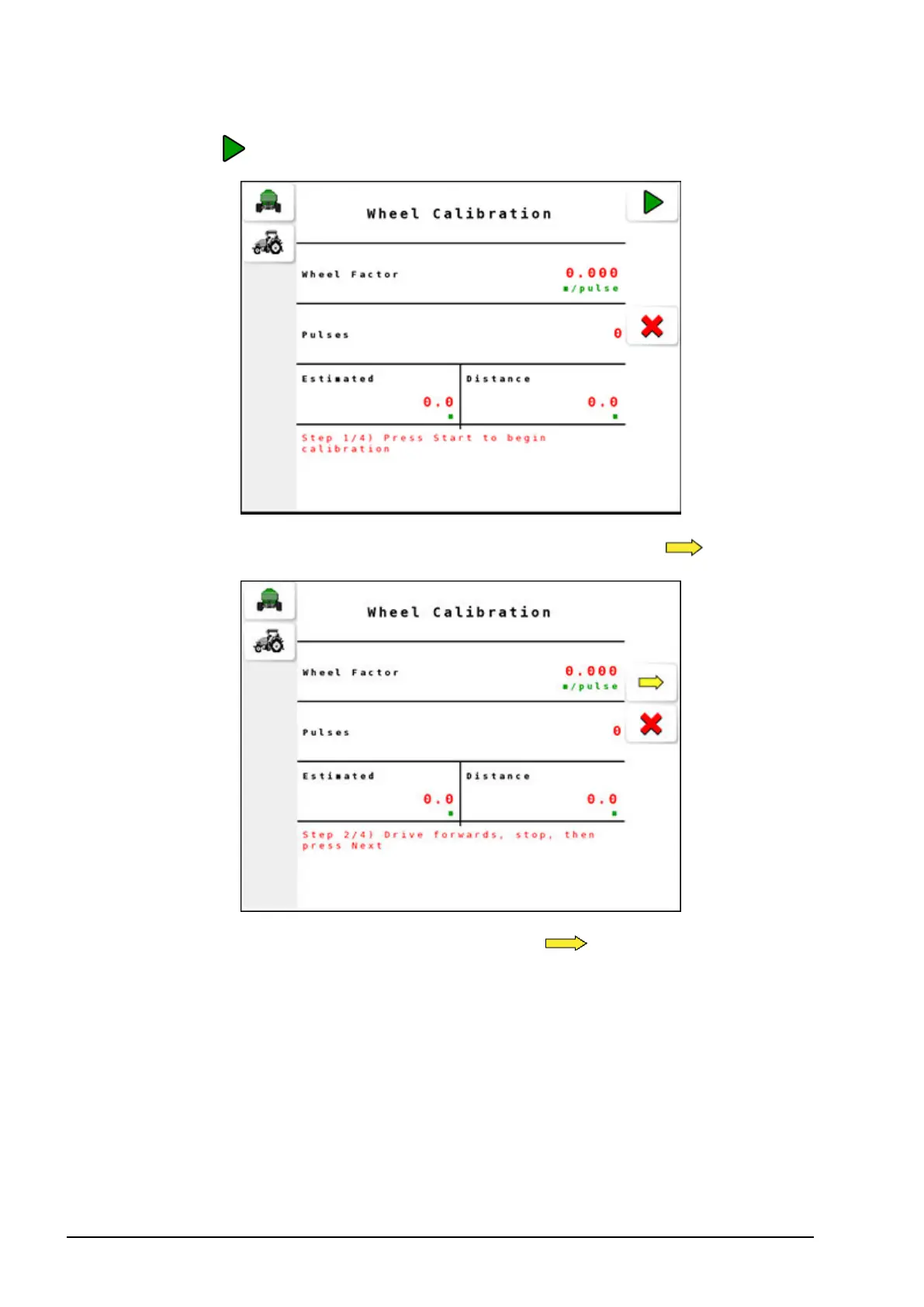
Select to start the calibration.
4.
Drive the tractor for some distance, stop and select .
5.
Enter the Distance travelled and select .
According to the number of pulses emitted over the distance, the
estimated wheel factor appears on screen.


Table of Contents

Related product manuals