Operation
HiPer Pro Operator’s Manual
4-16
Loading OAFs
Topcon Positioning System dealers provide customers with OAF
files. For any OAF related questions, E-mail TPS at
options@topconps.com. Please have your receiver ID number
available (see “Checking Firmware Version” on page 4-21).
1. To load a new OAF, follow steps one and two in “Checking
Receiver Options” on page 4-14.
2. Click Load at the bottom of the Option Manager screen (see
Figure 4-10 on page 4-15).
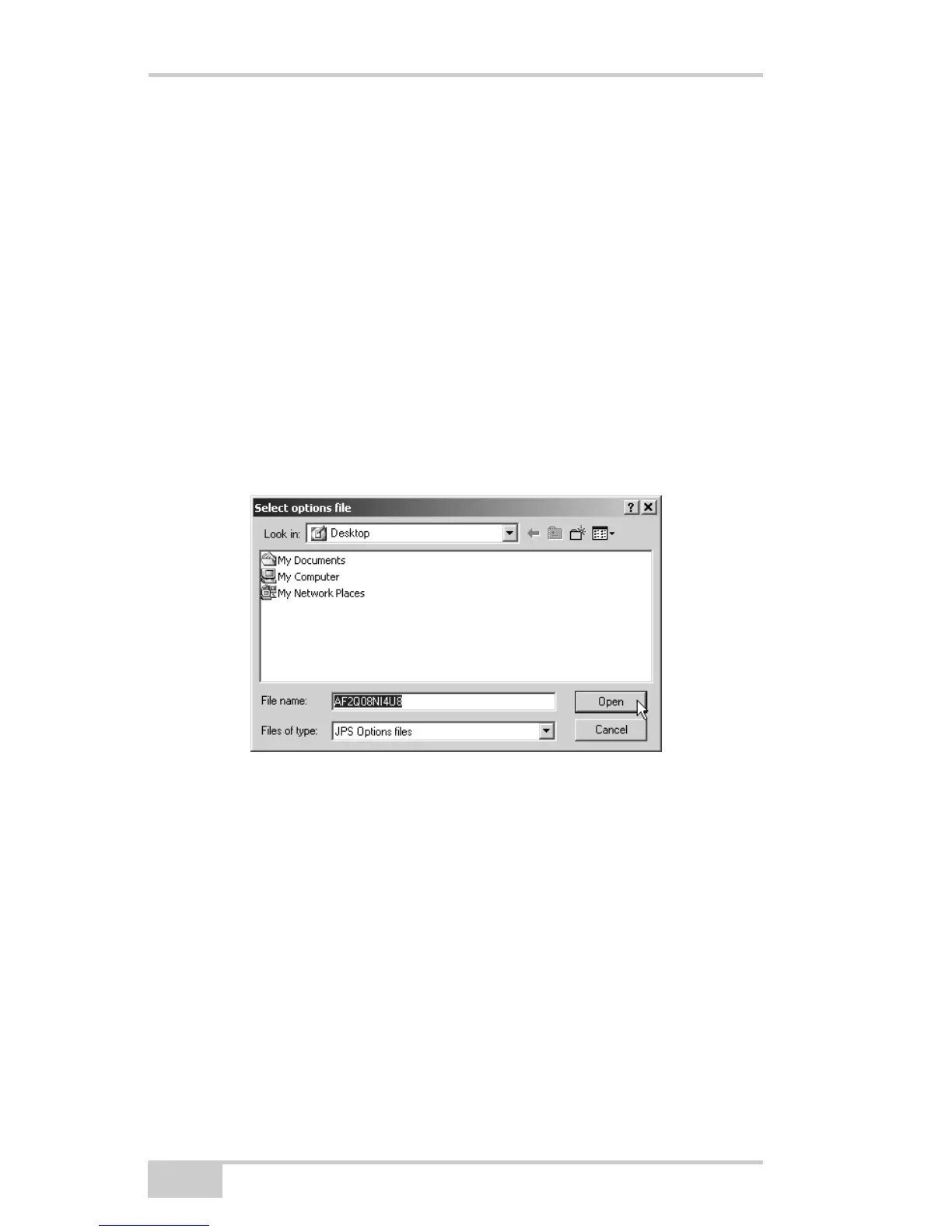
3. Navigate to the location of the new Option Authorization File.
OAFs have .jpo or .tpo extensions and are unique to each receiver
(Figure 4-11).
Figure 4-11. Load OAF
4. Select the appropriate file and click Open (Figure 4-11). The new
receiver option loads onto the receiver and the Option Manager
table updates.
5. When finished, click Exit on the Option Manager screen, then
click FileDisconnect to prevent conflicts with serial port
management.



 To Next Page