Checking Firmware Version
P/N 7010-0681
4-21
Checking Firmware Version
Use PC-CDU to check the firmware version of the receiver.
1. Connect the receiver and a computer. See “Connecting the
Receiver and a Computer” on page 2-10 for this procedure. Click
HelpAbout.
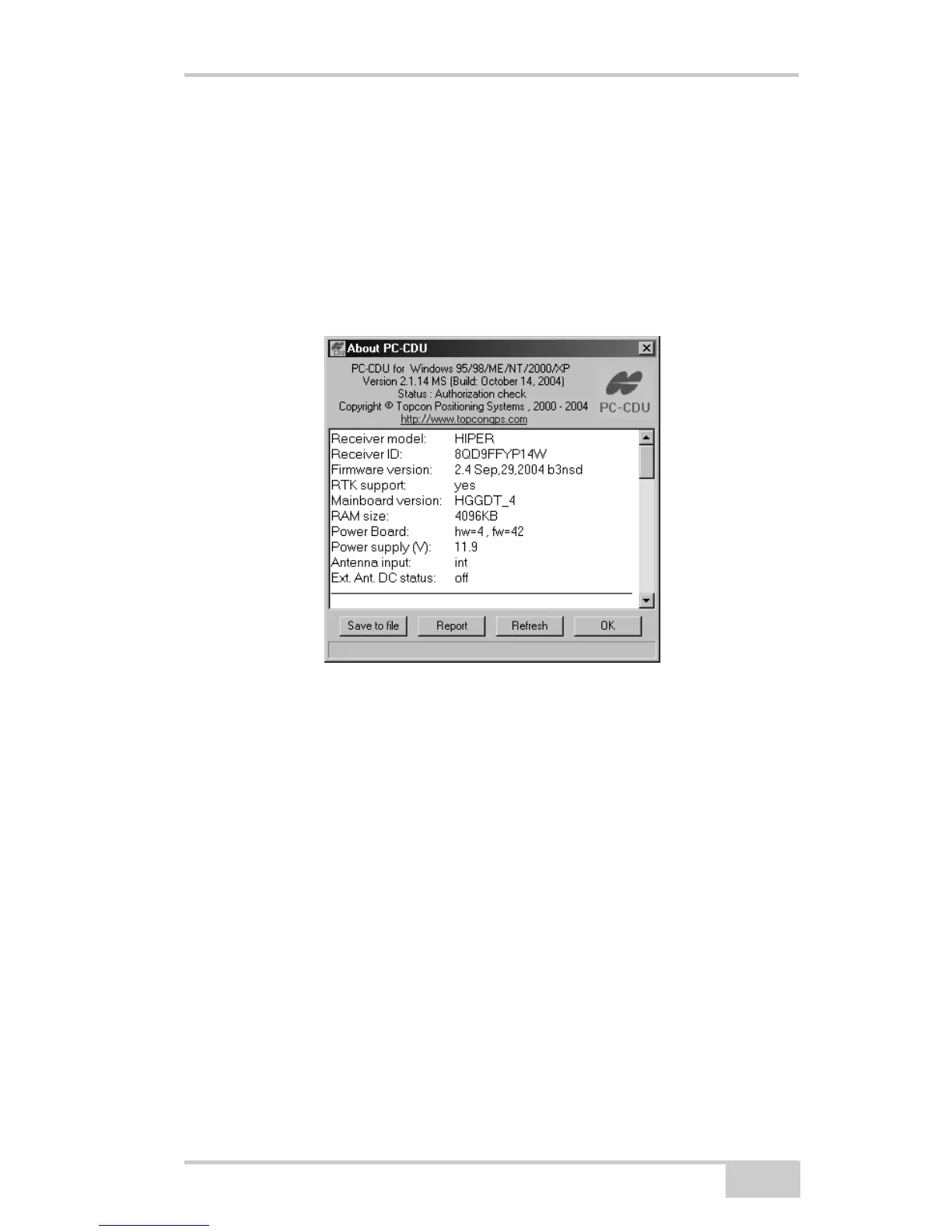
The About PC-CDU dialog box opens (Figure 4-13).
Figure 4-13. About PC-CDU
The About PC-CDU dialog box lists important information about
the different hardware accessories and software properties. This
list includes the following, which you will need if you contact
TPS or your dealer:
• Receiver model
• Receiver ID
• Firmware version
2. When finished, click OK, then click FileDisconnect to prevent
conflicts with serial port management.



 To Next Page