Configuration
HiPer Pro Operator’s Manual
2-2
Powering the Receiver
You can power the receiver using the internal batteries, using an
external battery, or a battery charger.
Internal Batteries
With a full charge, and depending on the mode of the radio modem,
the internal batteries should power the GPS receiver and the radio
modem according to the times listed in Table 2-1.
1. To charge the internal batteries:
• Plug the receiver-to-SAE power cable into the receiver’s
power input port.
• Connect the receiver-to-SAE power cable and the power
supply-to-outlet cable to the AC adapter.
• Plug the power supply-to-outlet cable into an available outlet.
2. Press the Reset key on the receiver. This will ensure that the
receiver is in Normal mode for charging. The receiver will not
charge in Zero Power Mode (for details, see “Zero Power Mode”
on page 4-20).
3. Leave overnight. An approximately six-hour charge cycle will
charge the batteries about 90%. An approximately eight-hour
charge cycle will fully charge the receiver. The internal batteries
can not be overcharged.
The speed of the charge depends on the Power and Charger settings
on the Receiver Configuration screen, and whether the receiver is
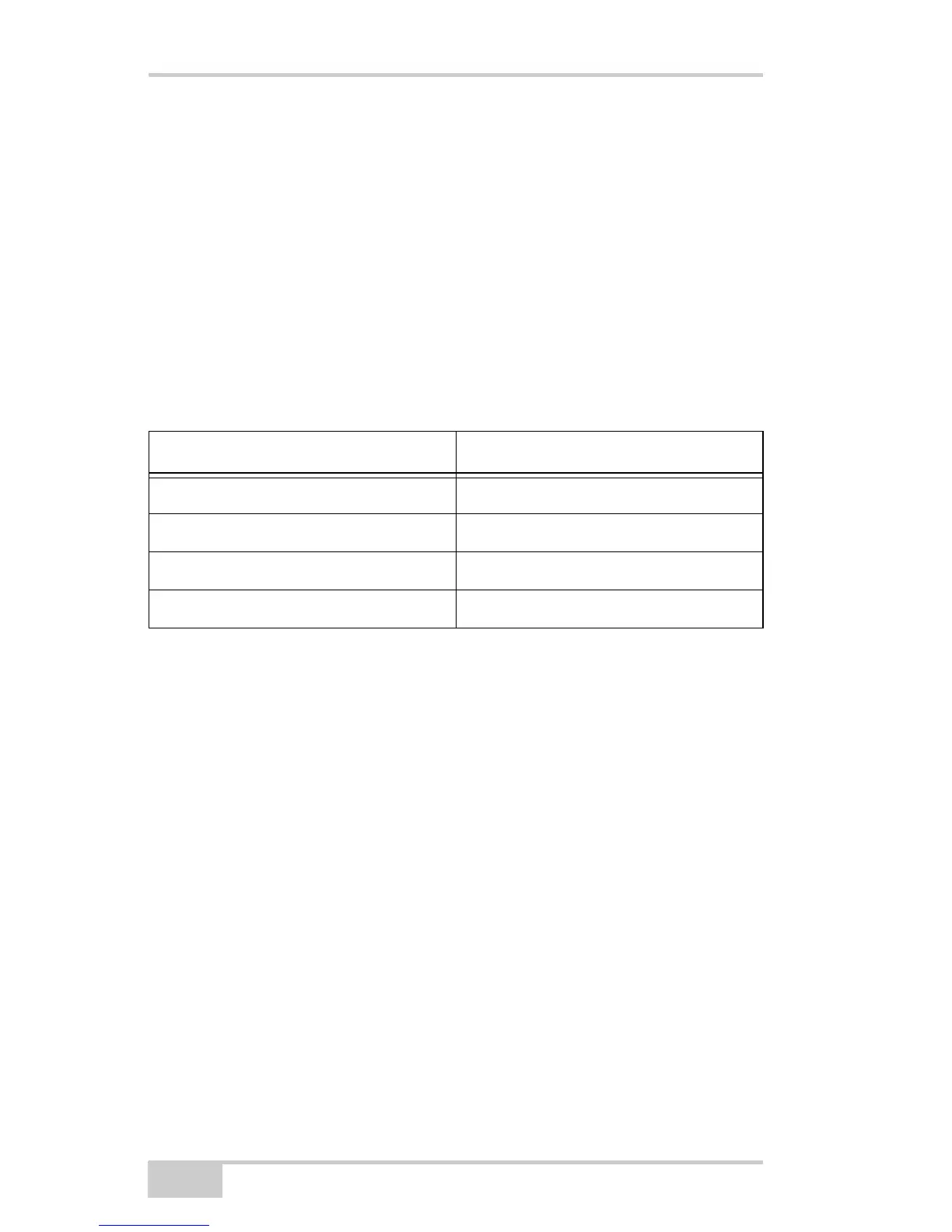
Table 2-1. Operating Times
Modem Mode HiPer Pro
TX mode ON (1W) 11 hours
RX mode ON 14 hours
Standby mode 13 hours
OFF 16 hours



 To Next Page