Setup and Survey
HiPer Pro Operator’s Manual
3-14
Set up an RTK Rover
Use the following steps to set up an RTK Rover station. You should
already have programmed the modem.
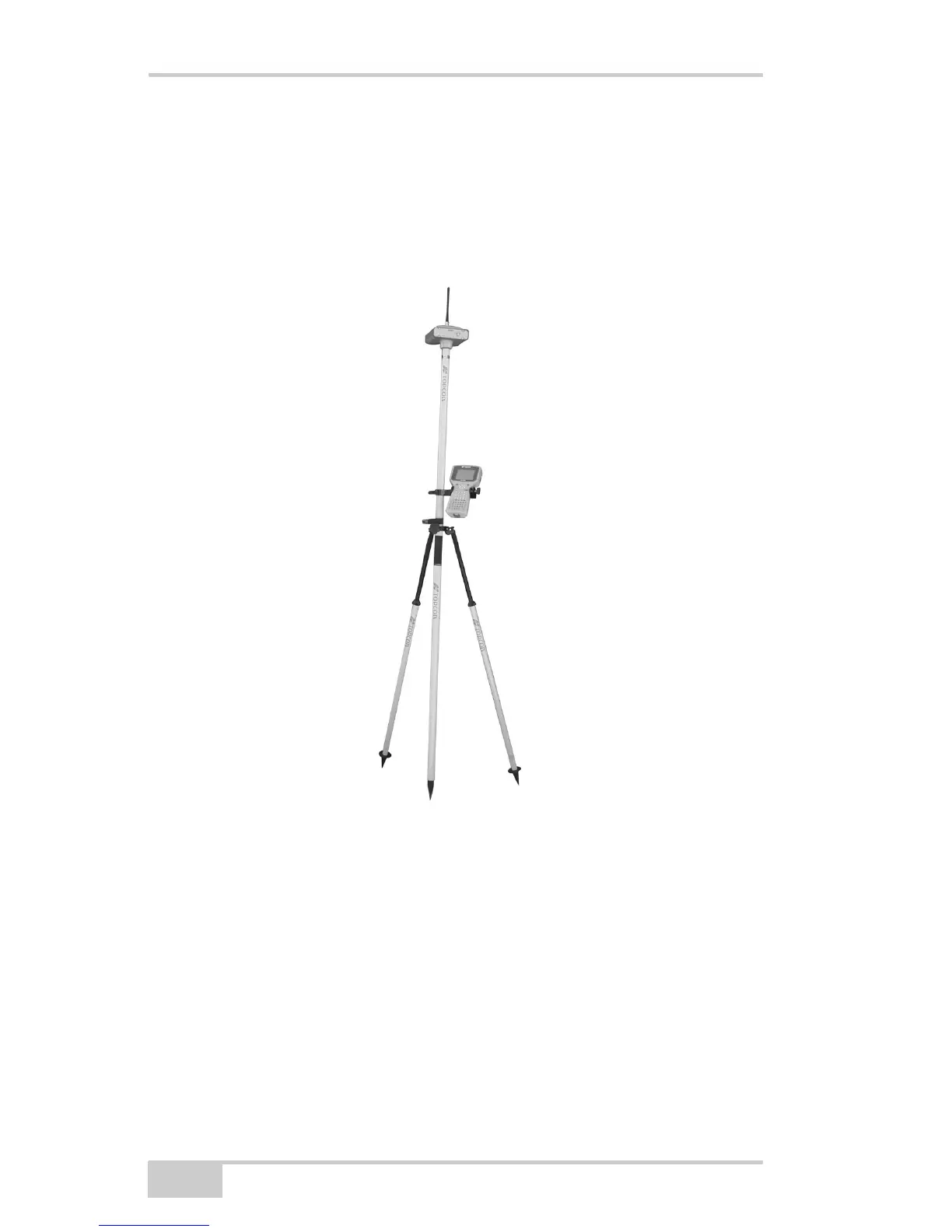
Figure 3-10 shows the hardware setup for a Rover station with an
external controller.
Figure 3-10. Rover Station Setup
1. Set up the Rover station receiver’s antenna as described in
“Receiver Setup” on page 3-1.
2. Connect the receiver and computer. See “Connecting the Receiver
and a Computer” on page 2-10.
3. Click ConfigurationReceiver.
4. Click the Positioning tab and set the Position Masks, Elevation
mask (degrees) parameter to 15 (Figure 3-7 on page 3-11).



 To Next Page