Loading New Firmware
P/N 7010-0681
4-27
Bluetooth Module Firmware
Bluetooth module firmware is released as a compressed file that you
download and decompress. This file contains the following two files:
• btloader.ldr – the Bluetooth module RAM file
• btmain.ldp – the Bluetooth module Flash file
NOTICE
NOTICE
You must load both files when loading new firmware. These
files must come from the same firmware package.
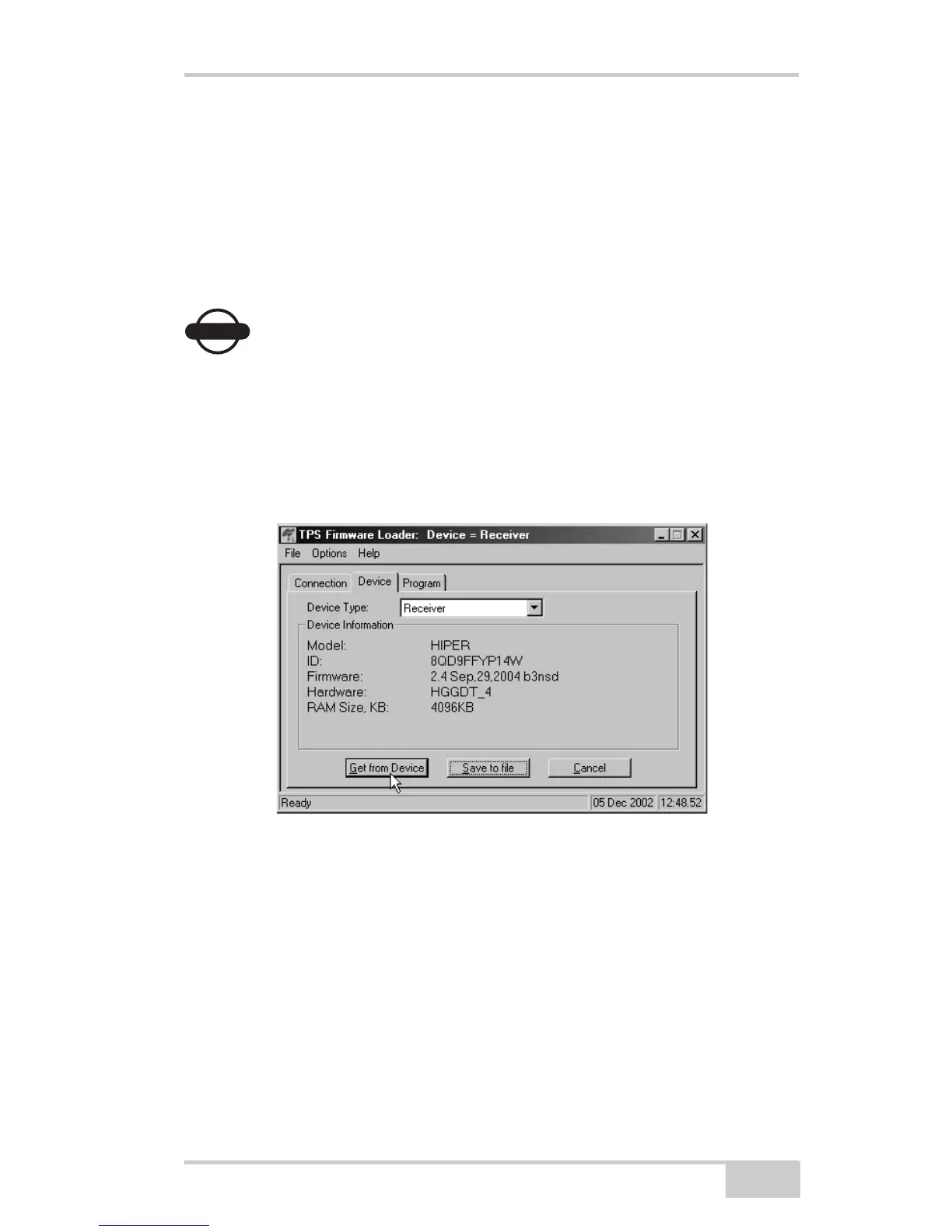
1. In FLoader, click the Device tab and set the Device Type as
Receiver. Then click Get from Device for device information
(Figure 4-19).
Figure 4-19. Get Device Type
2. Select the Program tab and set the Capture Method to Soft Break
Capture (recommended) (Figure 4-20 on page 4-28).



 To Next Page