Operation
HiPer Pro Operator’s Manual
4-28
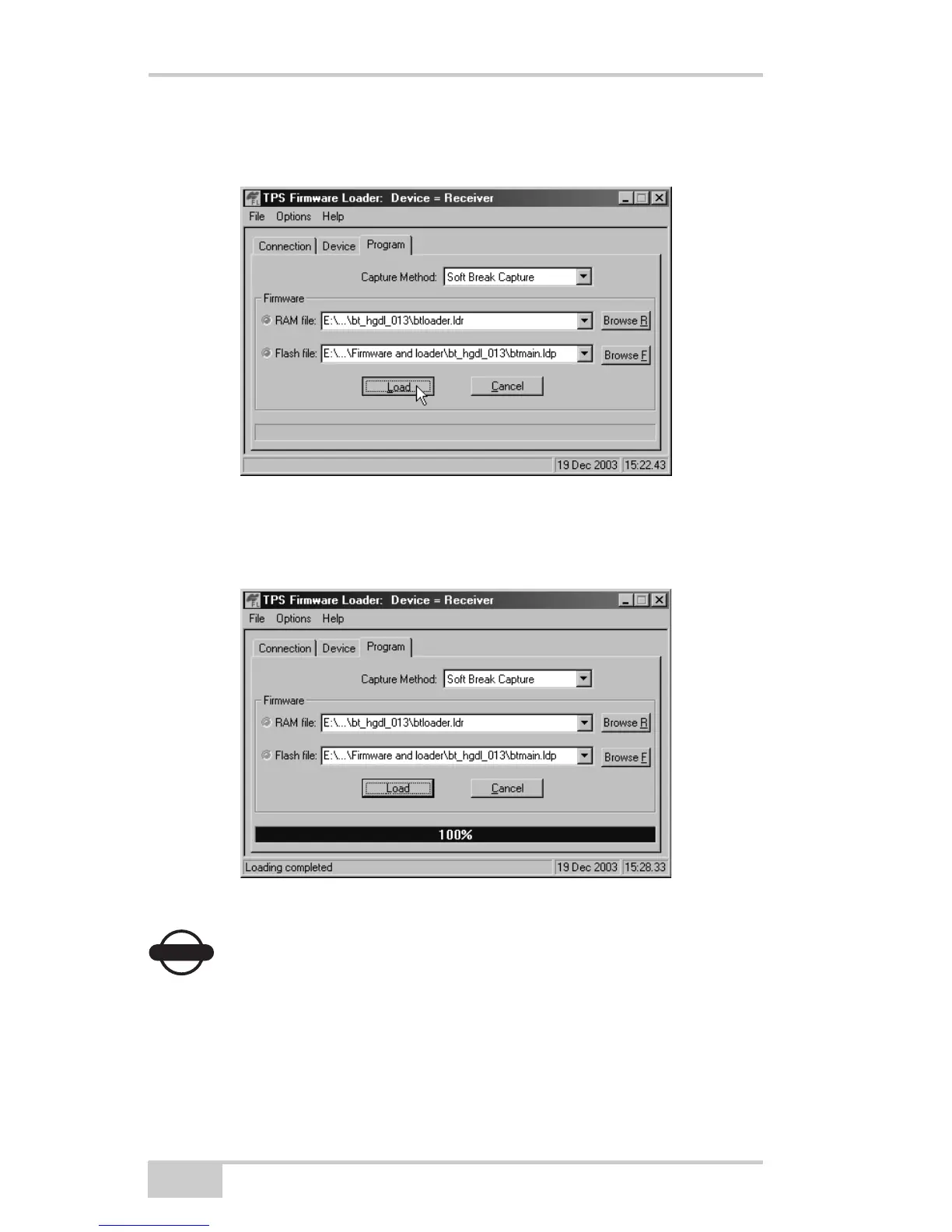
3. Browse for and select the Bluetooth module’s RAM file and Flash
file (Figure 4-20).
Figure 4-20. Program Tab Settings
4. Click Load and wait until 100% of the files load into your
receiver (Figure 4-21).
Figure 4-21. Bluetooth Firmware Load Complete
NOTICE
NOTICE
If you selected an incorrect RAM or Flash file, an error
message displays at the bottom of the dialog box.
Reselect the correct file.
5. Click FileExit.



 To Next Page