Configuration
HiPer Pro Operator’s Manual
2-14
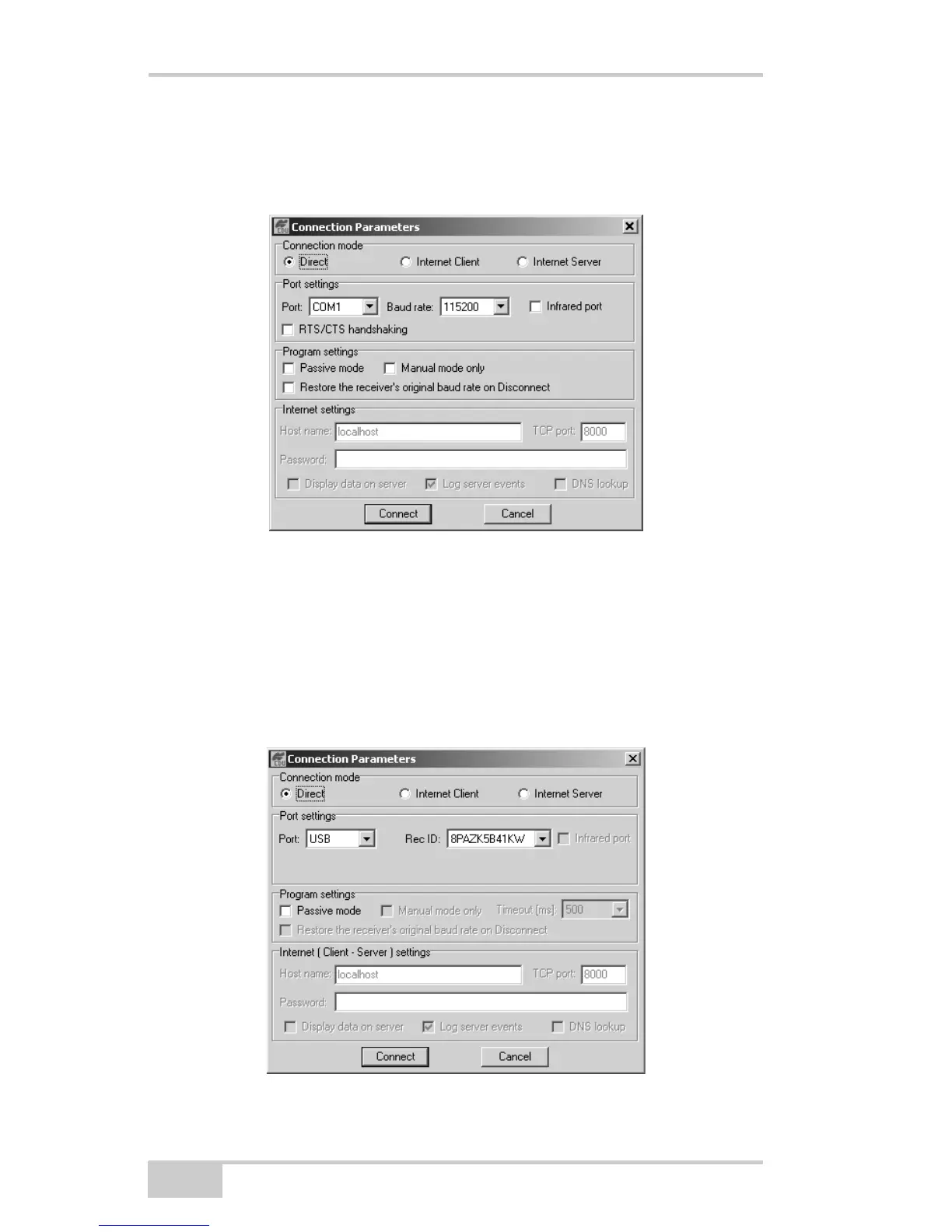
– Set the communication rate between the receiver and the
computer (usually 115200) from the Baud rate drop-
down list.
Figure 2-8. Bluetooth and RS232 Connection Parameters
• for USB connections (Figure 2-9):
– Set the Connection mode (Direct).
– Set the port for your computer (USB) from the Port drop-
down list.
– Select the receiver’s ID from the Rec ID drop-down list.
Figure 2-9. USB Connection Parameters



 To Next Page