Radio Configuration
P/N 7010-0681
2-27
To uninstall Modem-TPS, use the Start menu on your computer:
Click StartProgramsModem-TPSUninstall Modem-TPS,
and click Yes at the prompt. Then click OK when the uninstall
completes.
Both the Base Station and Rover will need to be configured with the
same Radio Link and FCS settings to work properly together.
1. To connect to Modem-TPS, use an RS232 cable or Bluetooth
wireless technology to connect the computer and HiPer Pro.
2. Turn on the receiver.
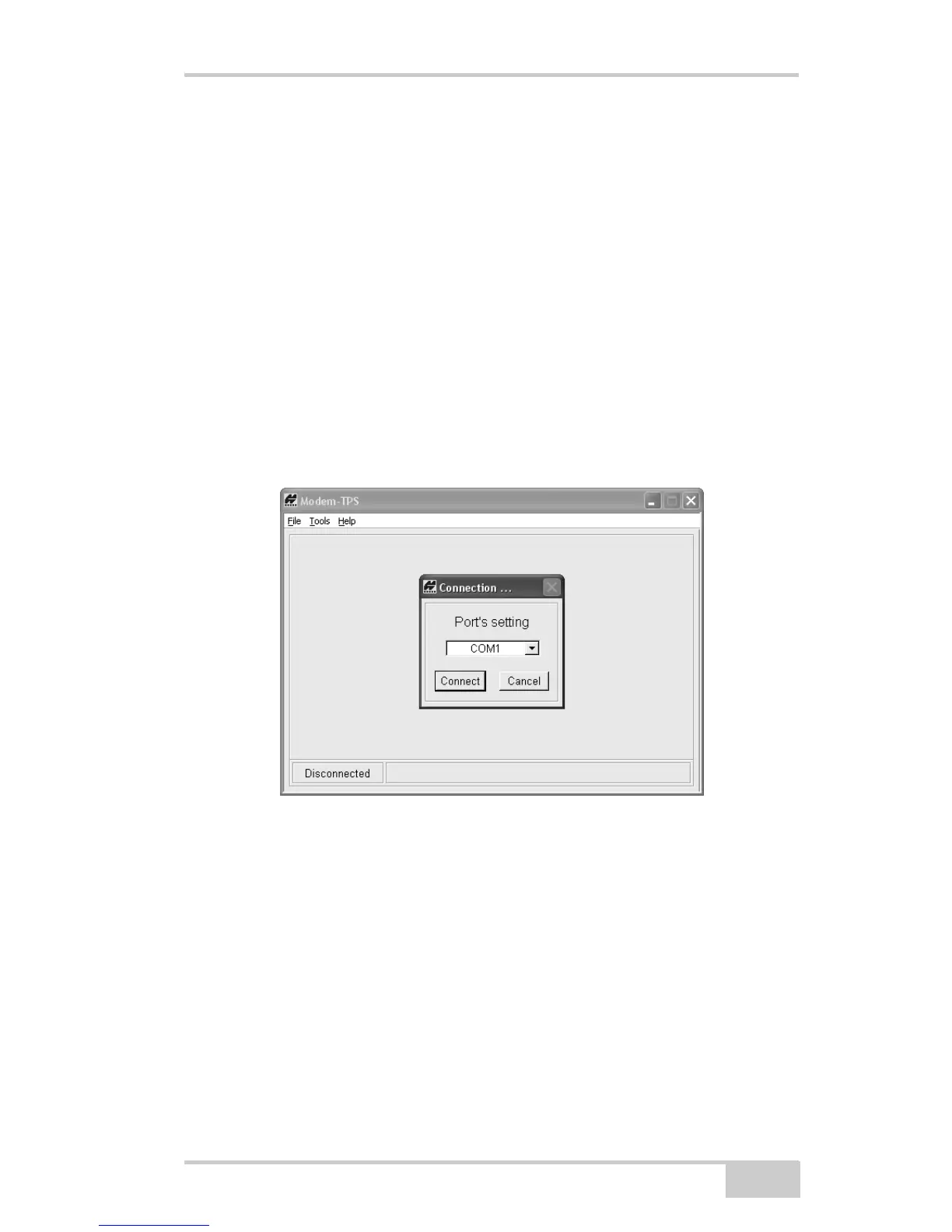
3. Open Modem-TPS and select the COM port the receiver is
connected to (Figure 2-19).
4. Click Connect.
Figure 2-19. Connect to Modem-TPS
When finished configuring the radio modem, always disconnect from
Modem-TPS before exiting to prevent conflicts with serial port
management.



 To Next Page