Radio Configuration
P/N 7010-0681
2-29
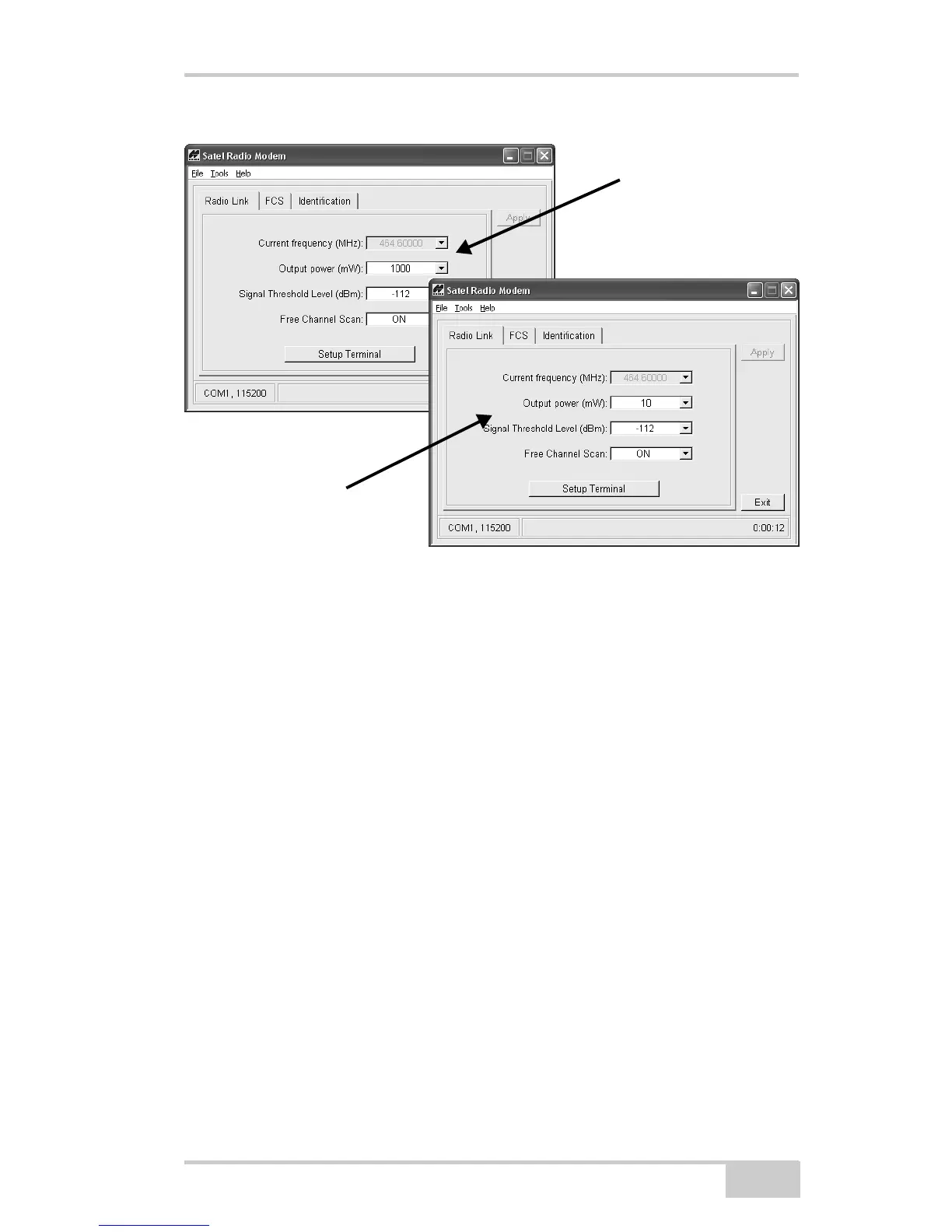
Figure 2-20. Radio Link Settings – Optimal Distance for Base and Rover
The current frequency setting establishes the frequency used for
communication between the Base Station and Rover. Available
frequencies will vary by location.
1. To change the receiver’s frequency, set the Free Channel Scan
field to OFF.
2. Select a frequency from the list (Figure 2-21 on page 2-30). Use
the same frequency for both receivers.
3. Click Apply.
4. If needed, set the Free Channel Scan back to ON.
Base
Rover



 To Next Page