Surveying with the Receiver
P/N 7010-0681
3-7
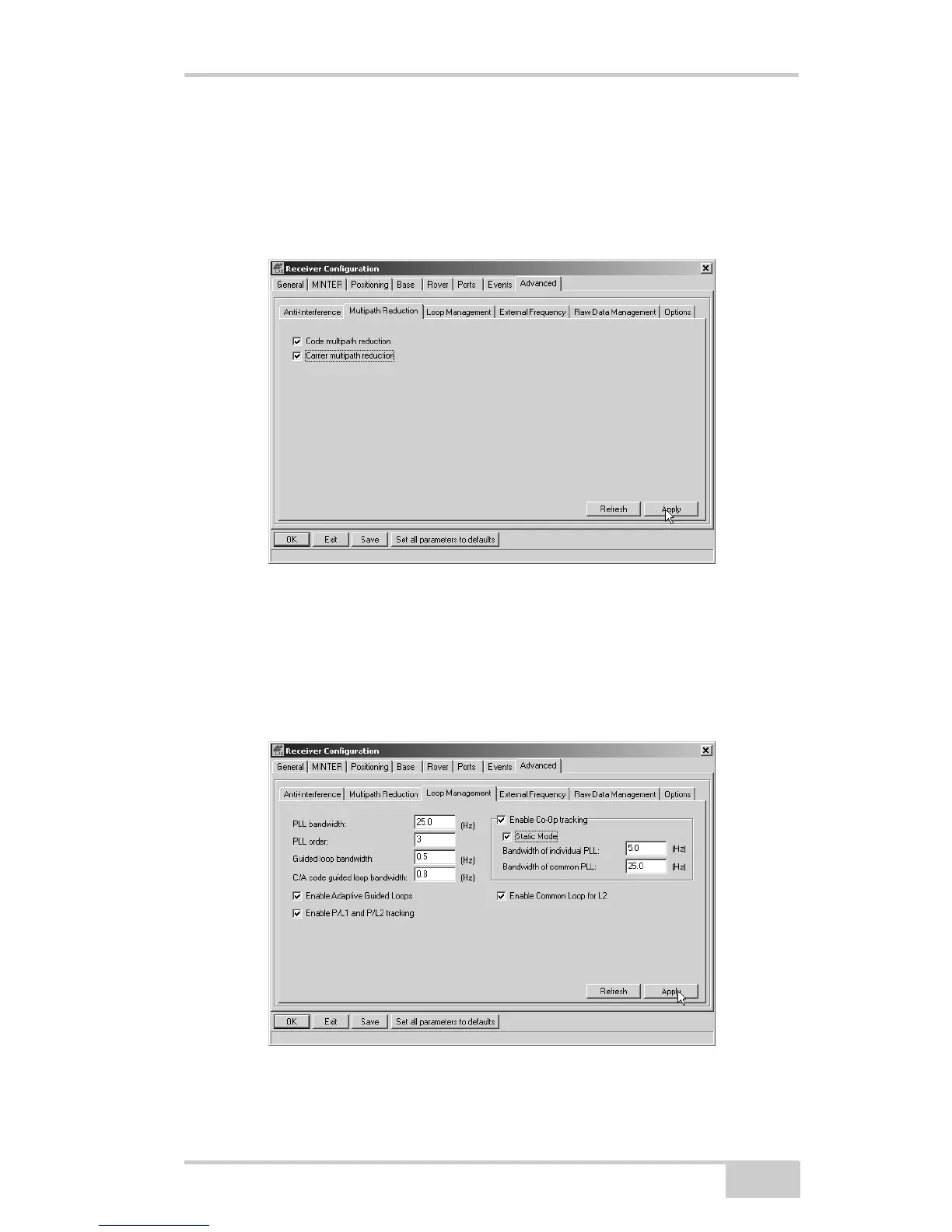
3. Click the Advanced tab and then the Multipath tab, set the
following parameters, then click Apply (Figure 3-3):
• Code multipath reduction – enable
• Carrier multipath reduction – enable
Figure 3-3. Configure Multipath
4. Click the Loop Management tab and set the following parameters,
then click Apply (Figure 3-4):
• Enable Co-Op tracking – enable
• Static mode – enable
Figure 3-4. Configure Loop Management



 To Next Page