Downloading Files to a Computer
P/N 7010-0681
4-11
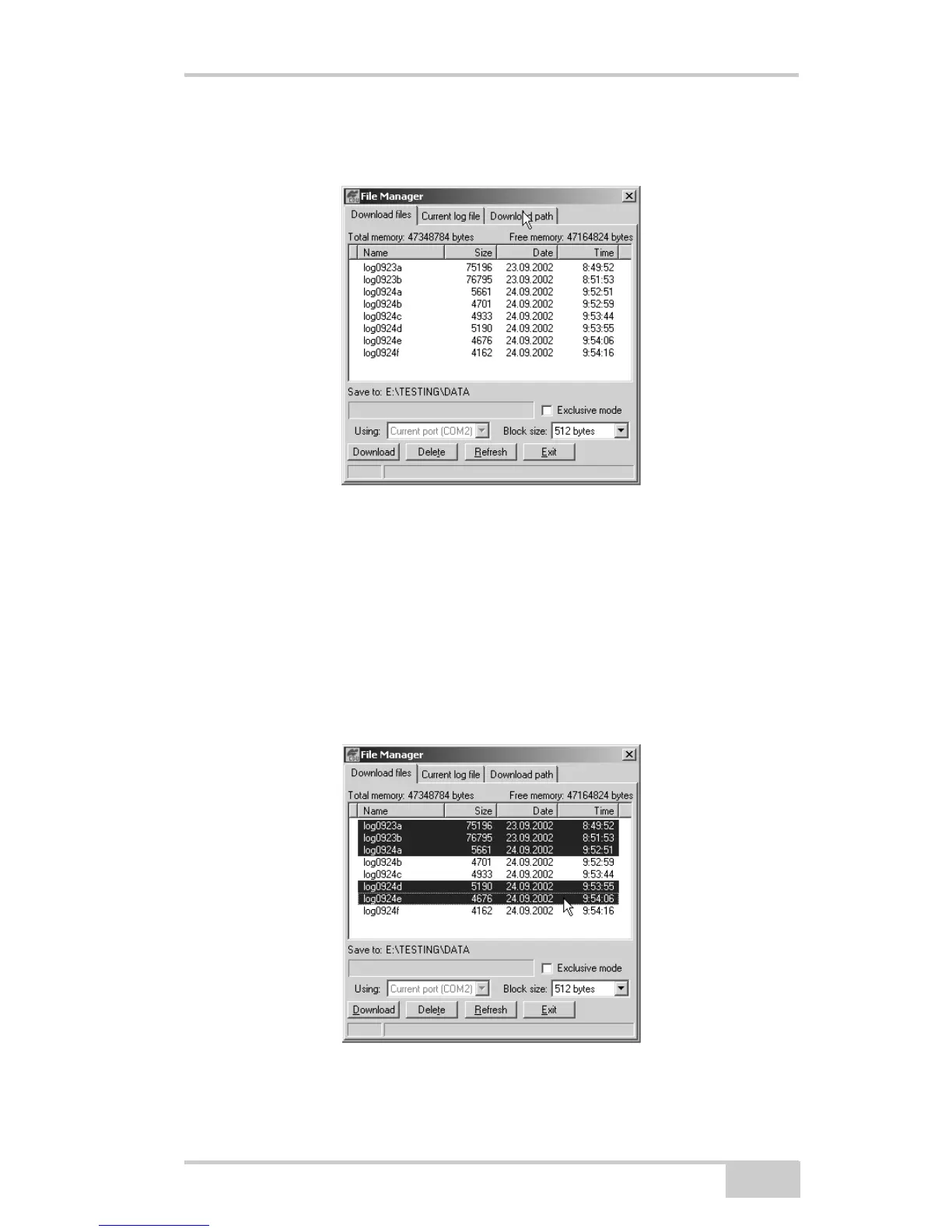
3. Click FileFile Manager, then click the Download path tab on
the File Manager dialog box (Figure 4-3).
Figure 4-3. Find Files to Download
4. Navigate to or create (using the Create button) the folder in
which to download and store files.
5. Click the Download files tab and select the file(s) to download
(Figure 4-4 on page 4-11).
To select multiple files, hold down the shift key and click on non-
sequential files to select several files at once; or, hold down the
Ctrl key and click on individual files.
Figure 4-4. Download Files



 To Next Page