MC-X1 Connectivity and Configuration
Factory Reset for the GR-i3 via TRU
18
Excavator Indicate System P/N: 1022461-01
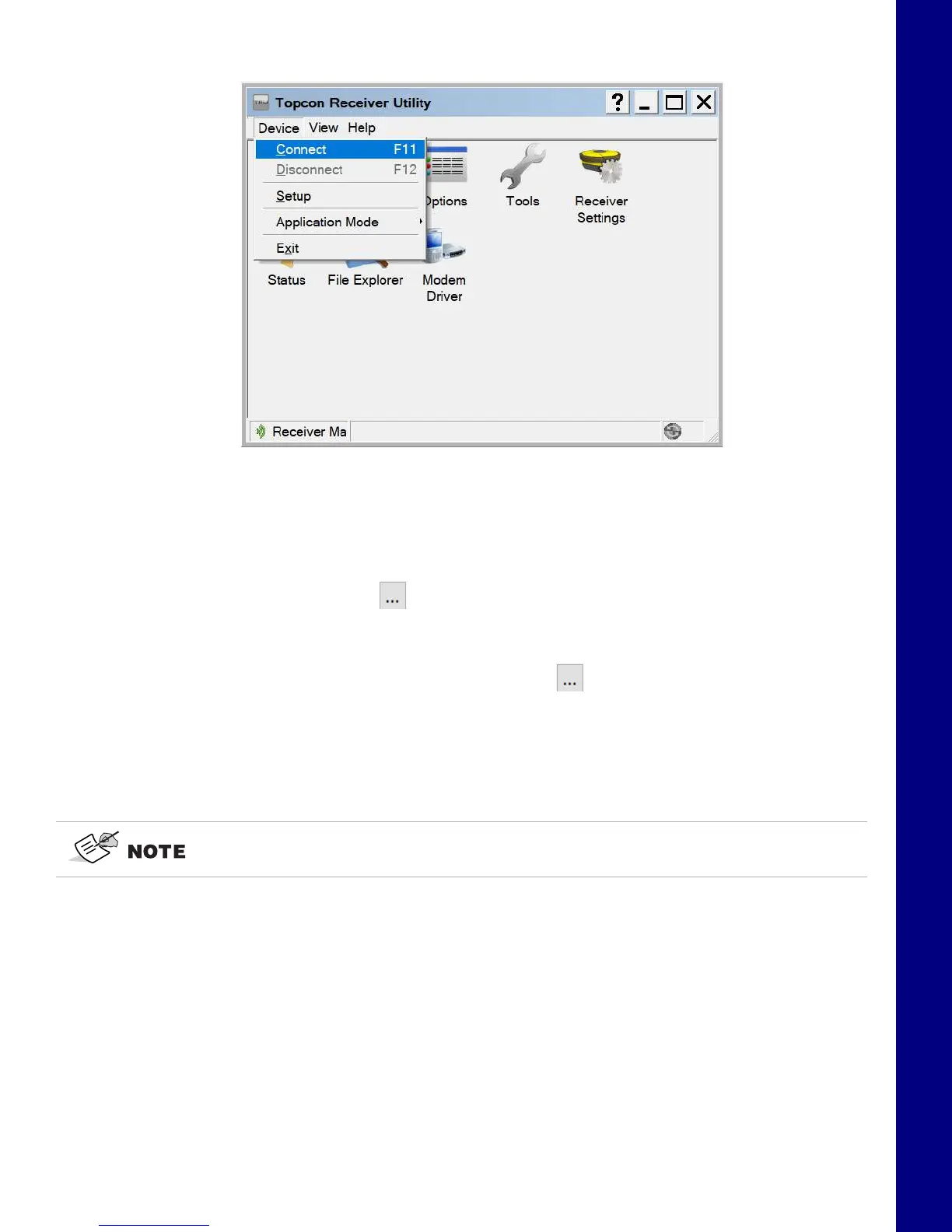
Figure 31. TRU - Connect
4. In the Connection Parameters screen, select Network from the Connect Using drop-down
list.
5. In the Device Name field, tap to select the device name to which the GPS receiver board is
connected.
a. If a Device name has not been configured, tap . Then press and hold on the white
area of the screen.
b. Select Add. The Network Connection screen appears.
c. Enter a Name to identify the Main GNSS board
d. Enter the following network parameters for the GR-i3 Main GPS board:
– IP Address or Host Name: 192.168.0.1
– TCP Port: 8012
– Password: TPS
e. Tap Ok.
MC-i3, MC-i4, and the GR-i3 utilize the same network parameters for Main and AUX
GNSS boards.



 To Next Page