Calibration
Excavator Hitch
56
Excavator Indicate System P/N: 1022461-01
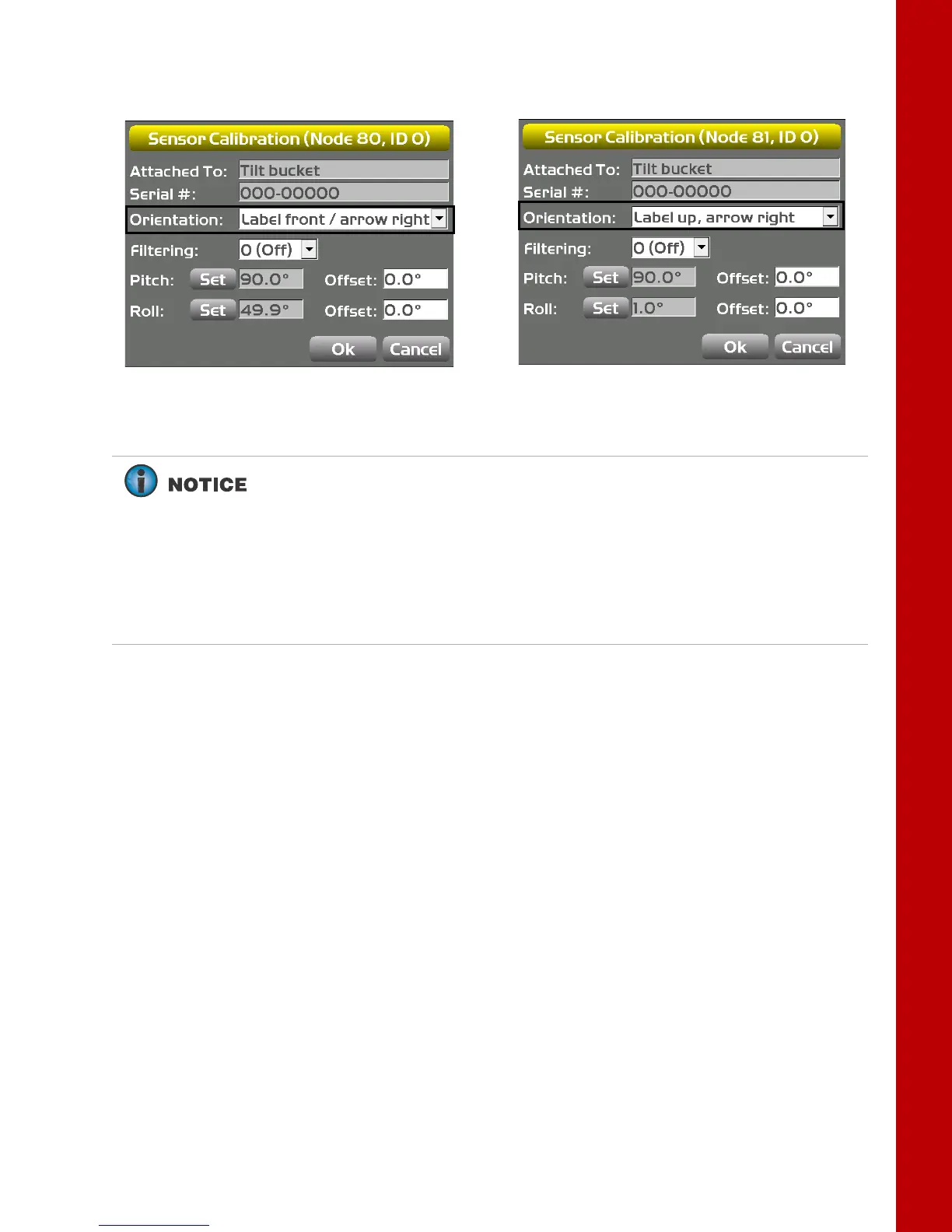
Figure 76: Select Tilt Sensor Orientation
9. Tap the Set button for Pitch. A popup screen will appear.
Dual-axis TS-i3d
Single-axis TS-i3
For both single-axis TS-i3 Sensor and dual-axis TS_i3d sensor follow steps 9
to 12
For tilt bucket always use the SET buttons to calibrate the tilt bucket. In
calibration steps 9 to 12, 3D-MC calculates the relation (or position) between
the hitch and tilt bucket sensor, and stores the value.
Even when dual axis TS-i3d sensor for tilt bucket is used, the pitch will be
used from the hitch sensor.



 To Next Page